

Why Designing a Patio with Your Own Photo Is the Smartest Move in 2026
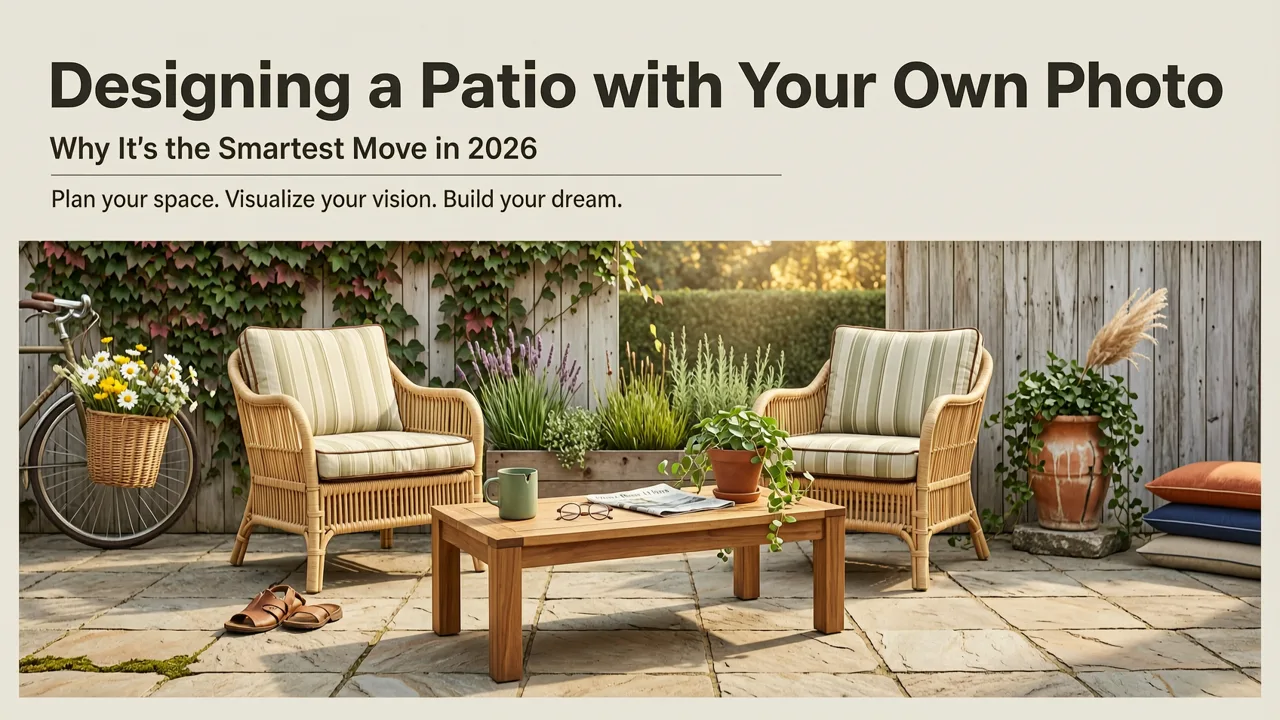
If you have ever stood on your patio—phone in hand, squinting at cracked pavers, an awkwardly placed grill, or a blank concrete slab—and thought, "What if I could see exactly how this would look before I spend a dime?" you are not alone. In 2026, you no longer have to rely on imagination, mood boards, or expensive designer consultations to visualize your outdoor space. You can now design a patio with your own photo using AI-powered tools that turn a single snapshot into realistic, style-specific layout concepts in under a minute.
This guide walks you through exactly how the process works, which design choices AI can help you evaluate, and how to avoid the costly planting and furnishing mistakes that waste thousands of dollars every year. Whether you are planning a cozy balcony retreat, a full backyard entertaining zone, or a simple front-yard refresh, the approach below gives you a clear visual roadmap before any real work begins.
How AI Transforms Your Patio Photo into Actionable Design Concepts

Modern AI landscape design tools work by combining computer vision, depth estimation, and generative styling models. When you upload a photo of your patio, the system does not simply paste a filter over your image. It reconstructs the geometry of the space, identifies key surfaces, and then generates new layouts that respect the existing structure.
100+ Contemporary Modern Patio Designs Stunning Backyard Ideas for 2025
by Vision Space
1. Depth-Aware Scene Reconstruction
The first step is spatial analysis. The AI reads your photo to understand the dimensions, angles, and depth of your patio area. It identifies the ground plane, vertical boundaries such as walls or fences, and any existing objects like furniture, planters, or steps. This depth-aware reconstruction ensures that any new design elements—pavers, pergolas, plant beds—are rendered in correct perspective and proportion.
2. Style-Adaptive Layout Generation
Once the spatial model is built, you select a design style—modern minimalist, Mediterranean, cottage garden, Japanese zen, desert xeriscape, and others. The AI then generates a fully rendered patio concept that applies materials, furniture, lighting, and plant selections consistent with that style. You can cycle through multiple directions without lifting a finger, comparing how the same space looks in a contemporary concrete finish versus warm natural stone.
3. Context-Sensitive Plant and Material Matching
Advanced tools go further by factoring in your climate zone, sunlight exposure, and soil context. This means the plants suggested in your rendered patio design are not just aesthetically chosen—they are species that can actually thrive in your conditions. For a deeper look at plant selection, the guide on best plants for my backyard breaks down AI-powered matching in detail.
Step-by-Step: How to Design a Patio with Your Photo Using AI
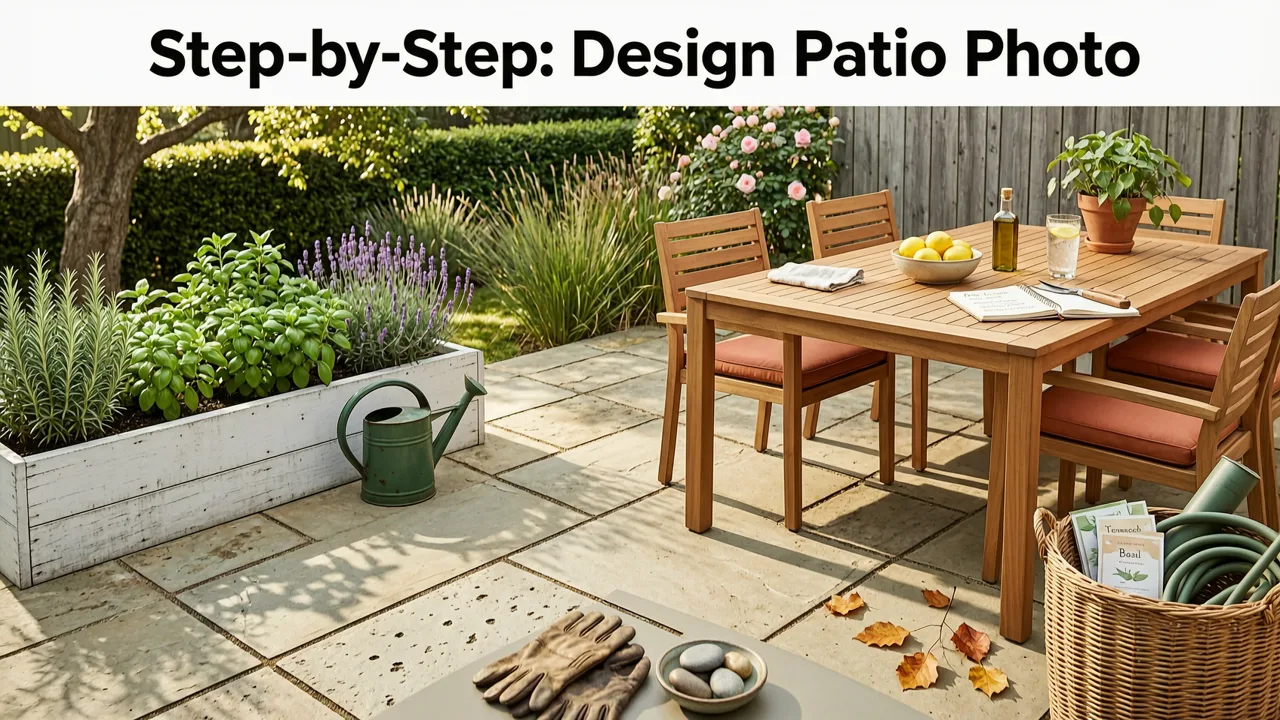
Here is the exact workflow, from your first photo to a final design concept you can hand to a contractor or use as a DIY blueprint.
Step 1: Capture a Quality Base Photo
Stand at the entry point of your patio and shoot a wide-angle image that captures the full space. Include the surrounding walls, fence lines, and any fixed features. Shoot in natural daylight for the most accurate color and shadow rendering. Avoid extreme wide-angle distortion if possible—a phone at roughly chest height works well.
Step 2: Upload and Select Your Design Style
Open the AI design tool and upload your photo. Browse the available style presets. If you are unsure which direction to pursue, generate two or three variations. The goal is to compare design directions, not commit to one immediately.
Step 3: Review the Generated Concepts
The AI renders your patio in each selected style, showing new pavers, furniture arrangements, plant beds, lighting, and overhead structures. Examine each concept for flow, proportion, and how well it addresses your real-world constraints.
Step 4: Refine and Iterate
Most tools let you adjust specific elements—swap a pergola for a shade sail, change paver color, add or remove a fire feature. Use these refinements to narrow down the concept that best matches your vision and budget.
Step 5: Export and Share
Once satisfied, export your concept images. Use them to guide your own DIY project or share them with a landscaper or contractor for accurate quoting. Having a visual reference dramatically reduces miscommunication and change-order costs.
Common Patio Design Mistakes AI Helps You Avoid
Even experienced homeowners make expensive errors when planning a patio without a visual preview. Here are the most frequent pitfalls and how AI-generated concepts help you sidestep them.
- Scale misjudgment. Furniture that looks perfect in a showroom often overwhelms a small patio. AI renders show you true-to-scale arrangements so you buy the right size the first time.
- Clashing materials. Mixing paver tones, wood finishes, and metal accents without a preview often results in a disjointed look. AI concepts let you test combinations before ordering samples.
- Poor traffic flow. Without a layout plan, homeowners frequently block pathways or create awkward furniture groupings. AI-generated layouts respect circulation patterns and sight lines.
- Plant incompatibility. Selecting plants based solely on appearance leads to dead foliage, overgrowth, or constant replacement. AI tools that factor in climate and sunlight reduce this risk significantly.
- Budget overruns. Committing to a design direction before visualizing it often leads to mid-project changes. Seeing the full concept upfront keeps spending on track.
Choosing the Right Patio Style for Your Space
The style you choose should reflect both your personal taste and the architectural context of your home. Below is a comparison of the most popular patio styles in 2026, along with the features each one emphasizes.
| Style | Key Materials | Plant Palette | Best For |
|---|---|---|---|
| Modern Minimalist | Large-format porcelain pavers, polished concrete | Ornamental grasses, sculptural succulents | Contemporary homes, clean lines |
| Mediterranean | Tumbled travertine, terracotta tiles | Lavender, rosemary, olive trees, bougainvillea | Warm climates, entertaining |
| Cottage Garden | Natural flagstone, brick edging | Mixed perennials, climbing roses, herbs | Charming, informal spaces |
| Japanese Zen | Decomposed granite, natural boulders | Japanese maples, moss, bamboo | Small spaces, meditation areas |
| Desert Xeriscape | Decomposed granite, steel edging | Agave, yucca, desert willow | Arid regions, low-water goals |
| Tropical Resort | Stamped concrete, teak decking | Bird of paradise, palms, hibiscus | Warm zones, poolside areas |
If your patio is part of a larger outdoor area, you may also want to explore broader backyard landscape ideas before and after to ensure your patio concept integrates smoothly with the rest of your yard.
Small Patio vs. Large Patio: How AI Adjusts for Scale
One of the most valuable aspects of AI-driven patio design is its ability to adapt recommendations based on the actual dimensions of your space. A design that works beautifully on a 400-square-foot entertaining area will feel cramped and chaotic on a 120-square-foot balcony.
Small Patio Strategies
For compact spaces, the AI prioritizes vertical elements—wall-mounted planters, trellises, hanging gardens—and multi-functional furniture. Light-colored pavers and minimal visual clutter create an illusion of expanded space. If your outdoor area is particularly tight, the resource on small backyard landscape ideas offers additional strategies that complement patio-level planning.
Large Patio Strategies
For expansive patios, the AI introduces zoning—distinct areas for dining, lounging, cooking, and fire features. Pathways and plant beds break the space into purposeful sections, preventing the area from feeling like an empty slab. Overhead structures such as pergolas or cable-rail canopies add definition and human scale.
Integrating Your Patio Design with the Rest of Your Landscape
A patio does not exist in isolation. The most successful outdoor spaces feel like a natural extension of the home and garden. When you design a patio with your photo, consider how the new concept connects to adjacent lawn areas, garden beds, and entryways.
Pay attention to transition zones—the space between your patio edge and the surrounding landscape. Gravel borders, stepped planters, and low hedging create a soft visual bridge. Consistent material choices between the patio and nearby walkways reinforce cohesion.
Lighting is another critical integration point. Path lights, uplights in nearby trees, and warm-toned string lights over the patio create a unified evening atmosphere. AI renderings typically include lighting previews, giving you a realistic sense of how the space will feel after dark.
Budget Considerations: What to Expect in 2026
Understanding typical cost ranges helps you set realistic expectations before committing to a design. Below is a general overview of patio project costs based on scope and material choices.
| Project Scope | Typical Material | Estimated Cost Range |
|---|---|---|
| Basic refresh (resurfacing) | Concrete overlay or paver overlay | $2,000 – $5,000 |
| Mid-range redesign | Porcelain pavers, basic pergola | $8,000 – $18,000 |
| Full custom build | Natural stone, built-in seating, outdoor kitchen | $20,000 – $50,000+ |
| Balcony or small patio update | Deck tiles, container plantings, lighting | $800 – $3,500 |
Using AI to preview your design before getting contractor quotes allows you to refine the scope, swap materials, and eliminate features that blow the budget—all before any money changes hands.
Why Visualization Beats Imagination Every Time
The human brain is remarkably bad at spatial visualization. Studies in design cognition consistently show that even professional architects rely on renderings and physical models rather than pure mental imagery. When you design a patio with your own photo, you replace guesswork with evidence. You see how a dark paver actually looks against your white stucco wall. You see whether a six-person dining set leaves enough circulation room. You see whether a tall ornamental grass blocks the view from your kitchen window.
This evidence-based approach is why AI visualization tools have become standard practice for homeowners and landscape professionals alike. The technology does not replace professional judgment—it amplifies it by giving every stakeholder a shared visual reference.
Getting Started with AI Patio Design Today
The barrier to entry has never been lower. You do not need design software skills, a degree in landscape architecture, or a large budget. All you need is a smartphone photo and a few minutes. Upload your image, select a style, and within seconds you will have a realistic concept that you can refine, share, and build from.
For homeowners ready to explore specific layout options, the guide on patio layout ideas from photo offers additional inspiration and style examples to complement the workflow described here.
Final Thoughts
Designing a patio with your own photo is no longer a futuristic concept—it is a practical, accessible tool available to every homeowner in 2026. By combining your real space with AI-generated style concepts, you eliminate guesswork, reduce costly mistakes, and gain the confidence to move forward with a plan that looks as good on day one as it will years down the road.
Stop staring at your patio and imagining what it could be. Upload your photo, explore the possibilities, and take the first step toward an outdoor space you will actually love.
Related resources
Related Articles
- Patio Design Ideas Generator: AI-Powered Outdoor Planning in 2026
- How to Turn a Photo into a Garden Design with AI in 2026
- Backyard Design from Photo – AI-Powered Layouts in 2026
- AI Landscape Designer App: Upload, Style, Preview in 2026
- Balcony Garden AI Designer – Small Space Landscaping Made Easy in 2026


