

Why a Patio Design Ideas Generator Changes How You Plan Outdoors
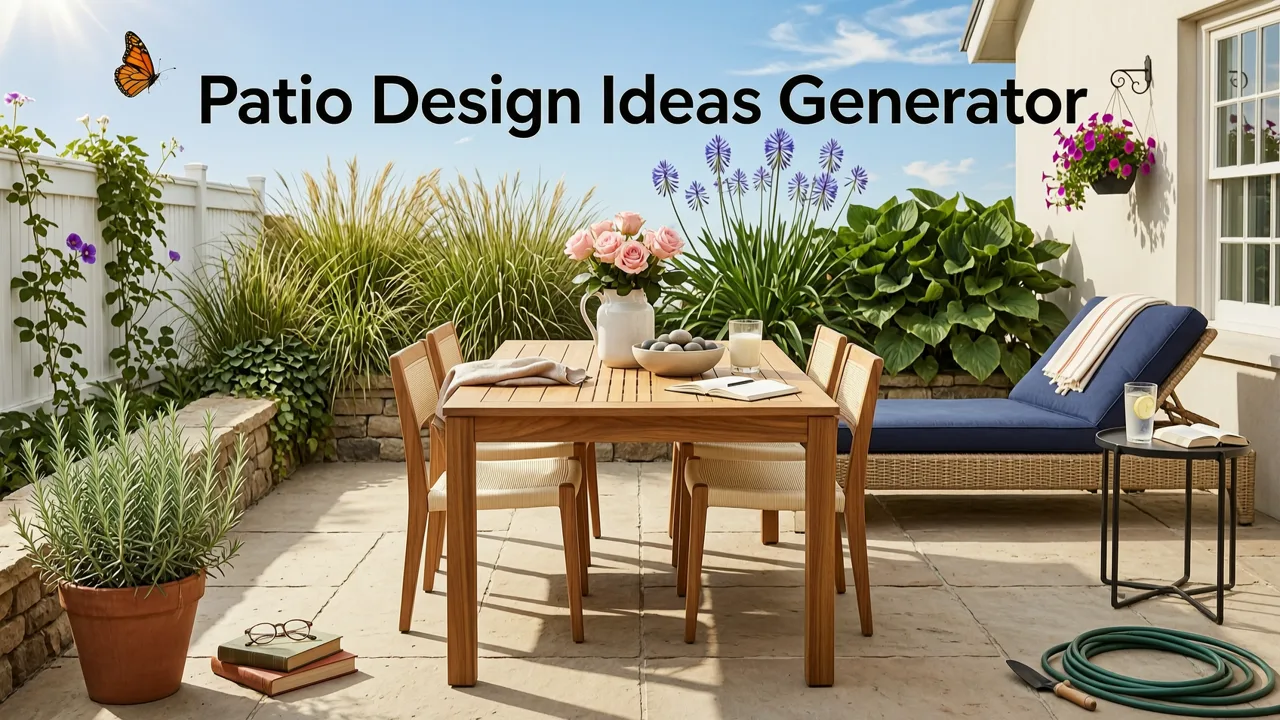
If you have ever stared at a cracked concrete slab, a cramped balcony, or a weedy backyard corner and wondered what it could actually look like with the right pavers, planters, and pergola, a patio design ideas generator is the fastest way to get clarity. These AI-powered tools take a single photo of your existing patio, deck, or yard and instantly produce realistic design concepts—complete with plant layouts, hardscape materials, and outdoor furniture arrangements—so you can compare directions before committing to a single purchase or contractor call.
In 2026, the technology behind patio visualization has matured well beyond flat mood boards and generic clip-art overlays. Modern generators use spatially aware image models that respect your actual dimensions, lighting conditions, and architectural context. The result: concepts you can show a landscaper, a partner, or a permit reviewer with confidence.
What a Patio Design Ideas Generator Actually Does
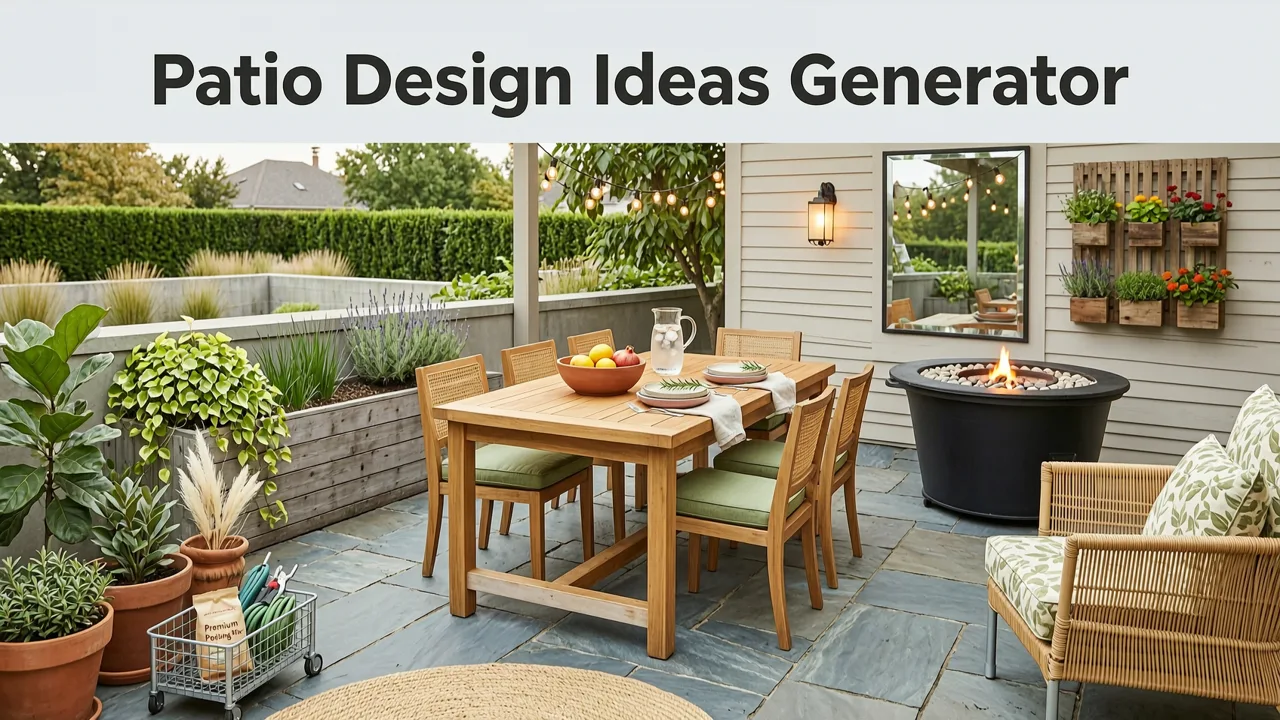
At its core, a patio design ideas generator performs three tasks in sequence:
Affordable Generator Enclosure Shed Project
by Joe Del Sordo
- Scene analysis — it reads your uploaded photo to detect boundaries, existing structures, sun angles, and surface materials.
- Style application — it maps your chosen aesthetic (modern minimalist, cottage garden, Mediterranean, xeriscape, etc.) onto that geometry.
- Photorealistic rendering — it outputs a high-resolution concept image showing pavers, seating, plantings, lighting, and accessories in natural perspective.
Unlike traditional landscape software that requires you to draw plans from scratch, an AI generator meets you where you are: with a phone camera and a rough idea. That shift is what makes it accessible to homeowners, renters, and casual gardeners—not just design professionals.
How AI-Powered Patio Design Differs From Generic Garden Planners

Not all outdoor design tools are created equal. Here is how an AI-driven patio design ideas generator compares to the conventional alternatives most homeowners encounter:
| Feature | AI Patio Design Generator | Drag-and-Drop Garden Planner | Pinterest / Mood Board |
|---|---|---|---|
| Input required | One photo | Manual measurements & layout drawing | Manual image searching |
| Output | Photorealistic concept of your actual space | 2D schematic plan | Unrelated inspiration images |
| Time to first concept | Under 60 seconds | 30 minutes to several hours | Ongoing browsing |
| Context-aware | Yes — respects your photo's architecture | No — generic canvas | No |
| Best for | Quick visual comparison & decision-making | Detailed planting plans with measurements | Early-stage inspiration |
The key advantage is context. A mood board shows you a beautiful Tuscan courtyard that belongs to someone else. An AI generator shows you what a Tuscan-style patio could look like on your back wall, with your fence line and your light exposure. That specificity is what turns inspiration into action.
Seven Patio Design Ideas to Test in a Generator Before You Build
Once you have access to a patio design ideas generator, the real value comes from testing multiple directions quickly. Here are seven concepts worth exploring, each suited to different spaces and lifestyles.
1. The Modern Minimalist Lounge
Clean concrete-look pavers, a low-profile sectional, and a single statement tree in a oversized planter. This style thrives on restraint and works especially well on small urban patios where visual clutter makes the space feel smaller than it is.
2. The Cottage Entertaining Patio
Irregular flagstone, overflowing container plantings, string lights, and a round dining table for six. The generator can show you how cottage-style softness reads against your existing brick or siding so you avoid a mismatched feel.
3. The Mediterranean Courtyard
Terracotta tile, a central water feature, lavender borders, and wrought-iron accents. This look is ideal for warm climates and south-facing patios where heat-tolerant plants will flourish without constant irrigation.
4. The Xeriscape Retreat
Decomposed granite, agave and yucca groupings, a dry creek bed, and a shaded bench. Perfect for drought-prone regions, this concept helps you visualize water-wise beauty before committing to permanent plantings. For smaller drainage-focused projects, you can also explore small rain garden ideas for backyard spaces alongside your patio plan.
5. The Outdoor Kitchen Extension
If your patio connects to the house, consider extending the living area with a built-in grill island, counter-height seating, and overhead shade structure. A generator lets you see how the hardscape transition reads from inside looking out.
6. The Balcony & Rooftop Pocket
Renters and condo owners can upload a balcony photo and test vertical planters, foldable furniture, and modular decking tiles. The AI respects tight dimensions so you do not fall in love with a layout that blocks your door.
7. The Multi-Zone Family Patio
Separate a larger patio into dining, lounging, and play zones using different paver patterns or low planters as dividers. This is where a generator earns its keep—showing you how three functions coexist without the space feeling chaotic.
How to Use a Patio Design Ideas Generator: A 2026 Workflow
Getting useful output from an AI patio generator depends heavily on how you shoot and submit your photo. Follow this workflow and you will save hours of rework.
Step 1: Capture Your Photo With Purpose
Stand at the entry point to your patio—usually the back door or a garden gate—and shoot straight across the space at chest height. Avoid extreme wide-angle distortion if your phone offers a standard lens option. Capture the photo in even daylight; harsh midday sun creates shadows that confuse the AI's surface detection. If your patio wraps around multiple sides, take two or three shots from different angles and generate concepts for each.
Step 2: Choose a Style Direction
Most generators offer a curated menu of styles. Pick two or three that appeal to you and run each separately. Do not try to blend styles in a single prompt early on—comparison is the whole point of the tool. If you are also planning the adjacent yard, you might reference small backyard landscape ideas to keep the patio and garden visually cohesive.
Step 3: Review and Refine
Look at each generated concept critically. Ask yourself: Does the scale of furniture feel right for my actual space? Do the plants match my climate zone? Is the hardscape material realistic for my budget? Most generators let you tweak individual elements—swap paver color, change the seating arrangement, or adjust plant density—so use those controls before discarding a concept.
Step 4: Share With Stakeholders
The generated images are presentation-ready. Send them to a partner, a landlord, a landscaper, or a neighborhood review board. A visual concept eliminates the guesswork that derails most outdoor projects and gets everyone reacting to the same picture instead of abstract descriptions.
Step 5: Move From Concept to Execution
Once you have a direction you love, use the concept as a brief for contractors or as a shopping list for a DIY build. Note the paver pattern, plant species, and furniture dimensions shown in the render so your purchases match the vision.
Common Mistakes to Avoid When Generating Patio Concepts
Even with powerful AI, garbage in produces garbage out. Watch for these frequent errors:
- Shooting from a corner at floor level. This distorts proportions and produces concepts with furniture that looks oddly elevated.
- Ignoring drainage. A beautiful patio concept is useless if water pools against your foundation. Pair your patio planning with smart water management; an AI rain garden planner can help you integrate drainage features into the same outdoor space.
- Choosing plants outside your hardiness zone. The generator may suggest species that thrive in Mediterranean climates when you live in a frost-prone region. Always cross-reference plant selections with your local extension service recommendations.
- Overloading a small patio. AI can place dozens of objects in a render, but real life requires circulation space. Test the concept by walking the actual dimensions with tape before ordering materials.
- Skipping the front yard. If your patio flows into a front entrance, run the same generator workflow on the front elevation. Resources on front yard garden design from photo can help you extend the same visual language across your entire property.
Who Benefits Most From a Patio Design Ideas Generator
The tool serves several distinct audiences, each with different priorities:
- Homeowners planning a renovation — use it to align on a direction before hiring a landscape architect, saving thousands in revision fees.
- Renters with balcony or small patio access — test temporary, non-permanent upgrades like modular decking and container gardens before spending.
- DIY gardeners — visualize plant combinations and hardscape layouts before breaking ground or pouring concrete.
- Landscapers and designers — accelerate client presentations by showing multiple options in a single meeting instead of spending days on manual renders.
- Real estate agents and stagers — generate aspirational patio images for listings where the current outdoor space is underwhelming.
The Technology Behind 2026 Patio Visualization
Modern patio design generators are built on advances in diffusion-based image models and spatial understanding. These systems are trained on millions of landscape photographs and architectural renders, allowing them to produce outputs that respect perspective, shadow direction, and material texture. Responsible AI development, as outlined in guidance from organizations like Google's AI responsibility principles, ensures these tools prioritize user privacy—your uploaded photos are processed without being stored or shared without consent.
The underlying models continue to improve in spatial coherence, meaning the furniture, planters, and pavers in a 2026 render align far more accurately with your real-world dimensions than even last year's outputs. For developers and power users, documentation from platforms like OpenAI's developer resources illustrates how multimodal models process image-and-text inputs to produce contextually aware visuals.
Patio Design Ideas Generator vs. Hiring a Landscape Designer
A patio design ideas generator does not replace a licensed landscape designer for complex projects involving grading, structural walls, or irrigation engineering. What it does is compress the early exploration phase from weeks to minutes. Many homeowners in 2026 use the generator to arrive at a clear vision, then bring that vision to a professional for technical execution—reducing billable design hours and ensuring the final build matches the homeowner's intent.
For straightforward patios—paver replacement, furniture selection, container planting, lighting upgrades—the generator may be all you need. For projects involving retaining walls, outdoor kitchens with gas lines, or significant grading, treat the AI concepts as a starting brief for a qualified contractor.
Getting Started With AI Patio Design Today
The barrier to entry has never been lower. All you need is a smartphone, a photo of your patio, and a few minutes to explore styles. The goal is not perfection on the first render—it is narrowing the infinite possibilities of outdoor design down to two or three directions you genuinely love. From there, every purchasing decision, contractor conversation, and weekend project becomes faster and more confident.
Upload your first photo, test a style you have never tried, and let the generator surprise you. The patio you have been imagining is probably closer to reality than you think—you just needed to see it.


