

Garden Design for Beginners — Simple AI-Powered Planning in 2026
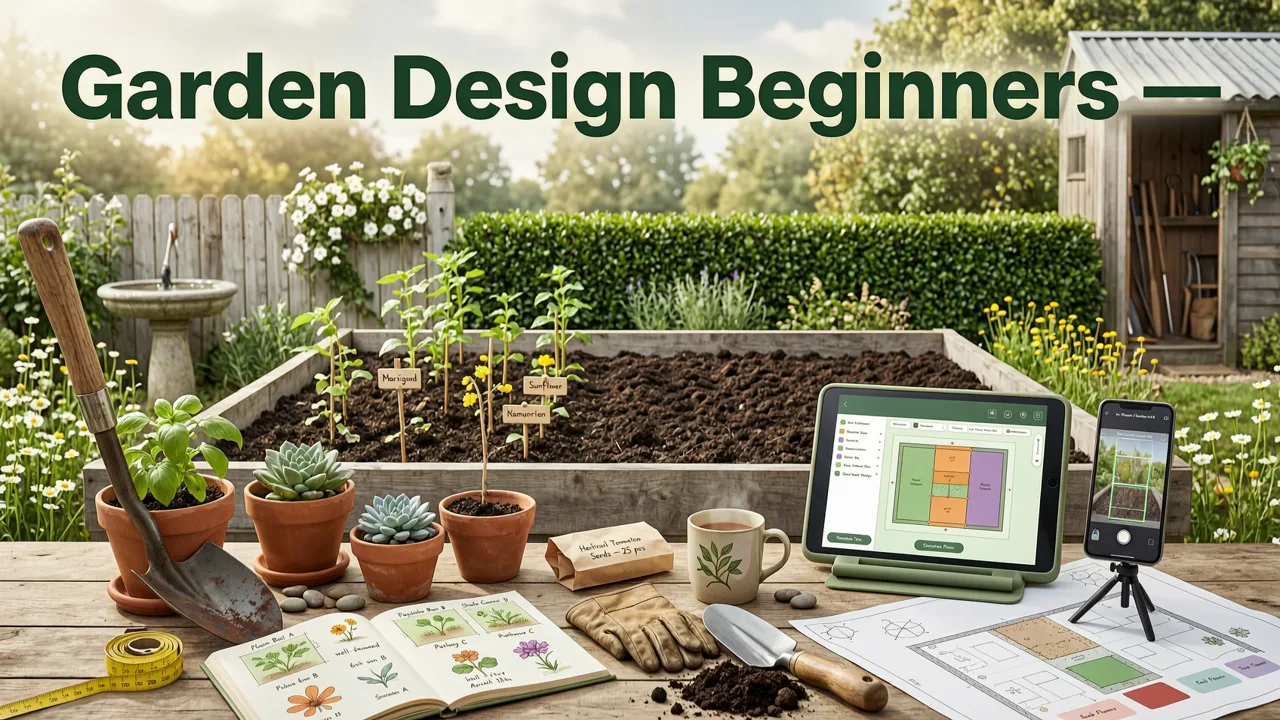
If you have ever stared at a patch of bare soil or a tired patio and thought, “I have no idea where to start,” you are not alone. Garden design for beginners no longer requires a design degree, expensive software, or a trial-and-error season of dead plants. In 2026, a free afternoon and a smartphone photo are enough to visualize a realistic landscape plan before you buy a single shrub.
This guide walks first-time designers through the fundamentals of garden layout, style selection, and plant placement — and shows how AI-powered tools like AI Design Gardens compress weeks of planning into minutes. By the end, you will know how to turn a photo of your own yard into a clear, plant-ready concept you can hand to a landscaper or execute yourself.
Why Garden Design for Beginners Has Changed in 2026
Traditional garden planning meant sketching on graph paper, guessing plant spacing, and hoping the finished result matched the vision in your head. Today, generative AI models trained on millions of landscape photographs can interpret your exact site conditions — light, slope, hardscape, and existing structures — and overlay realistic planting schemes in seconds.
Planning a Vegetable Garden for Beginners: The 5 Golden Rules 🏆
by GrowVeg
Three shifts make 2026 the best year yet for beginners:
- Photo-to-plan accuracy: AI now recognizes drainage patterns, sun angles, and mature plant scale, reducing costly placement mistakes.
- Instant style comparison: You can preview Mediterranean, cottage, xeriscape, and modern minimalist looks on the same photo without redrawing anything.
- Accessible pricing: What once required a $2,000 landscape architect consult now fits inside a web app you can use on a phone.
The result is a lower barrier to entry and a higher ceiling for quality. Beginners can iterate freely, compare directions, and commit to a plan with confidence.
Core Principles Every Beginner Should Know Before Opening Any Design Tool
AI accelerates the process, but it does not replace foundational design thinking. Before uploading your first photo, internalize these five principles.
1. Start With Function, Not Decoration
List how you want to use the space: dining, kids' play area, quiet reading nook, vegetable beds, or pet-friendly lawn. Function drives layout. A beautiful garden that does not support your daily routine will feel like a failed project within one season.
2. Observe Sun, Wind, and Water
Spend one full day noting where sunlight falls at morning, noon, and late afternoon. Identify low spots where water pools after rain and corners where wind channels between structures. These observations determine plant choices and hardscape placement more than any style guide.
3. Think in Zones
Divide your yard into functional zones — entry, transition, destination. The entry zone welcomes; the transition zone connects; the destination zone rewards. Beginners often skip the transition zone, which is why many gardens feel chaotic rather than layered.
4. Respect Mature Plant Size
The single most expensive beginner mistake is spacing plants for how they look in the nursery pot rather than how they will look in three years. When in doubt, add 30 percent more space than the tag recommends.
5. Limit Your Palette
New designers tend to overplant. Pick three to five recurring species and repeat them. Repetition creates rhythm; variety within restraint creates interest.
How to Plan Garden Design for Beginners Using AI in 2026
With the principles above in mind, here is the step-by-step workflow that takes you from a blank yard to a visualized plan in under 90 seconds.
Step 1: Photograph Your Space Honestly
Stand at the main vantage point — usually the back door or the curb — and take a wide, level photo in even daylight. Avoid harsh noon sun, which flattens depth. Include existing structures, fences, and large trees so the AI can anchor its design to your real site.
Step 2: Upload to an AI Garden Design Tool
Open a platform such as AI Design Gardens and upload your photo. The system will segment the image into sky, hardscape, lawn, and planting areas, then prepare a base layer for design generation.
Step 3: Choose a Style Direction
Select a style that matches your home architecture and lifestyle. Popular 2026 beginner-friendly styles include:
- Cottage garden: relaxed, layered, pollinator-friendly.
- Modern minimalist: clean lines, structural plants, limited palette.
- Mediterranean: drought-tolerant, warm textures, gravel and terracotta.
- Xeriscape: low-water, native species, ideal for arid climates.
- Japanese-inspired: asymmetric balance, moss, stone, and carefully pruned forms.
Step 4: Generate and Compare Multiple Concepts
Run at least two or three variations. AI tools let you toggle between styles on the same photo, which is invaluable for homeowners who cannot decide between directions. Save your favorites side by side.
Step 5: Refine With Specific Feedback
Most 2026 AI garden apps allow prompt-based refinement: “Add a raised vegetable bed in the back left corner,” or “Replace the lawn with low-growing groundcover.” Use these edits to narrow the concept toward a buildable plan.
Step 6: Export and Share
Download your final concept and share it with a local nursery, landscaper, or DIY planting crew. A visual reference eliminates the guesswork that causes 80 percent of beginner planting errors.
A Beginner-Friendly Comparison of 2026 Garden Design Approaches
Not every beginner needs the same tool. The table below compares the four most common approaches to garden design in 2026 so you can choose the one that fits your budget, timeline, and skill level.
| Approach | Time Required | Cost | Skill Needed | Best For |
|---|---|---|---|---|
| Paper sketch + garden books | 5–10 hours | Under $50 | Medium | Purists who enjoy the process |
| Traditional CAD software | 10–20 hours | $100–$500/yr | High | Detail-oriented planners |
| AI photo-to-design web app | 10–30 minutes | Free–$30/mo | Low | Beginners and visual planners |
| Landscape architect consult | 2–6 weeks | $1,500–$5,000+ | None | Complex sites or large properties |
For most first-time designers, the AI photo-to-design approach offers the best balance of speed, cost, and visual accuracy. You can explore how to design a backyard from a photo to see real examples of this workflow in action.
Common Beginner Mistakes — and How AI Helps You Avoid Them
Even with good intentions, first-time garden designers repeat the same errors. Here are the most frequent and how AI-powered visualization addresses each one.
Mistake 1: Overcrowding Plants
Beginners buy small nursery stock and plant them close together for instant impact. Within two seasons, the garden becomes a tangled mess. AI design tools simulate mature plant size, showing you the space at year three rather than day one.
Mistake 2: Ignoring Seasonal Interest
A garden that looks spectacular in May can feel barren by October. AI concept generators layer bloom times and foliage color, helping you build a planting plan that delivers visual interest across all four seasons.
Mistake 3: Mismatching Plants to Site Conditions
Shade-loving hostas in full sun will scorch within weeks. Modern AI tools cross-reference plant databases with the light and soil conditions inferred from your photo, flagging incompatibilities before you purchase.
Mistake 4: Skipping Hardscape Planning
Plants need structure — paths, patios, edging, and retaining walls. AI visualization overlays hardscape elements alongside planting, so you see the complete picture rather than a floating bed of perennials.
Mistake 5: Designing Only One View
Most beginners design from a single vantage point. AI tools let you upload multiple photos of the same yard from different angles, ensuring the garden reads well from every window and doorway.
Choosing the Right Style for Your Home and Climate
Style is not just aesthetic preference; it is a response to architecture, climate, and maintenance capacity. A Tudor-style home with a cottage garden feels cohesive; the same home with a stark modern minimalist garden feels disconnected.
Ask yourself three questions:
- What architectural language does my home already speak?
- How much weekly maintenance am I willing to commit — one hour or five?
- What is my climate zone, and which styles thrive there without excessive irrigation?
Once you answer these, run the same photo through two or three contrasting styles in your AI design tool. Seeing the options side by side almost always clarifies the right direction faster than any magazine spread.
If your project focuses on the front of the house, you may also want to explore front yard landscape ideas you can generate from a photo or review how modern front yard design with AI can transform curb appeal without a full rebuild.
A Simple 30-60-90 Day Plan for First-Time Designers
Structure reduces overwhelm. Follow this timeline to move from idea to planted garden without burning out.
Days 1–30: Observe, Photograph, and Generate
Spend one week simply watching how light and water move across your yard. Photograph every angle. Upload your photos to an AI design tool and generate at least five concept variations. Narrow to two favorites.
Days 31–60: Refine and Source
Refine your chosen concept with prompt edits. Build a plant list with quantities. Visit local nurseries to confirm availability and pricing. Order any hardscape materials that have long lead times.
Days 61–90: Install in Layers
Begin with hardscape and soil preparation. Install largest specimens first — trees and large shrubs — then layer in perennials, groundcovers, and finishing mulch. Water deeply and monitor for the first four weeks.
How AI Garden Design Aligns With Responsible AI Practices
As AI tools become more embedded in everyday planning, it is worth considering how they handle your data and generate suggestions. Platforms built on leading AI infrastructure follow responsible development guidelines similar to those outlined by Google's AI responsibility principles and documented in resources like the OpenAI platform documentation. For homeowners, this means your uploaded photos are processed securely, design suggestions are grounded in horticultural data rather than random generation, and you retain full ownership of the concepts you create.
Frequently Asked Questions
Do I need any design experience to use AI garden design tools?
No. AI garden design tools are built specifically for beginners. You upload a photo, select a style, and the system generates realistic concepts. No drawing, CAD skills, or horticulture knowledge is required to get a useful starting plan.
Can AI garden design work for small spaces like balconies and patios?
Yes. AI tools scale to any outdoor area. Upload a photo of a balcony, rooftop terrace, or narrow side yard, and the system will generate container-friendly planting layouts and compact hardscape ideas suited to the exact dimensions visible in your image.
How accurate are AI-generated garden designs compared to a real landscape architect?
AI-generated designs are highly effective for concept visualization and style exploration. They are not a replacement for a licensed landscape architect on complex sites involving grading, drainage engineering, or structural walls, but they give beginners a strong visual foundation before professional consultation.
What photo quality do I need for the best AI results?
A standard smartphone photo taken in even, indirect daylight is sufficient. Avoid extreme wide-angle distortion and harsh shadows. Include existing structures and boundaries so the AI can anchor its design to your real site.
Can I use AI garden design if I rent my home?
Absolutely. Renters benefit especially from AI planning because it helps you visualize container gardens, removable hardscape, and vertical planting ideas that can travel with you when you move.
Start Designing Your Garden Today
Garden design for beginners in 2026 is no longer about guesswork or expensive consultations. With a single photo and an AI-powered design tool, you can explore styles, compare layouts, and lock in a planting plan that fits your site, your budget, and your lifestyle — all before you dig the first hole.
Upload your yard photo today at AI Design Gardens and turn your outdoor vision into a realistic, plant-ready concept in under two minutes.


