

What an AI Landscape Designer App Actually Does in 2026
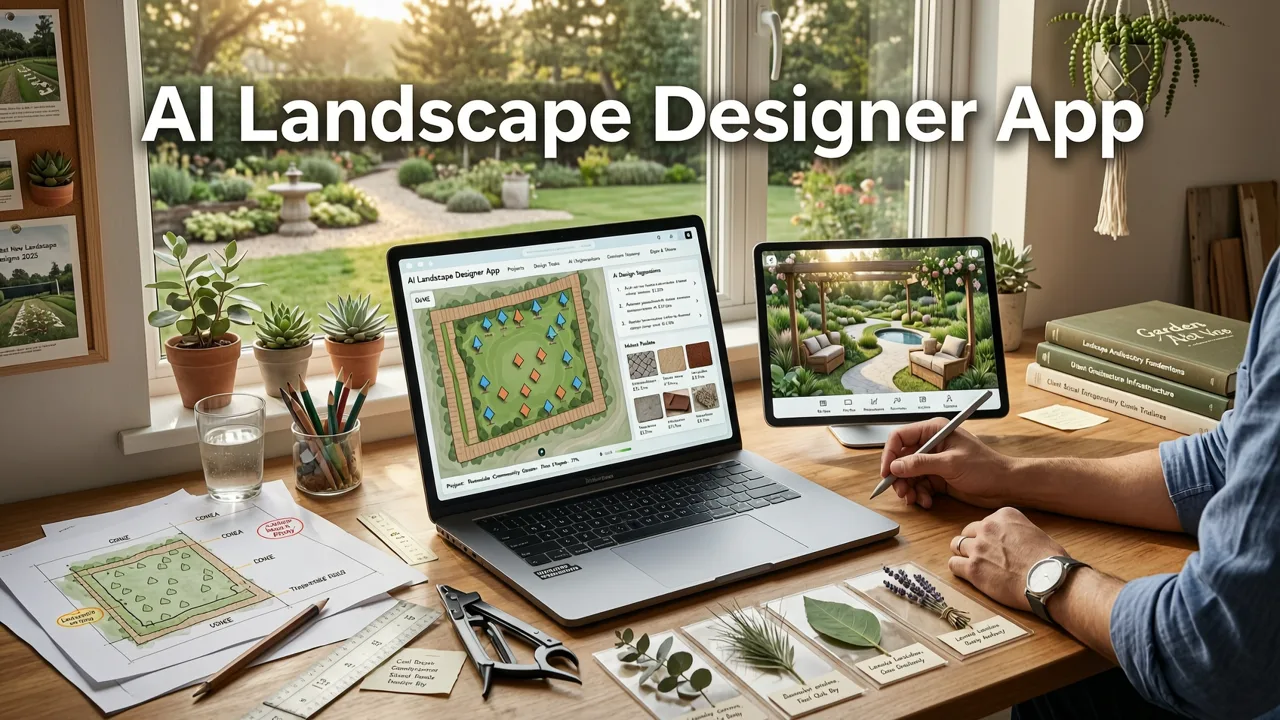
If you've ever stared at a patchy lawn or a bland concrete patio and struggled to picture a finished outdoor space, you already know why an AI landscape designer app has become the fastest way to plan a makeover. In 2026, these tools turn a single phone photo into multiple realistic design concepts in under a minute, letting homeowners, renters, and gardeners compare styles, plant palettes, and hardscape layouts before spending a dollar on materials or a landscaper's consultation fee.
An AI landscape designer app works by combining computer-vision scene analysis with generative design models. You upload a photo of your backyard, front yard, patio, or balcony, select a style direction, and the app produces a photorealistic preview that respects your existing architecture, light conditions, and spatial constraints. The result is a visual shortlist you can share with family, refine, and eventually hand to a contractor or execute yourself.
Why Homeowners Are Switching to AI-Driven Landscape Planning
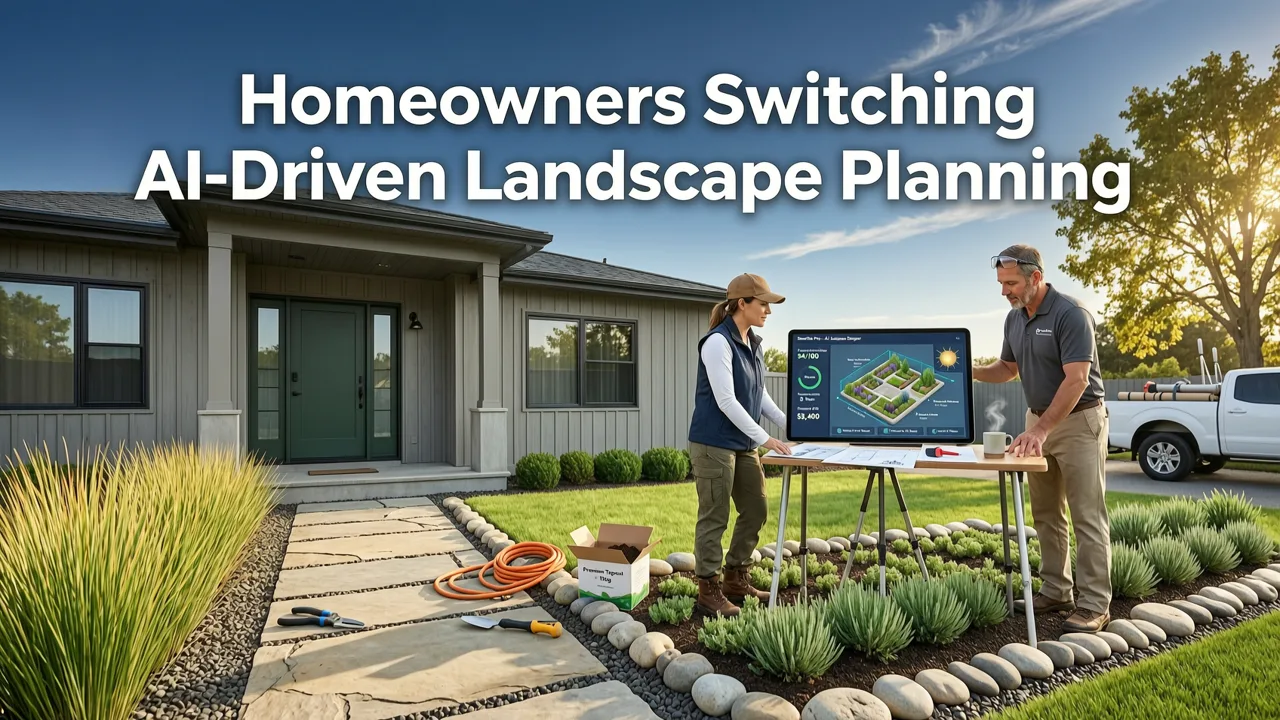
Traditional landscape planning relied on hand sketches, mood boards, or expensive 3D renderings from design firms. While those methods still have a place, they share three problems that an AI landscape designer app solves directly:
Can AI design my yard for free? 🪴 Tips for do-it-yourselfers (from a landscape designer)
by Garden Project Academy
- Speed. A professional concept drawing takes days; an AI-generated concept takes seconds.
- Iteration cost. Revising a CAD model or SketchUp scene often means paying for another design hour. AI apps let you generate unlimited variations at no marginal cost.
- Visualization gap. Most people cannot translate a 2D plan into a mental image of the finished space. Photorealistic AI previews close that gap entirely.
- Plant-selection risk. Buying the wrong species for your light zone, soil type, or climate is the single most expensive mistake in landscaping. AI tools that factor in regional suitability reduce that risk before you order a single nursery tray.
For a deeper look at how photo-based planning works for outdoor entertaining areas, the guide on patio layout ideas from photo walks through the same upload-and-preview workflow applied to decks and patios.
How the Best AI Landscape Designer Apps Work: A Step-by-Step Breakdown
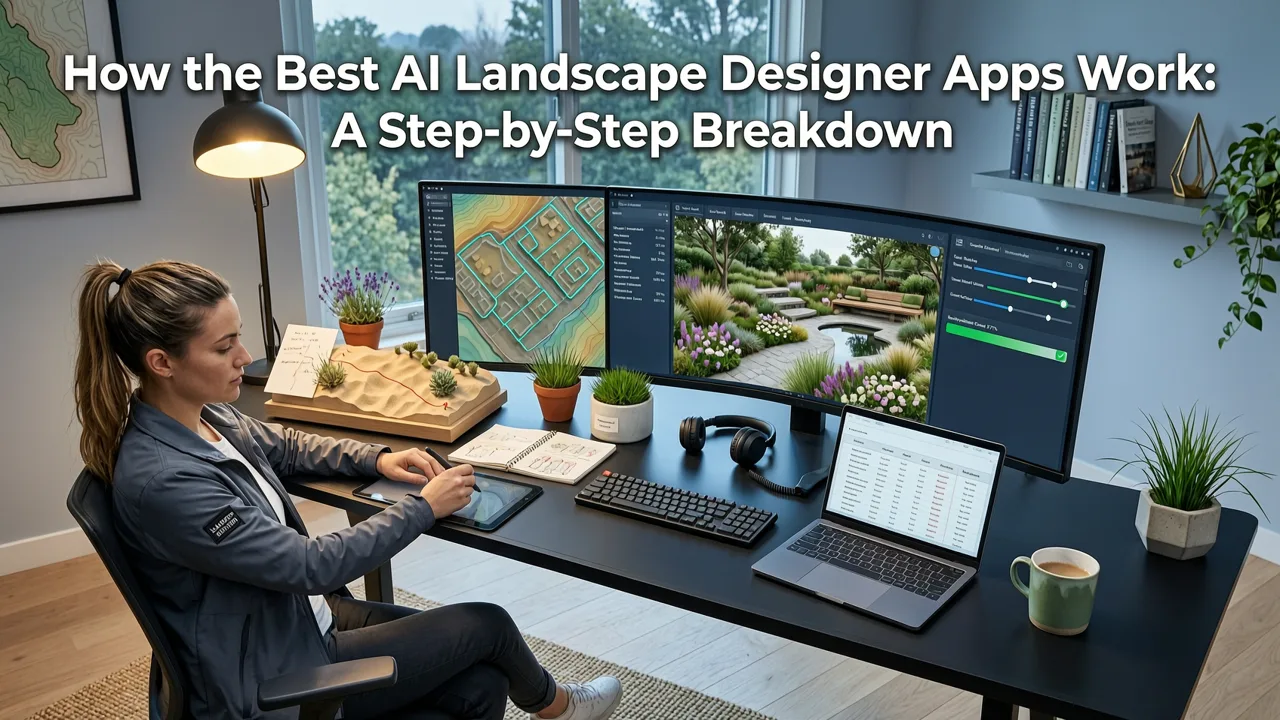
Understanding the pipeline helps you get better results from any tool you choose. Here is the technical flow most leading apps follow in 2026.
Step 1 — Depth-Aware Scene Reconstruction
When you upload a photo, the app's vision model estimates depth, identifies architectural boundaries, and segments the scene into zones: sky, structures, existing vegetation, hardscape, and open ground. This segmentation is what prevents the AI from placing a mature oak tree inside your living room window or floating a fire pit above a second-story balcony.
Step 2 — Style-Adaptive Layout Generation
Once the scene is mapped, a generative model trained on landscape architecture datasets produces a layout that matches your chosen style. Whether you select modern minimalist, cottage garden, Mediterranean, Japanese zen, or xeriscape desert, the model adjusts plant forms, hardscape materials, color palettes, and spatial density accordingly. You can read more about style-specific approaches in the small backyard landscape ideas resource, which pairs AI validation with practical design principles.
Step 3 — Regional Plant Matching
The strongest apps cross-reference generated plant selections with your zip code or climate zone, filtering out species that will not thrive in your conditions. This step is what separates a decorative mood board from a plan you can actually install. The companion guide on best plants for my backyard explores how AI-powered matching narrows species lists to options suited to your light, soil, and rainfall profile.
Step 4 — Photorealistic Preview and Export
The final render is composited back into your original photo so that perspective, shadows, and lighting remain consistent. You can download the image, annotate it, or share it directly with a landscape contractor for a quote.
Features to Look for in a 2026 AI Landscape Designer App
Not every app marketed as AI-powered delivers the same quality. Use this comparison to evaluate options before committing time or money.
| Feature | Why It Matters | What to Expect in 2026 |
|---|---|---|
| Photo-based input | Eliminates the need to measure or draw a site plan manually | Single-phone-photo upload with automatic perspective correction |
| Multiple style presets | Lets you compare directions before investing in one vision | 10 or more curated styles including climate-specific options |
| Regional plant filtering | Prevents costly plant-selection mistakes | USDA zone or Koppen climate integration with species database |
| Hardscape customization | Allows realistic material swaps (pavers, decking, gravel) | Drag-and-drop material libraries with cost-range estimates |
| Before-and-after export | Useful for contractor bids and HOA submissions | Side-by-side image export at print resolution |
| Collaboration sharing | Aligns household decisions before breaking ground | Shareable links with comment threads and version history |
AI Landscape Designer App vs. Hiring a Landscape Architect
A common question is whether an app can replace professional design services. The honest answer depends on project scope.
When an AI App Is the Right First Step
For most residential projects — a backyard refresh, a front-yard curb appeal upgrade, a patio furniture rearrangement, or a balcony garden — an AI landscape designer app gives you 80 percent of the conceptual clarity you need at a fraction of the cost. You walk away with a visual direction, a shortlist of plants, and a sense of spatial layout. You can then decide whether to DIY or hire a pro to execute the plan.
When to Bring in a Professional
If your project involves structural changes (retaining walls, grading, drainage engineering), municipal permitting, or large-scale commercial grounds, a licensed landscape architect remains essential. Even then, starting with AI-generated concepts gives the architect a clearer brief and can reduce their discovery-phase hours.
The backyard landscape ideas before and after visual guide demonstrates how AI previews translate into real-world transformations, bridging the gap between digital concept and installed landscape.
Practical Tips for Getting the Best Results from Your Photo
The quality of an AI-generated design is directly tied to the quality of the input photo. Follow these guidelines to maximize output accuracy.
- Shoot in daylight. Overcast days produce even lighting that reduces harsh shadows and helps the model read surface textures.
- Capture the full width. Stand at the farthest corner of the space and include as much of the area as possible in a single frame.
- Minimize clutter. Remove temporary objects (toys, hoses, trash bins) so the AI does not interpret them as permanent features.
- Include reference objects. A chair, a door, or a known plant in the frame gives the model scale cues for more realistic plant sizing.
- Take multiple angles. Two or three photos from different positions let you generate concepts for each sightline and compare them side by side.
Common Mistakes to Avoid When Using AI for Landscape Design
Even the most advanced tools produce poor results when misused. Watch for these pitfalls.
- Ignoring climate reality. A lush tropical preview looks beautiful on screen but fails in a zone 5 winter. Always cross-check plant suggestions against your hardiness zone.
- Overloading small spaces. AI models sometimes crowd compact areas with too many elements. Manually remove items that block circulation paths.
- Skipping the before-and-after comparison. Without a side-by-side view, it is easy to lose sight of how dramatically a design changes a space.
- Treating one render as final. Generate at least three style variations before settling on a direction. The first output is a starting point, not a verdict.
- Forgetting maintenance. A design that looks stunning in a render may demand weekly pruning or seasonal replanting. Factor in the upkeep you are willing to commit to.
How AI Landscape Design Aligns With Responsible AI Practices
As generative AI becomes embedded in everyday tools, responsible deployment matters. Leading landscape apps in 2026 follow guidance frameworks similar to those outlined by Google's AI responsibility principles: transparency about how images are generated, clear labeling of AI-produced content, and data practices that do not retain your property photos without consent. When evaluating any app, check its privacy policy for image-retention terms and confirm whether generated designs are stored on the provider's servers or kept locally on your device.
Who Benefits Most From an AI Landscape Designer App
The tool serves a surprisingly wide audience, each with distinct use cases.
Homeowners Planning a Sale
Curb appeal directly influences buyer perception and offer price. An AI preview lets you test low-cost improvements — fresh mulch beds, a defined walkway, container plantings — and prioritize the changes that deliver the highest visual return.
Renters With Balconies or Small Patios
Even temporary outdoor spaces benefit from planning. An AI app helps renters choose portable containers, modular furniture, and vertical planters that maximize a limited footprint without permanent alterations.
Gardeners Experimenting With New Styles
Experienced gardeners who want to shift from, say, a traditional English border to a water-wise xeriscape can preview the transition digitally before pulling existing plants or ordering new stock.
DIY Enthusiasts Tackling Hardscape Projects
Visualizing a new patio layout, fire-pit placement, or pergola position in photorealistic detail reduces the chance of costly material orders based on a misjudged sense of scale.
The Future of AI in Landscape Design Beyond 2026
The trajectory is clear: AI landscape tools are moving from static image generation toward interactive, real-time design environments. Expect features such as seasonal growth simulation (showing how a design matures over one, five, and ten years), augmented-reality overlays that project designs onto your yard through a phone camera in real time, and deeper integration with local nursery inventory so that every plant in your preview is available for same-week delivery. The underlying models, many built on architectures documented in resources like the OpenAI platform documentation, continue to improve in spatial reasoning and botanical accuracy each quarter.
Getting Started With AI Landscape Design Today
The barrier to entry has never been lower. You do not need design software, drafting skills, or a consultation appointment. You need a phone, a clear photo of your space, and a few minutes to explore style options. The process is intentionally simple: upload, select a style, preview, compare, refine. Within an afternoon you can move from a vague idea to a visual plan you feel confident executing or sharing with a professional.
If you are ready to see what your backyard, patio, or front yard could look like with a new direction, start by snapping a photo today. The gap between where your outdoor space is now and where it could be is shorter than you think — and an AI landscape designer app is the fastest way to cross it.
Related Articles
- Free AI Backyard Design Tool – Upload & Visualize in 2026
- Balcony Garden AI Designer – Small Space Landscaping Made Easy in 2026
- Best AI for Garden Design in 2026 – Tested & Compared
- Backyard Design from Photo – AI-Powered Layouts in 2026
- AI Plant Layout Generator: Plan Realistic Gardens From Your Photo in


