

Why Homeowners Are Turning Photos into Garden Designs in 2026
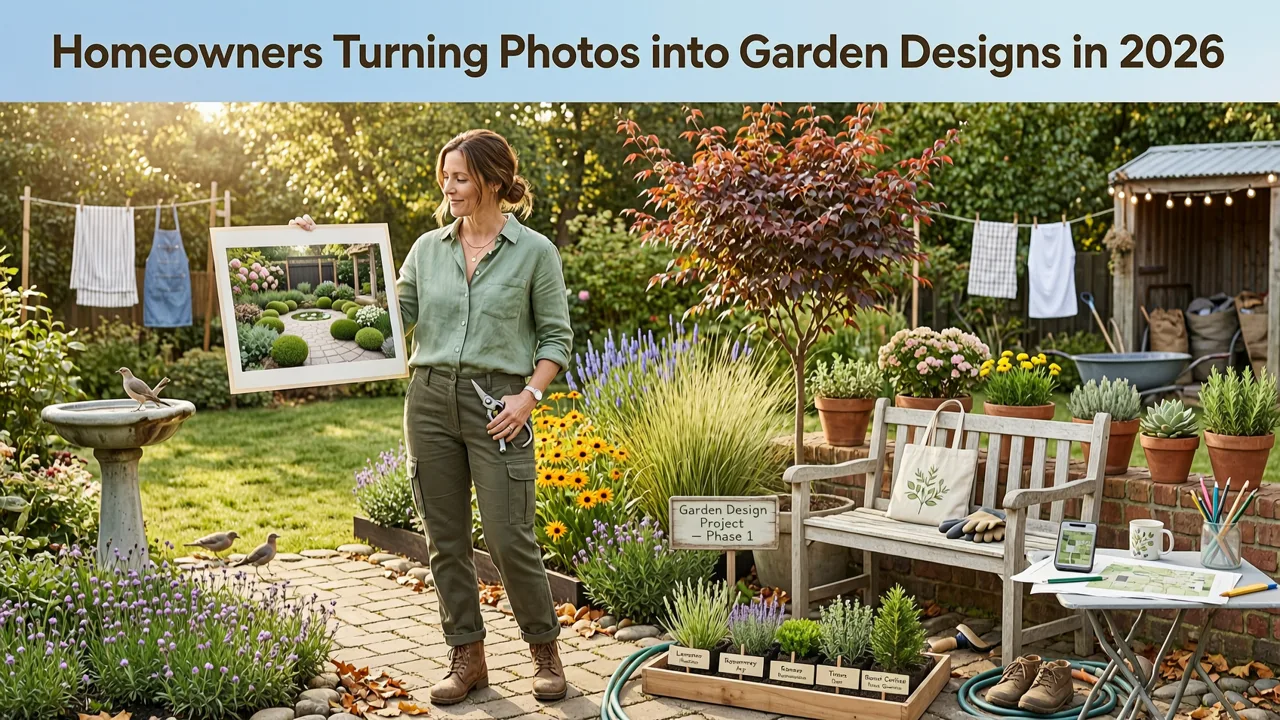
If you've ever stared at a patchy lawn, a cramped balcony, or a barren front yard and wondered what it could look like with the right plants and hardscape, you're not alone. The ability to turn a photo into a garden design has moved from a niche designer trick to an everyday tool that homeowners, renters, and amateur gardeners use before spending a single dollar on soil, stone, or shrubs. In 2026, AI-powered landscape design platforms let you upload a single snapshot of your outdoor space and receive multiple photorealistic design concepts in under a minute — complete with plant suggestions, layout variations, and style-matched outdoor features.
This guide walks you through exactly how the process works, what makes modern AI garden design tools different from the clunky 3D planners of a few years ago, and how to use the results to make confident decisions about your next landscaping project.
How AI Transforms Your Photo into a Realistic Garden Design
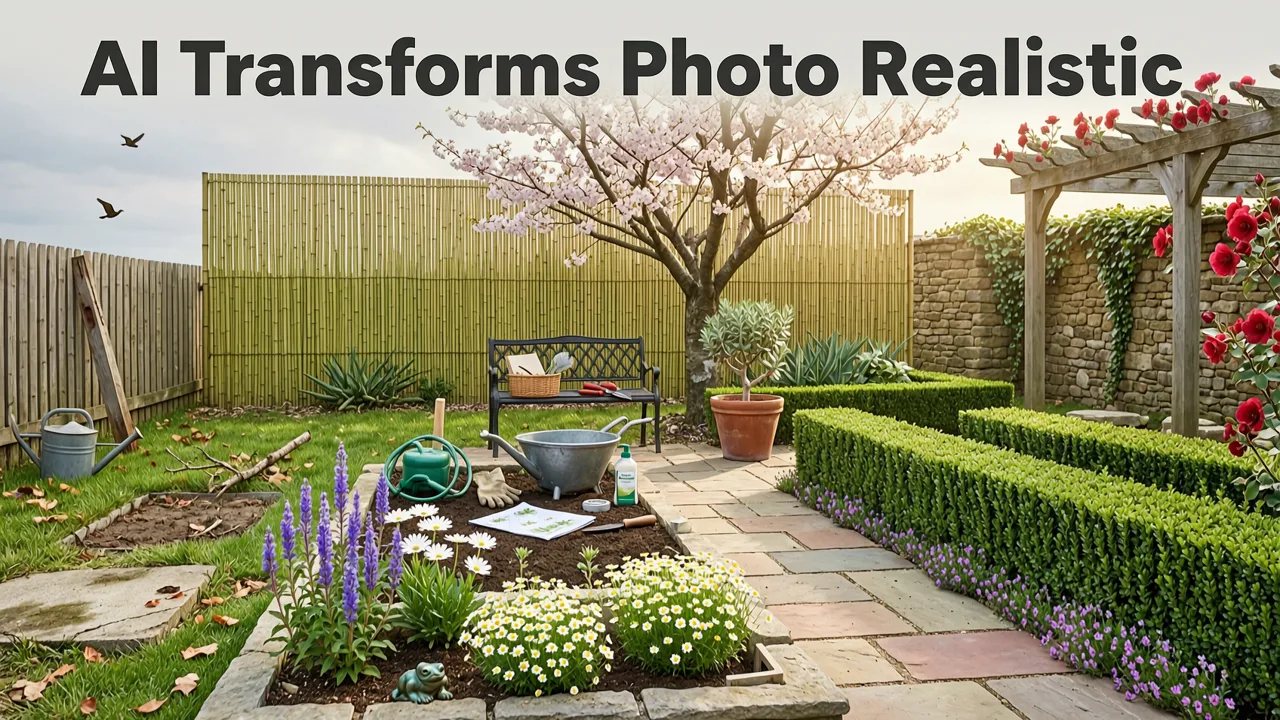
The phrase "turn a photo into a garden design" sounds simple, but the technology behind it involves several layers of computer vision, spatial reasoning, and generative rendering. Here's what happens when you upload an image to a modern AI garden design platform.
I Asked AI to Design my Garden
by John & Bob's Smart Soil Solutions
1. Scene Understanding and Depth Estimation
When you upload your photo, the AI first analyzes the image to identify key elements: existing structures (fences, walls, patios, decks), ground surfaces (grass, soil, pavers, gravel), open planting zones, and overhead features like trees or pergolas. Using depth-aware scene reconstruction, the system builds a three-dimensional understanding of your space from a single two-dimensional photo. This means it can distinguish between a distant tree line and a foreground flower bed, ensuring that new design elements are placed at correct scales and perspectives.
2. Style Interpretation and Layout Generation
Once the spatial model is built, you select a design style — Mediterranean, Japanese zen, cottage garden, modern minimalist, xeriscape, tropical, or dozens of other options. The AI then generates layout concepts that respect your existing architecture while introducing new plant groupings, pathways, seating areas, and decorative features that match your chosen aesthetic. Unlike template-based tools that overlay pre-made graphics, generative AI in 2026 creates unique compositions tailored to your specific photo's lighting, proportions, and architectural context.
3. Photorealistic Rendering
The final output is a high-resolution, photorealistic image that looks like a professional landscape architect's rendering — except it's generated from your actual yard, not a blank canvas. Shadows, reflections, plant textures, and seasonal lighting are all simulated to give you an accurate preview of how the design would feel in real life.
Step-by-Step: How to Turn Your Photo into a Garden Design
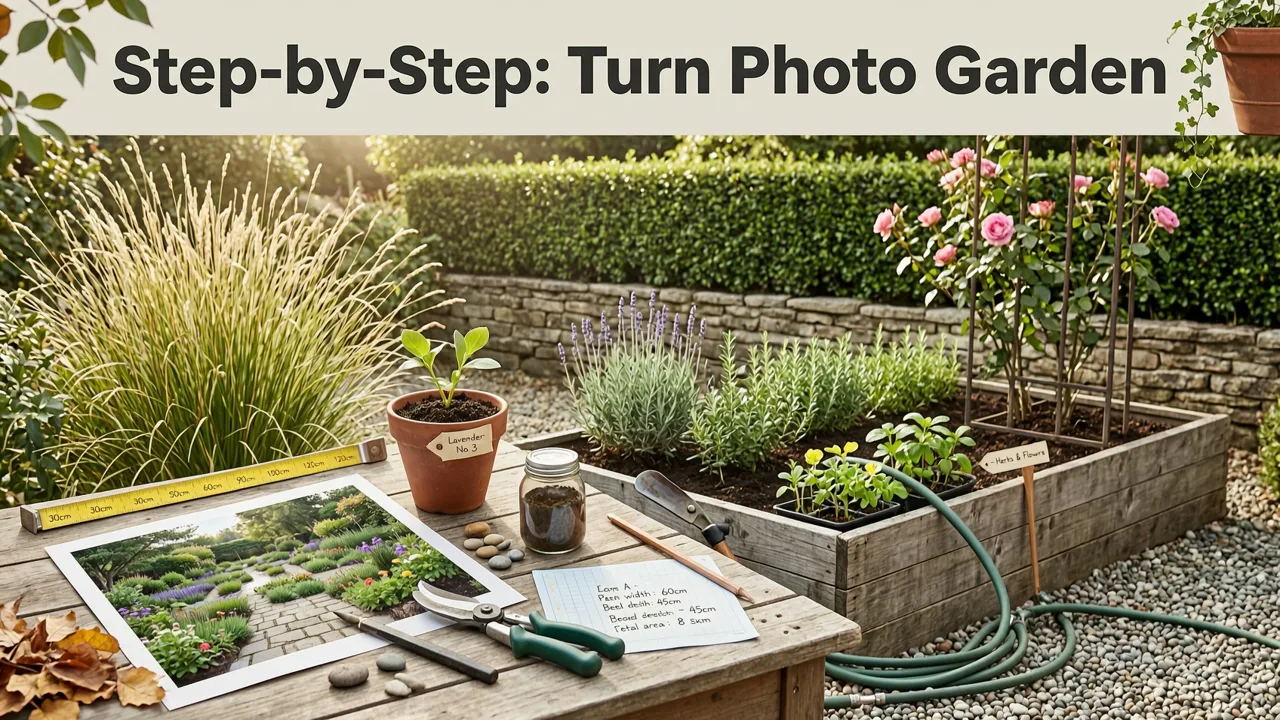
Ready to try it yourself? Here's the practical workflow that takes you from a smartphone snapshot to a polished garden concept.
Step 1: Capture a Clear Photo of Your Space
Stand at the edge of the area you want to redesign and take a photo with your phone. For best results:
- Shoot on a clear day with even, natural lighting — avoid harsh midday shadows or overcast flatness.
- Include the full width of the space so the AI can understand proportions.
- Keep the camera level; tilted angles can distort depth estimation.
- For front yards, capture the view from the sidewalk. For backyards, shoot from the patio or deck edge.
If you're working with a small balcony or patio, a wider-angle lens or your phone's ultra-wide mode helps capture the full context. For detailed guidance on patio-specific captures, check out our guide on patio layout ideas from photo.
Step 2: Upload to an AI Garden Design Platform
Choose a platform built specifically for landscape visualization. The best AI garden design tools in 2026 accept standard image formats (JPG, PNG, HEIC) and process uploads in seconds. You can explore what leading platforms offer in our overview of the best AI garden design tools.
Step 3: Select Your Design Style
Browse the available style categories and pick one — or several — that appeals to you. Most platforms let you generate multiple variations per style so you can compare different plant palettes, hardscape materials, and layout configurations side by side.
Step 4: Review and Refine
Examine the generated designs closely. Pay attention to plant placement, scale relationships, and how new features integrate with existing structures. If something feels off, adjust your style selection, try a different photo angle, or use the platform's refinement tools to tweak specific elements.
Step 5: Use the Results to Plan Your Real Project
Once you've identified a design direction you love, use the output as a visual brief. Share it with a local landscaper, take it to a garden center for plant sourcing, or use it as your own DIY roadmap. The key advantage is that you're no longer guessing — you've seen the finished look before committing to purchases or construction.
What Makes 2026's AI Garden Design Different from Older Tools
If you've tried garden design software in the past, you may remember dragging and dropping cartoonish plant icons onto a flat grid. The current generation of AI tools operates on an entirely different level. Here's a comparison of what's changed.
| Feature | Traditional 3D Planners (Pre-2024) | AI Photo-to-Design Tools (2026) |
|---|---|---|
| Input method | Manual measurement and grid drawing | Single photo upload |
| Visual output | Low-poly 3D models or 2D overlays | Photorealistic renderings matched to your photo |
| Plant accuracy | Generic icons, no climate matching | Context-aware species suggestions based on your zone and conditions |
| Time to first design | Hours of manual setup | Under 60 seconds |
| Style variety | Limited preset libraries | Dozens of styles with generative variation |
| Depth and perspective | Flat or manually adjusted | Automatic depth-aware scene reconstruction |
The shift from manual modeling to photo-driven generation means that anyone — regardless of design experience — can produce professional-quality visualizations. This is especially valuable for homeowners who want to explore multiple directions without paying for several rounds of concept drawings from a landscape architect.
Common Use Cases for Turning a Photo into a Garden Design
The technology isn't limited to one type of outdoor space. Here are the most popular scenarios where homeowners and gardeners put it to work.
Backyard Makeovers
Whether you're starting from bare soil, an overgrown jungle, or a dated patio, uploading a backyard photo lets you experiment with new layouts — adding fire pits, raised beds, privacy screens, or water features — and see how they'd look in context. For curated inspiration, browse our collection of 25 backyard design ideas for 2026.
Front Yard Curb Appeal Projects
Front yard redesigns are high-stakes because they're visible to the entire neighborhood. AI-generated concepts let you test bold choices — like replacing a tired lawn with a xeriscape or adding a structured entryway garden — before breaking ground.
Patio and Deck Refreshes
Even small outdoor living areas benefit from visualization. Seeing how new furniture arrangements, container gardens, or pergola additions would look on your actual patio helps you avoid costly furniture purchases that don't fit the space.
Balcony and Rooftop Gardens
Urban gardeners with limited square footage can use AI design to maximize every inch — testing vertical planting systems, railing planters, and compact seating layouts before ordering materials.
Rental Property Improvements
Renters who want to add temporary container gardens or removable features can use AI previews to plan layouts that work within their space constraints and lease terms.
How to Choose the Right Plants After Generating Your Design
One of the most powerful aspects of AI garden design is that the generated concepts include specific plant suggestions. But how do you know if those plants will actually thrive in your conditions? The answer lies in cross-referencing the AI's visual suggestions with your local growing conditions.
Consider these factors when evaluating plant recommendations from your AI-generated design:
- USDA Hardiness Zone: Confirm that suggested plants are rated for your zone. A Mediterranean-style design might feature rosemary and lavender, which thrive in zones 7–10 but struggle in zone 4 winters.
- Sun exposure: Your photo captures the current light conditions. If the AI places sun-loving plants in a shaded corner visible in your image, adjust accordingly.
- Soil type: AI design tools focus on visual output, so you'll need to supplement with local soil knowledge. Heavy clay, sandy loam, and acidic soils all influence which plants will succeed.
- Water availability: Match plant water needs to your irrigation plan and local rainfall patterns.
For a deeper dive into matching plants to your specific conditions, our guide on finding the best plants for your backyard covers the key variables in detail.
Tips for Getting the Best AI-Generated Garden Designs
The quality of your output depends heavily on the quality of your input. Follow these tips to maximize the usefulness of your AI-generated designs.
Take Multiple Photos from Different Angles
Don't limit yourself to a single shot. Capture your space from the front, back, and sides. Each angle reveals different design opportunities and constraints. Upload multiple photos to the same platform to generate a comprehensive set of concepts for the entire yard.
Include Existing Features You Want to Keep
If there's a tree, shed, or patio you plan to retain, make sure it's clearly visible in your photo. The AI will work around existing elements rather than designing them out — giving you more realistic and implementable concepts.
Try Multiple Styles Before Committing
One of the biggest advantages of AI design is the ability to explore freely. Generate the same photo in five or six different styles. You might discover that a cottage garden look suits your space better than the modern minimalist you initially assumed you wanted.
Use the Designs as Conversation Starters
When you hire a landscape professional, bring your AI-generated concepts to the consultation. They provide a clear visual language for discussing your preferences — far more effective than trying to describe what you want in words.
Limitations to Keep in Mind
AI garden design tools are powerful, but they're not infallible. Understanding their limitations helps you use them effectively.
- AI doesn't replace soil testing or site surveys. The visual output is based on what's visible in your photo. Underground conditions, drainage issues, and root systems require on-site assessment.
- Plant suggestions are visual, not horticultural prescriptions. Always verify that recommended species are appropriate for your climate, soil, and maintenance capacity.
- Scale can occasionally be imprecise. While depth-aware rendering has improved dramatically, very wide-angle photos or extreme perspectives may produce slightly off proportions. Use the output as a directional guide, not a to-scale blueprint.
- Local regulations aren't factored in. HOA rules, municipal setback requirements, and utility line locations all affect what you can actually build. Check before implementing any hardscape changes.
Why Visualizing Before You Build Saves Money
The most compelling reason to turn a photo into a garden design before starting any project is cost avoidance. Consider what happens when you skip the visualization step:
- You buy plants based on a catalog image, only to discover they look nothing like you expected in your actual space.
- You install a patio layout that feels cramped or awkward once furniture is added.
- You hire a landscaper based on a verbal description, and the final result doesn't match your vision.
- You commit to a style that clashes with your home's architecture.
Each of these mistakes costs time, money, and frustration. AI-generated design previews eliminate the guesswork by letting you see the end result before any money changes hands. The technology has matured enough in 2026 that the renderings are reliable indicators of how a finished project will actually look and feel.
Getting Started Today
The barrier to entry has never been lower. You don't need design software, drafting skills, or a landscape architecture degree. All you need is a smartphone photo and a few minutes. Upload your image, explore a handful of styles, and walk away with a clear visual direction for your outdoor space.
Whether you're planning a full backyard renovation, a front yard refresh, or a simple balcony upgrade, the ability to turn a photo into a garden design gives you confidence that your final result will match your vision — not someone else's interpretation of it.
Final Thoughts
Garden design in 2026 is no longer about imagination alone. It's about informed visualization — seeing your outdoor space transformed before you lift a single shovel or sign a single contract. AI-powered photo-to-design tools have made professional-quality landscape visualization accessible to every homeowner, renter, and gardener with a phone and a vision. Take the photo, run the design, and let the results guide your next move with clarity and confidence.


