

Free AI Landscape Designer: Visualize Your Yard Before You Plant
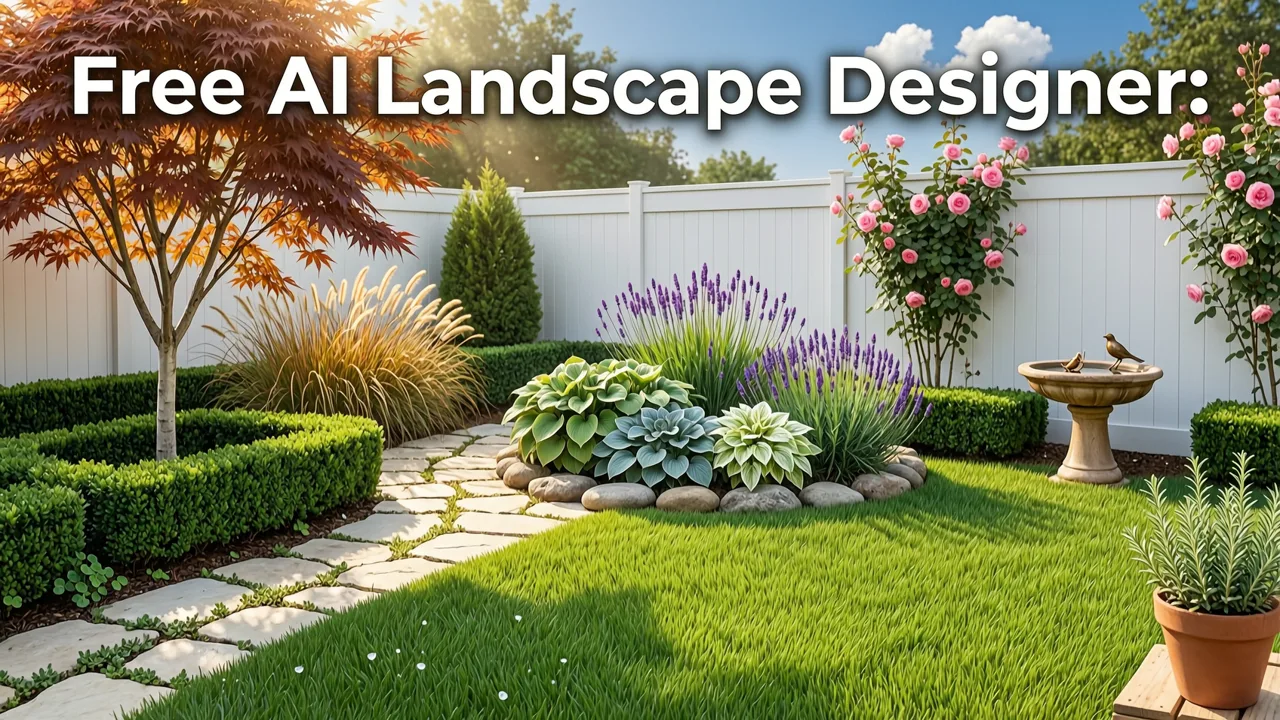
If you have ever stood in your backyard trying to picture a new patio, a row of hydrangeas along the fence, or a pergola shading the deck, you know how hard it is to translate imagination into reality. A free AI landscape designer solves that problem in seconds: upload a photo of your yard, patio, balcony, or front lawn, choose a style, and instantly preview realistic plant layouts and outdoor features before you buy a single plant or hire a contractor.
In 2026, AI-powered visualization has matured enough to give homeowners and renters a genuinely useful planning tool, not just a novelty filter. This guide explains how these tools work, how to get the most accurate results from your own photo, and how to turn AI-generated concepts into a real landscaping plan you can execute with confidence.
How a Free AI Landscape Designer Works in 2026
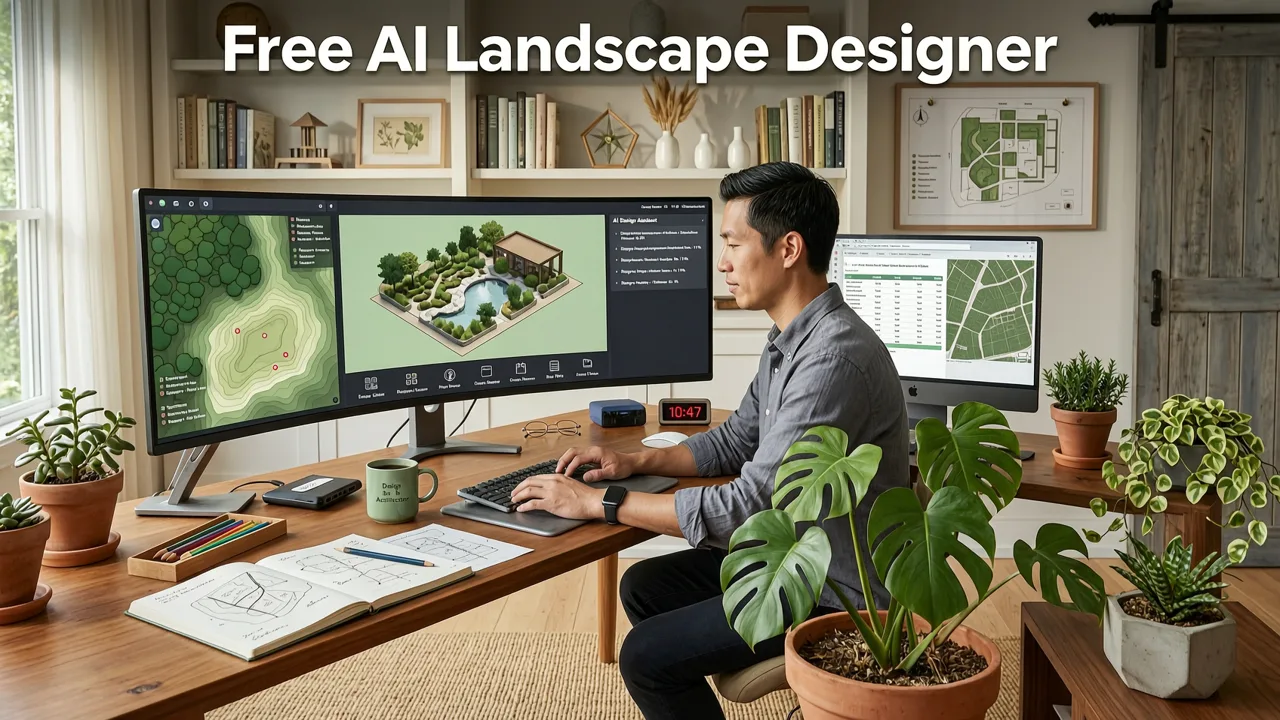
Modern AI landscape design tools combine computer vision, spatial inference, and generative image models trained on thousands of real landscape photographs. When you upload your photo, the system identifies key elements: the horizon line, existing hardscape, structures, trees, fences, and available planting zones. It then overlays design concepts that respect the geometry of your actual space.
Can AI design my yard for free? 🪴 Tips for do-it-yourselfers (from a landscape designer)
by Garden Project Academy
The workflow is straightforward:
- Upload a clear photo of your yard, patio, balcony, or front yard.
- Select a style — for example, modern minimalist, cottage garden, Mediterranean, Japanese zen, or xeriscape.
- Generate concepts — the AI produces realistic visualizations showing plant placements, hardscape additions, and outdoor features in your exact space.
- Compare and refine — preview multiple directions side by side before committing to any purchase or contractor.
The result is a visual sandbox. You can explore directions you might never have considered, spot potential conflicts (like a tree canopy blocking a pergola), and share concepts with a landscaper or partner without needing to sketch anything by hand.
What the AI Actually Analyzes in Your Photo
Under the hood, the model evaluates lighting direction, shadow angles, surface materials, spatial proportions, and existing vegetation. It uses these cues to place new elements in ways that look physically plausible — a trellis aligned with your fence line, a raised bed scaled to your walkway width, or a container arrangement that matches your balcony railing height. For a deeper look at how photo-based planning prevents costly errors, see our guide on how to avoid planting mistakes before you dig.
Why Homeowners Are Switching to AI Visualization Before Landscaping
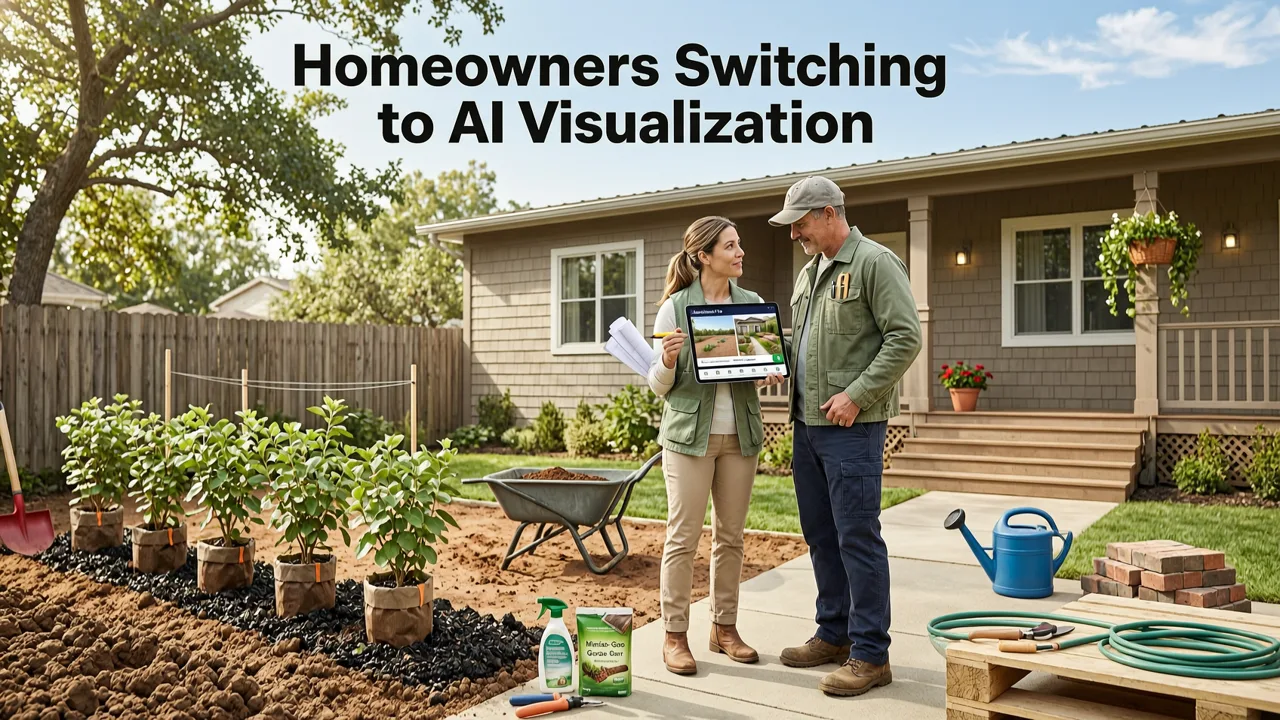
Traditional landscape design involves either expensive professional renderings or hours of trial-and-error with nursery tags and graph paper. Neither approach scales well when you are trying to compare three or four different design directions for the same space. AI visualization collapses that timeline from weeks to minutes.
Here is what has changed in 2026:
- Rendering fidelity — generative models now produce photorealistic output with accurate shadows, reflections, and plant textures.
- Spatial awareness — tools understand depth and proportion, so a six-foot fence in your photo stays a six-foot fence in the design.
- Style diversity — you can test cottage, modern, tropical, desert, and formal styles on the same photo in a single session.
- Zero-commitment exploration — a free tier lets you experiment without financial risk, which is critical for renters or first-time homeowners.
The practical payoff is simple: you stop guessing. You stop buying plants that look good in a catalog but wrong in your space. You stop paying a contractor to redo work because the design never matched your vision in the first place.
Step-by-Step: How to Get the Best Results From Your Upload
The quality of your AI-generated design depends heavily on the quality of your input photo. Follow these steps to maximize accuracy.
Step 1: Capture a Clean, Well-Lit Photo
Shoot during golden hour or on a bright overcast day to minimize harsh shadows. Stand at the corner of the space you want to redesign and capture as much of the area as possible in a single frame. Avoid extreme wide-angle distortion if your phone offers a standard lens option.
Step 2: Remove Clutter Before Shooting
Pick up hoses, toys, and temporary items. The AI works best when it can clearly identify permanent structures, existing plants, and surface materials. You do not need to landscape first — just clear the temporary noise.
Step 3: Upload and Select Your Style
Upload your photo to the free AI landscape designer, choose a style direction, and generate your first concept. If the tool offers multiple style options, generate at least two or three so you can compare.
Step 4: Evaluate the Concept Against Your Real Constraints
Ask yourself practical questions: Does the design account for my sun exposure? Is there room for the mature size of those shrubs? Would that patio material work with my soil drainage? These are exactly the questions that separate a pretty picture from a buildable plan.
Free AI Landscape Designer vs. Hiring a Professional: A 2026 Comparison
Not every project needs a licensed landscape architect, and not every homeowner can justify a three-thousand-dollar design fee before knowing whether they even like the direction. Here is how the two approaches compare for typical residential projects.
| Factor | Free AI Landscape Designer | Professional Landscape Designer |
|---|---|---|
| Cost | Free to low-cost | $1,500–$5,000+ |
| Turnaround time | Seconds to minutes | 1–4 weeks |
| Number of concepts | Unlimited iterations | Typically 2–3 revisions |
| Plant and material specificity | Visual suggestions | Exact species, quantities, sourcing |
| Engineering and drainage plans | Not included | Included for complex sites |
| Best for | Early-stage exploration and direction-setting | Detailed execution on complex properties |
The smartest approach in 2026 is to use AI visualization first, then bring a professional in with a clear sense of the style and layout you want. You will save time, reduce miscommunication, and often lower the design fee because the professional is refining rather than starting from scratch.
Common Use Cases for a Free AI Landscape Designer
Backyard Makeovers
Whether you are adding a fire pit area, rethinking your lawn-to-garden ratio, or planning a full backyard renovation, AI visualization lets you test layouts before breaking ground. You can compare a lawn-centric design against a meadow-style planting plan and see which one actually fits the proportions of your yard.
Front Yard Curb Appeal
Front yard projects carry high visibility and high stakes. A free AI landscape designer lets you preview foundation plantings, walkway materials, and accent trees before committing. This is especially valuable when your HOA requires design approval — you can submit AI-generated concepts as part of your proposal.
Balcony and Small-Space Design
Small spaces amplify every design mistake. A misplaced container or an oversized planter can consume your entire usable area. AI tools help you visualize vertical gardens, railing planters, and compact furniture arrangements before you purchase anything. For a focused walkthrough on small-space planning, read our guide on balcony garden planner AI for small spaces.
Rain Gardens and Drainage Solutions
If your yard has drainage issues, AI visualization can help you plan a rain garden that is both functional and attractive. You can preview bioswale placements, native plant groupings, and stone retention features in the context of your actual yard topography. For a detailed workflow, see how to design a rain garden from your yard photo.
Tips for Choosing the Right Style Direction
One of the biggest advantages of AI visualization is the ability to test multiple styles quickly. Here is how to narrow your choices:
- Match your architecture. A mid-century modern home typically pairs better with clean lines and ornamental grasses than with a sprawling English cottage border.
- Consider your climate. A tropical style may look stunning in a visualization but fail in a Zone 5 winter. Use the AI concept as a directional guide, then verify plant hardiness.
- Think about maintenance. Formal designs with clipped hedges demand more upkeep than naturalistic meadow plantings. Be honest about the time you will invest.
- Account for mature plant size. AI visualizations sometimes show plants at their nursery size. Always research mature spread and height before finalizing selections.
How to Move From AI Concept to Real Landscaping
An AI-generated visualization is a starting point, not a construction document. Here is how to bridge the gap between a beautiful concept and a finished landscape.
Translate Visuals Into a Plant List
Identify the plants in your favorite AI concept, then research their hardiness zones, sun requirements, and mature dimensions. Swap in locally available species if the AI suggested plants that do not grow in your region.
Get Quotes With Your AI Concept in Hand
Share your AI-generated design with local landscapers or nurseries. A visual reference dramatically improves the accuracy of quotes because everyone is working from the same picture — literally.
Phase the Work If Needed
Not every project needs to happen in one season. Use your AI concept as a master plan, then execute in phases: hardscape first, then trees and shrubs, then perennials and containers.
The Limitations of Free AI Landscape Design Tools
These tools are powerful, but they are not infallible. Understanding their limitations will keep your expectations realistic and your projects on track.
- Not a substitute for site analysis. AI cannot test your soil, measure your slope, or evaluate underground utilities. Those require on-site assessment.
- Plant identification is suggestive. The AI may generate visually appealing plants that are invasive in your region. Always verify species selections with local extension resources.
- Scale can drift. While modern tools are far better at proportion than earlier generations, always double-check that key dimensions feel right in the generated image.
Responsible AI development continues to improve these tools. Organizations like Google AI and OpenAI publish guidance on building reliable, transparent generative systems — and the landscape design tools that leverage these models benefit directly from those advances.
Why Visualization Beats Imagination Every Time
The most expensive mistake in landscaping is not buying the wrong plant. It is building the wrong patio, planting the wrong tree in the wrong spot, or committing to a design direction you do not actually love once it is built. A free AI landscape designer eliminates that risk by letting you see the finished result before you spend a dollar.
In 2026, there is no reason to landscape by guesswork. Upload your photo, explore your options, and walk into your project with clarity.
Conclusion: Start Designing Your Outdoor Space Today
A free AI landscape designer gives you the power to visualize, compare, and refine your outdoor space in minutes — not weeks. Whether you are planning a backyard overhaul, a front yard refresh, a balcony garden, or a rain garden, AI-powered visualization puts a professional-grade planning tool in your hands at zero cost.
Upload your first photo now, test a few styles, and see what your yard could look like. Your future landscape — and your wallet — will thank you.
Related Articles
- AI Landscape Design from Photo — Upload & Visualize Instantly in 2026
- Free Patio Design Generator — Upload & Visualize Instantly in 2026
- Free Backyard Design App – AI-Powered & No Signup in 2026
- How to Design a Garden from a Photo in 2026: The Complete Guide
- Balcony Garden Layout Planner for Small Spaces in 2026


