

How to Design a Garden from a Photo in 2026
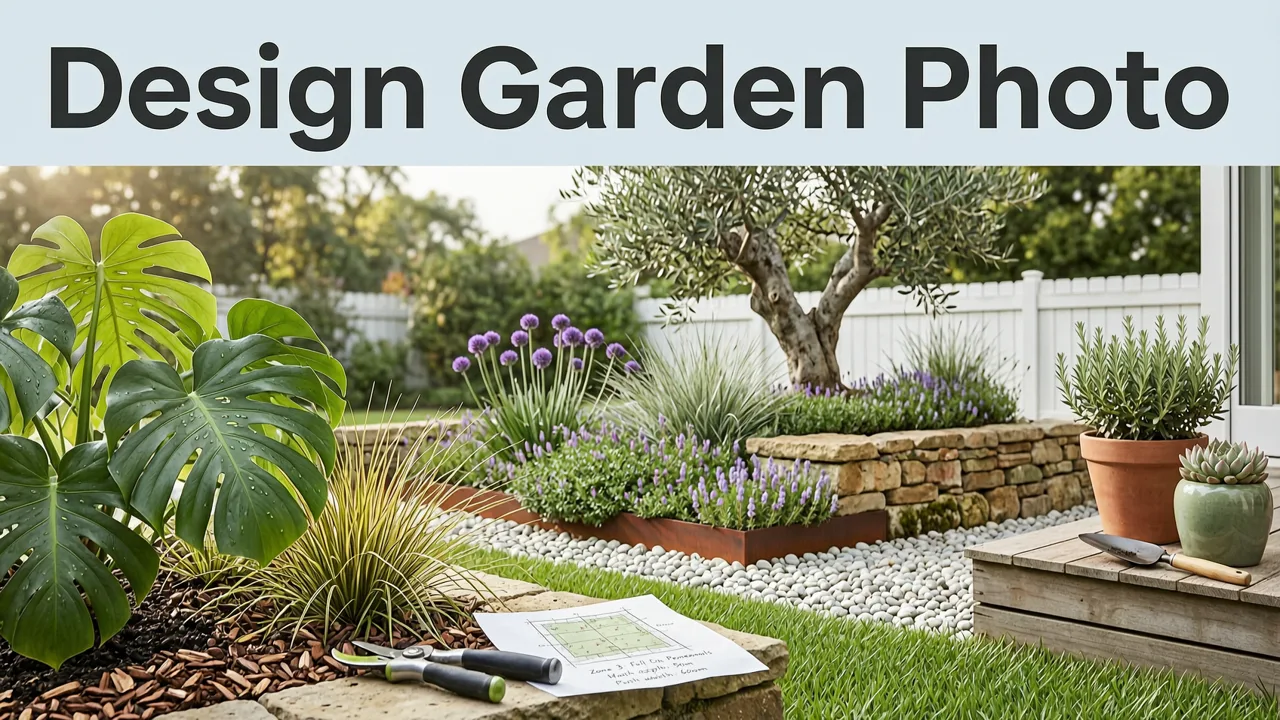
If you have ever stared at a patch of bare soil, a tired lawn, or a cluttered patio and thought, "What would this actually look like with a real plan?"—you are not alone. In 2026, the fastest way to answer that question is to design a garden from a photo using AI-powered visualization tools. Upload a picture of your yard, pick a style, and get realistic planting layouts, hardscape ideas, and outdoor features rendered in under two minutes.
This guide walks you through exactly how the process works in 2026, what makes a great source photo, which design styles produce the best results, and how to use AI-generated concepts to avoid costly planting mistakes before you break ground or call a landscaper.
Why Designing a Garden from a Photo Is the Smartest First Step
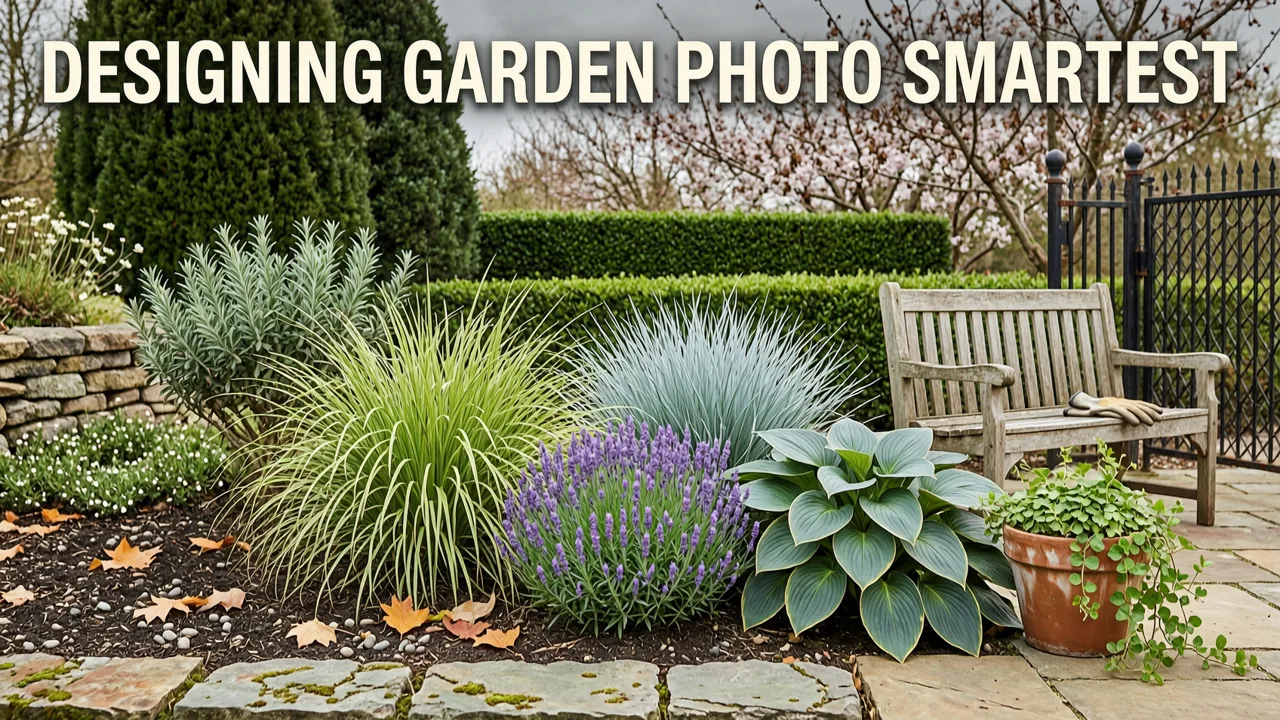
Traditional landscape design starts with a blank page, a rough sketch, or a vague Pinterest board. The problem? None of those approaches show you what your actual space will look like. You are left guessing whether a row of hydrangeas will feel crowded, whether a gravel path will align with your back door, or whether a pergola will overwhelm a small courtyard.
I Asked AI to Design my Garden
by John & Bob's Smart Soil Solutions
When you design a garden from a photo, you eliminate that guesswork. The AI analyzes the proportions, lighting, and existing structures in your image and generates concepts that respect the real geometry of your yard. The result is a visual preview you can share with family, compare against contractor quotes, or refine until the layout feels right.
What Has Changed Since 2024
Generative AI models have matured significantly. In 2026, leading landscape design engines use diffusion-based architectures trained on millions of real garden photographs, architectural plans, and horticultural databases. They understand plant hardiness zones, seasonal color cycles, and spatial relationships between hardscape and softscape elements. The output is no longer a fantasy rendering—it is a grounded, actionable concept.
How It Works: A Realistic 4-Step Process

Here is the exact workflow homeowners and gardeners follow to design a garden from a photo in 2026. No design degree required. No expensive software licenses.
Step 1: Take or Choose Your Source Photo
Stand at the vantage point where you spend the most time looking at the space. For a backyard, that might be the kitchen window. For a front yard, stand at the sidewalk. Capture the photo in daylight—overcast skies actually produce the most even lighting for AI processing. Make sure the frame includes the ground plane, any existing structures, and a bit of sky or background context so the model can gauge depth and scale.
Avoid extreme wide-angle distortion if possible. A standard smartphone lens at chest height works well. If you are designing a balcony or patio, a straight-on shot from the doorway gives the AI the clearest read on proportions.
Step 2: Upload Your Photo to the AI Design Tool
Open a web-based garden design platform such as AI Design Gardens and upload your image. The system will analyze the photo in seconds, identifying the ground surface, existing walls or fences, overhead structures, and sight lines. This spatial analysis is what separates a useful design tool from a generic image filter.
Step 3: Choose a Design Style
Select a style that matches your vision. Popular options in 2026 include:
- Mediterranean: Terracotta, lavender, olive trees, gravel paths
- Japanese Zen: Moss, stone lanterns, bamboo, raked gravel
- Cottage Garden: Mixed perennial borders, climbing roses, informal layouts
- Modern Minimalist: Clean lines, ornamental grasses, concrete planters
- Xeriscape: Drought-tolerant succulents, decomposed granite, agave accents
- Tropical: Monstera, bird of paradise, dense foliage layers
Each style triggers a different set of plant palettes, material choices, and spatial arrangements within the AI engine. You can generate multiple concepts in the same style or compare two or three styles side by side.
Step 4: Review, Refine, and Export
Study the generated concepts. Look at how plant heights layer, how pathways connect to existing doors, and whether the color palette complements your home's exterior. Most platforms let you tweak individual elements—swap a tree species, widen a path, or add a water feature—before exporting the final image. Save the concept as a reference sheet to bring to a nursery or share with a landscape contractor.
What Makes a Good Photo for AI Garden Design?
Not every photo produces equally useful results. The quality of your source image directly affects the accuracy of the output. Here is a quick reference table:
| Factor | Best Practice | Why It Matters |
|---|---|---|
| Lighting | Even daylight, overcast preferred | Reduces harsh shadows that confuse depth detection |
| Angle | Chest height, straight-on or slight downward tilt | Preserves true proportions of ground and structures |
| Clarity | In-focus, high resolution (at least 2 MP) | Allows the AI to detect edges and textures accurately |
| Context | Include sky, walls, or fence lines | Helps the model understand scale and boundaries |
| Obstructions | Clear the frame of temporary items (hoses, toys) | Prevents the AI from designing around clutter |
Comparing Design Directions Before You Commit
One of the most powerful advantages of designing a garden from a photo is the ability to compare directions without spending a dollar on materials. You can generate a Mediterranean concept and a modern minimalist concept for the same backyard, place them side by side, and evaluate which one feels right for your lifestyle, climate, and maintenance preferences.
This is especially valuable for large projects. If you are planning a full front yard overhaul, explore front yard landscape ideas you can generate from a photo to see how different curb-appeal styles transform the same facade. For rear gardens, the backyard design workflow follows the same upload-and-preview logic but focuses on privacy screening, outdoor living zones, and utility access.
Avoiding Costly Planting Mistakes
The most expensive error in landscaping is not choosing the wrong mulch—it is installing plants in the wrong place. A shade-loving fern placed against a south-facing wall will struggle. A fast-growing bamboo planted near a foundation will cause problems within two seasons. When you visualize the full layout before purchasing, you catch these conflicts early.
AI-generated concepts also help you think about mature plant size, not just nursery-pot size. The models factor in typical growth patterns for the species they recommend, so the preview you see reflects how the garden will look in two to five years, not just on planting day.
Design Styles That Work Best with Photo-to-Garden AI in 2026
While most styles render well, a few consistently produce outstanding results because they rely on clear spatial patterns and distinct material palettes.
Mediterranean and Coastal
Warm earth tones, structured evergreen hedges, and gravel or stone pathways translate beautifully from photo to concept. The AI excels at layering silver foliage—olive, dusty miller, lavender—against terracotta and limestone textures. This style is ideal for homeowners in USDA zones 7 through 10.
Modern Minimalist
Clean geometric lines, monochromatic plant palettes, and defined hardscape zones are among the easiest for AI to interpret because the source photo already contains strong linear elements—fence lines, patio edges, building facades. The model amplifies those lines and fills the spaces with ornamental grasses, architectural succulents, and sleek planters.
Cottage and Wildflower
Softer, more organic styles also perform well. The AI generates layered perennial borders with naturalistic drifts of color. If you want inspiration, the 25 front yard landscape ideas for 2026 showcase several cottage-style concepts generated from real homeowner photos.
How to Use Your AI-Generated Concepts in the Real World
An AI concept is a starting point, not a final blueprint. Here is how to move from digital preview to physical garden:
- Identify the plant species. Most AI tools label the plants in the generated image. Cross-reference them with your local hardiness zone and soil type.
- Measure key dimensions. Use the AI layout as a guide, then confirm path widths, bed depths, and spacing with a tape measure on-site.
- Source plants locally. Visit a regional nursery with your concept image. Staff can often suggest close substitutes if a specific species is unavailable.
- Phase the installation. You do not need to plant everything in one weekend. Use the concept to prioritize zones—start with trees and large shrubs, then add perennials and groundcover in subsequent seasons.
- Share with a contractor. If you hire a landscaper, the AI-generated image serves as a clear visual brief. It is far more communicative than a verbal description or a mood board of unrelated photos.
Designing Specific Spaces from a Photo
Front Yard and Curb Appeal
The front yard sets the tone for your entire home. When you design a garden from a photo of your front facade, pay attention to the sight line from the street. The AI will show you how foundation plantings, walkway materials, and accent trees read from a distance. Look for balance, not symmetry—two different plant masses that carry equal visual weight often look more natural than mirror-image beds.
Backyard and Outdoor Living
Backyard design from a photo lets you zone the space before you build. You can preview where a dining patio, a lawn area, and a planting border will sit relative to your house and property lines. This is critical for understanding how sunlight moves across the yard throughout the day and where shade structures will be most effective.
Patio and Balcony
Even small spaces benefit from photo-based design. A balcony photo can be transformed into a container garden concept with trailing vines, compact citrus trees, and modular seating. For larger patios, explore the AI patio layout generator to visualize furniture arrangements, pergola placement, and container groupings before moving a single chair.
Tips for Getting the Most Accurate AI-Generated Designs
- Take multiple photos from different angles. The more perspectives the AI has, the better it understands your space.
- Remove seasonal clutter before shooting. Fallen leaves, stored furniture, and garden hoses can distract the model.
- Be specific with style prompts. Instead of "modern," try "modern minimalist with ornamental grasses and concrete planters." Specificity yields better results.
- Iterate. Generate two or three concepts per style. Small variations in plant placement or material choice can dramatically change how a design feels.
- Consider your climate. AI tools in 2026 allow you to input your hardiness zone, which filters plant recommendations to species that will actually thrive in your area.
The Role of Responsible AI in Garden Design
As generative AI becomes more embedded in everyday tools, it is worth noting how leading platforms approach responsible use. Organizations like Google outline principles for responsible AI development, emphasizing transparency, fairness, and user control. In the context of garden design, this means the tool should clearly label AI-generated content, avoid recommending invasive species, and respect the real-world constraints of your property.
Similarly, the underlying models powering these tools continue to evolve. Developers reference frameworks such as the OpenAI documentation to ensure outputs are grounded, safe, and aligned with user intent.
Common Mistakes to Avoid When Designing from a Photo
Relying on a Single Angle
One photo gives the AI a limited view of your space. If your yard has a significant slope, a hidden side garden, or a complex roof overhang, a single shot will not capture those nuances. Take at least two or three photos from different positions.
Ignoring Scale
AI concepts can sometimes make small spaces look larger than they are. Always cross-check the generated layout against real measurements. A path that looks generous in the rendering might feel cramped once you walk it with a tape measure.
Choosing Plants Without Checking Hardiness
The AI may suggest a species that thrives in a different climate. Always verify that recommended plants suit your USDA hardiness zone, soil pH, and local rainfall patterns before ordering.
Skipping the Iteration Step
The first concept is rarely the final answer. Use it as a conversation starter—with yourself, your family, or your landscaper. Refine, regenerate, and compare until the design feels right.
Why Homeowners Are Choosing AI Garden Design in 2026
The shift toward photo-based garden design reflects a broader trend: people want to make informed decisions before spending money. Landscaping is one of the most expensive home improvement categories, and a single misstep—planting the wrong tree in the wrong spot, installing a patio in the wrong location—can cost thousands to correct.
AI-powered tools compress the design timeline from weeks to minutes. They democratize access to professional-quality visualization. And they give homeowners the confidence to either tackle a DIY project or communicate clearly with a hired contractor.
Getting Started Today
Designing a garden from a photo is no longer a futuristic concept. It is a practical, accessible workflow available to anyone with a smartphone and a few minutes. The technology in 2026 is mature enough to produce realistic, horticulturally informed concepts that respect your space, your climate, and your vision.
Take a photo of your yard today. Upload it. Explore a few styles. You may be surprised how quickly a vague idea becomes a clear, actionable plan—and how much more confident you feel about the decisions ahead.
Ready to see your garden in a new light? Head to AI Design Gardens, upload your photo, and generate your first concept in under two minutes.
Related Articles
- Best AI Garden Design Tool — Upload & Visualize Instantly in 2026
- AI Backyard Design Tool – Upload & Visualize Instantly
- Front Yard Garden Design From Photo — Instant AI Concepts in 2026
- Small Rain Garden Ideas for Backyard — Compact & Effective in 2026
- Small Backyard Landscape Ideas That Actually Work in 2026


