

AI Backyard Design Tool – Why Visualizing Before You Plant Matters in 2026
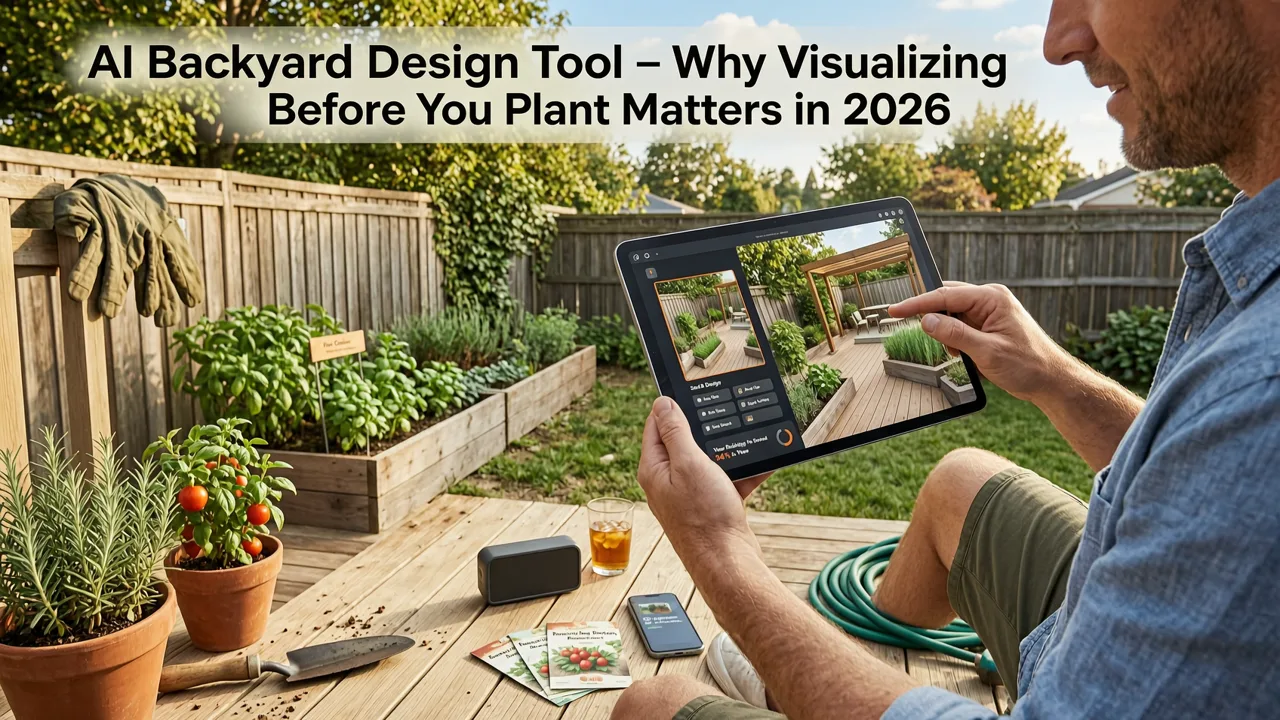
If you've ever stood in your backyard, squinting at a patchy lawn, a cracked patio, or a blank corner and thought, "What would this actually look like with real landscaping?" — you're not alone. In 2026, an AI backyard design tool answers that question in seconds, turning a single photo into multiple realistic design concepts you can compare before spending a dime on plants, pavers, or professional consultations.
The short version: upload a photo of your outdoor space, choose a style, and the AI generates scene-accurate layouts with plant placements, hardscape features, and furniture arrangements grounded in your actual yard dimensions. No CAD skills required. No guesswork about whether a pergola will overwhelm a small patio or whether a row of hydrangeas will block your walkway.
This guide explains how these tools work, what to look for when choosing one, and how to get the most accurate results — whether you're a homeowner planning a full backyard renovation, a renter refreshing a balcony, or a gardener testing layout ideas before digging.
Can AI design my yard for free? 🪴 Tips for do-it-yourselfers (from a landscape designer)
by Garden Project Academy
What an AI Backyard Design Tool Actually Does
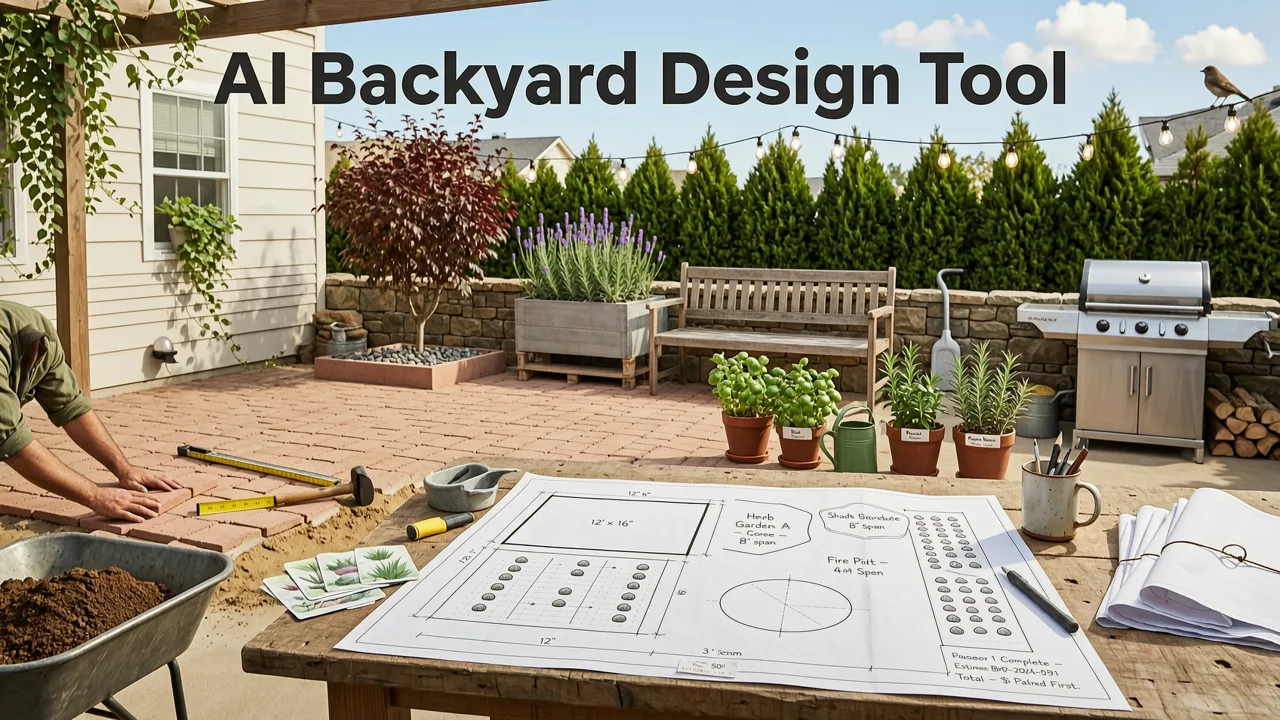
Modern AI backyard design tools use computer vision and generative models trained on thousands of landscape architecture references. When you upload a photo, the system performs several operations simultaneously:
- Scene understanding: It identifies ground planes, vertical surfaces, existing structures, sunlight angles, and spatial boundaries.
- Style mapping: It translates your chosen aesthetic — Mediterranean, Japanese minimalist, cottage garden, modern xeriscape — into plant palettes, material selections, and layout proportions appropriate for that style.
- Context-aware rendering: It preserves your existing architecture, fence lines, and sight lines while layering in new elements that respect scale and perspective.
The result is not a cartoonish overlay or a generic mood board. It's a photorealistic preview that looks like your yard — just redesigned. According to OpenAI's documentation on multimodal model capabilities, these systems leverage spatial reasoning and image generation pipelines that maintain structural coherence across complex outdoor scenes.
How AI Backyard Design Tools Work: The Technology Behind the Visuals
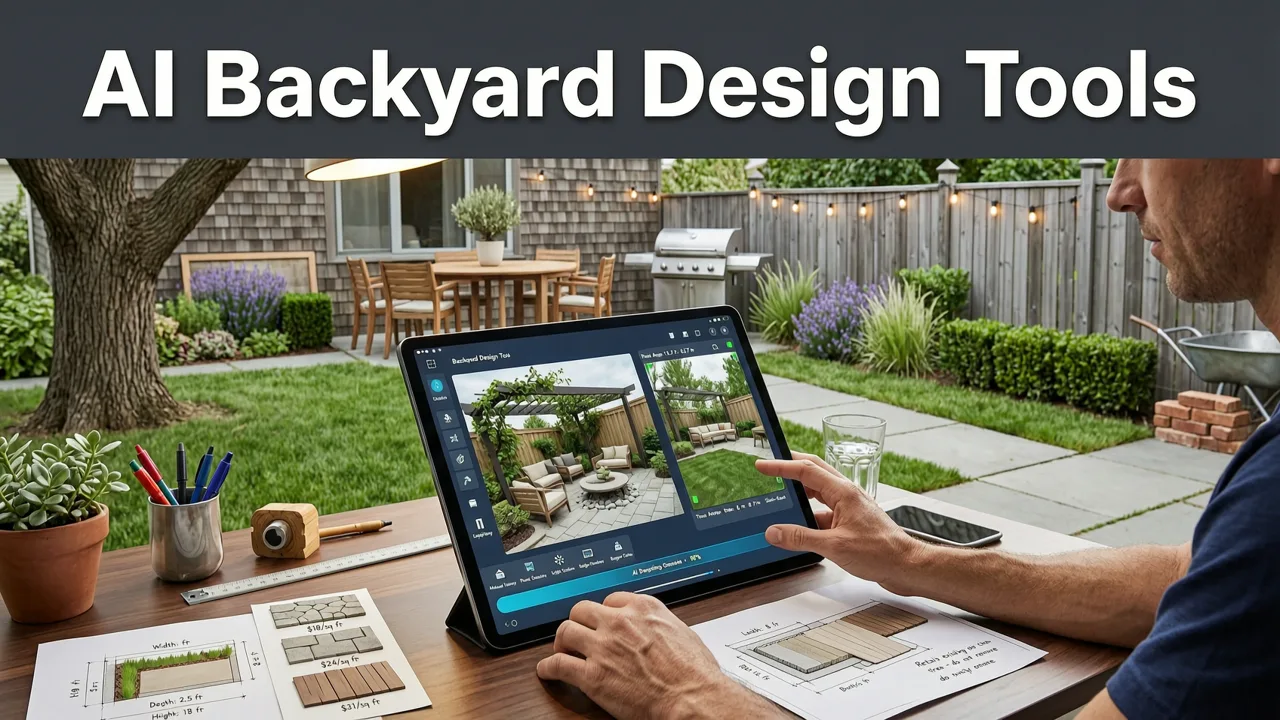
Understanding the underlying technology helps you set realistic expectations and get better results. Here's the process broken into its core stages.
1. Photo Intake and Spatial Analysis
You take a photo — ideally from a standing position, capturing the full width of your yard or patio. The AI analyzes depth cues, vanishing points, and surface textures to build a 3D-aware understanding of your space. This is why a clear, well-lit photo matters: the more visual information the model receives, the more accurately it can reconstruct your scene.
2. Style Translation and Element Selection
Once the spatial model is built, the tool maps your selected design style to appropriate elements. A "modern minimalist" style might call for clean-lined concrete pavers, ornamental grasses, and a single sculptural tree. A "cottage garden" style would generate layered perennial beds, curved pathways, and climbing roses on a trellis. The AI doesn't just paste random images — it selects elements that fit the spatial logic of your yard.
3. Generative Rendering
The final step is image generation: the AI produces a new image that preserves your original photo's architecture while replacing or augmenting landscape elements. This is where quality varies significantly between tools. The best systems maintain consistent lighting, shadow direction, and material textures so the result looks like a professional landscape photograph, not a collage.
Why Generic Design Advice Fails (And AI Succeeds)
Traditional backyard design resources — blog posts, Pinterest boards, magazine spreads — offer inspiration but lack specificity. They show you a gorgeous courtyard, but they don't tell you whether that courtyard layout works in your 20×30-foot space with a north-facing fence and a mature oak tree in the corner.
An AI backyard design tool solves this by working directly from your space. The constraints are real. The dimensions are yours. The existing structures are preserved. When you preview a design, you're seeing how it would actually look in your yard — not in someone else's.
This matters because landscaping mistakes are expensive. Planting a fast-growing species too close to a foundation, installing a patio that blocks drainage, or choosing hardscape materials that clash with your home's exterior — these errors cost hundreds or thousands of dollars to fix. Visualizing first eliminates that risk.
Key Features to Look for in an AI Backyard Design Tool
Not all AI design tools are created equal. As the category has matured through 2025 and into 2026, clear differentiators have emerged. Here's what separates a genuinely useful tool from a novelty app.
| Feature | What It Means | Why It Matters |
|---|---|---|
| Photo-based input | Upload your own yard photo instead of choosing from templates | Ensures designs reflect your actual space, not a generic lot |
| Multiple style options | Choose from 10+ landscape styles per generation | Lets you compare directions before committing |
| Depth-aware rendering | AI understands foreground, midground, and background planes | Produces realistic perspective, not flat overlays |
| Plant specificity | Identifies or suggests actual plant species, not generic greenery | Helps you source real plants and plan seasonal care |
| Iteration capability | Adjust elements, swap styles, or refine areas without starting over | Saves time and lets you evolve your design |
| Export and share | Download high-resolution images or share with a landscaper | Turns your vision into an actionable brief for professionals |
How to Get the Best Results From Your AI Backyard Design
The quality of your output depends significantly on the quality of your input. Follow these guidelines to generate designs that are accurate, inspiring, and actionable.
Take a Strategic Photo
Stand at the edge of your yard or patio and shoot from roughly chest height. Capture the full width of the space in a single frame. Avoid extreme wide-angle lenses that distort perspective. Shoot on a clear day with even lighting — harsh midday sun creates shadows that can confuse the AI's scene reconstruction.
Clear Clutter Before Shooting
Remove temporary items like lawn chairs, hoses, toys, and trash bins. The AI will interpret these as permanent features and may design around them. A clean canvas produces cleaner results.
Choose Styles That Match Your Climate and Maintenance Preferences
If you live in a drought-prone region, a lush English cottage garden may look beautiful in the AI preview but be unsustainable in reality. Use the tool to explore styles that align with your climate zone, soil conditions, and willingness to maintain plantings. You can explore tailored plant recommendations alongside your design using resources like the AI-powered plant matching guide.
Generate Multiple Variations
Don't settle on the first result. Most tools let you generate several variations of the same style or mix styles across iterations. Compare three or four options side by side before deciding which direction to pursue. This is where the AI tool delivers its greatest value — rapid, cost-free exploration of possibilities that would take a landscape architect days to sketch.
AI Backyard Design vs. Hiring a Landscape Designer
A common question: if AI can generate backyard designs, do you still need a professional? The answer depends on your project's scope.
AI design tools excel at:
- Early-stage ideation and style exploration
- Visualizing plant combinations and hardscape layouts
- Comparing multiple design directions quickly
- Communicating your vision to a professional or contractor
- DIY projects where you'll execute the plan yourself
A landscape designer excels at:
- Grading, drainage, and structural engineering
- Permitting and HOA compliance
- Local plant expertise and soil-specific recommendations
- Project management and contractor coordination
- Complex installations involving irrigation, electrical, or masonry
The smartest approach in 2026 is to use both. Generate your ideas with an AI tool, refine your vision, then bring your AI-generated concepts to a landscape professional for technical validation and execution. You'll save on design fees, communicate more clearly, and arrive at the consultation with a well-developed sense of what you want.
Use Cases: Who Benefits Most From AI Backyard Design
Homeowners Planning a Renovation
If you're about to invest in a backyard overhaul, AI visualization helps you avoid costly missteps. Test whether a fire pit placement feels right, whether a privacy screen of arborvitae will look proportional, or whether a pergola will provide adequate shade at your latitude. Explore small-space backyard ideas if your yard is compact.
Renters Refreshing Temporary Spaces
Renters often want to improve their outdoor area without permanent changes. AI tools let you visualize container gardens, modular furniture layouts, and removable lighting schemes before purchasing anything. The ability to preview prevents impulse buys that don't fit the space.
Gardeners Experimenting with Plant Layouts
Experienced gardeners use AI tools to test new bed configurations, color combinations, and seasonal succession plans. Seeing a full-season layout rendered in your actual garden helps you plan bloom times, height layering, and texture contrast before putting trowel to soil.
Real Estate Agents and Stagers
Agents selling homes with underwhelming yards use AI design to create "potential" previews for listings. A barren backyard rendered with a inviting patio, string lights, and lush plantings helps buyers envision the property's possibilities — and can meaningfully impact sale velocity.
Common Mistakes to Avoid When Using AI Design Tools
Even the best AI backyard design tool produces poor results if used carelessly. Watch out for these pitfalls.
Using Blurry or Poorly Lit Photos
The AI needs clear visual data to reconstruct your scene accurately. A blurry, dark, or heavily shadowed photo will produce a design with distorted proportions and unrealistic textures.
Ignoring Scale and Proportion
AI tools generate visually appealing images, but they don't always respect real-world scale perfectly. A rendered tree might look proportional in the image but would actually block a window when planted. Always cross-reference generated designs with physical measurements.
Treating the Output as a Final Blueprint
The AI generates design concepts, not construction documents. Use the outputs as a starting point for planning and communication — not as a substitute for professional assessment of drainage, structural loads, or utility clearances.
Skipping the Iteration Process
Generating one image and stopping there defeats the purpose of the tool. The value lies in comparison. Create at least three variations, adjust styles, and refine elements until you find a direction that genuinely excites you.
How AI Garden Design Aligns With Responsible AI Practices
As AI tools become more embedded in everyday decision-making, it's worth considering how they're built and deployed. Leading platforms follow guidance from frameworks like Google's AI responsibility principles, prioritizing transparency about what the tool can and cannot do, avoiding misleading claims about plant hardiness or structural feasibility, and ensuring generated designs respect user privacy and data ownership.
When choosing an AI backyard design tool, look for platforms that clearly disclose their capabilities, don't overpromise on plant viability in your specific zone, and let you retain full ownership of generated images.
Getting Started: Your First AI Backyard Design in 5 Steps
- Photograph your space. Stand at the primary viewing angle, shoot from chest height, and capture the full width of the area you want to redesign.
- Upload to the tool. Select an AI backyard design tool that accepts photo input and supports your preferred output format.
- Choose a style. Browse available landscape styles and select one — or several — that match your aesthetic preferences and practical constraints.
- Generate and compare. Produce multiple variations and place them side by side. Note which elements resonate and which feel off.
- Refine and export. Adjust your favorites, swap elements, and download high-resolution versions to share with family, contractors, or a landscape designer.
If you're also planning a patio area, consider exploring patio layout ideas generated from your photo to ensure your hardscape and planting plans work together cohesively. For a broader overview of available platforms, the best AI garden design tool guide breaks down top options and their strengths.
The Bottom Line: Visualize First, Commit Later
An AI backyard design tool doesn't replace the joy of digging in soil, watching seeds sprout, or hosting your first dinner under a newly built pergola. What it does is remove the fear of making an expensive, irreversible mistake. It lets you explore freely, compare honestly, and commit confidently — knowing that the design you choose is one you've actually seen in your own space.
In 2026, there's no reason to guess what your backyard could look like. Upload a photo, generate a concept, and let the AI show you the possibilities. Your future garden is waiting — and now you can see it before you plant a single seed.
Ready to see your backyard reimagined? Upload your first photo today and explore what's possible when artificial intelligence meets landscape design.
Related Articles
- Best AI Garden Design Tool — Upload & Visualize Instantly in 2026
- Front Yard Garden Design From Photo — Instant AI Concepts in 2026
- Small Rain Garden Ideas for Backyard — Compact & Effective in 2026
- Small Backyard Landscape Ideas That Actually Work in 2026
- Low Maintenance Front Yard Ideas 2026 (AI-Designed)


