

Free Backyard Design App – Why Seeing Beats Guessing in 2026
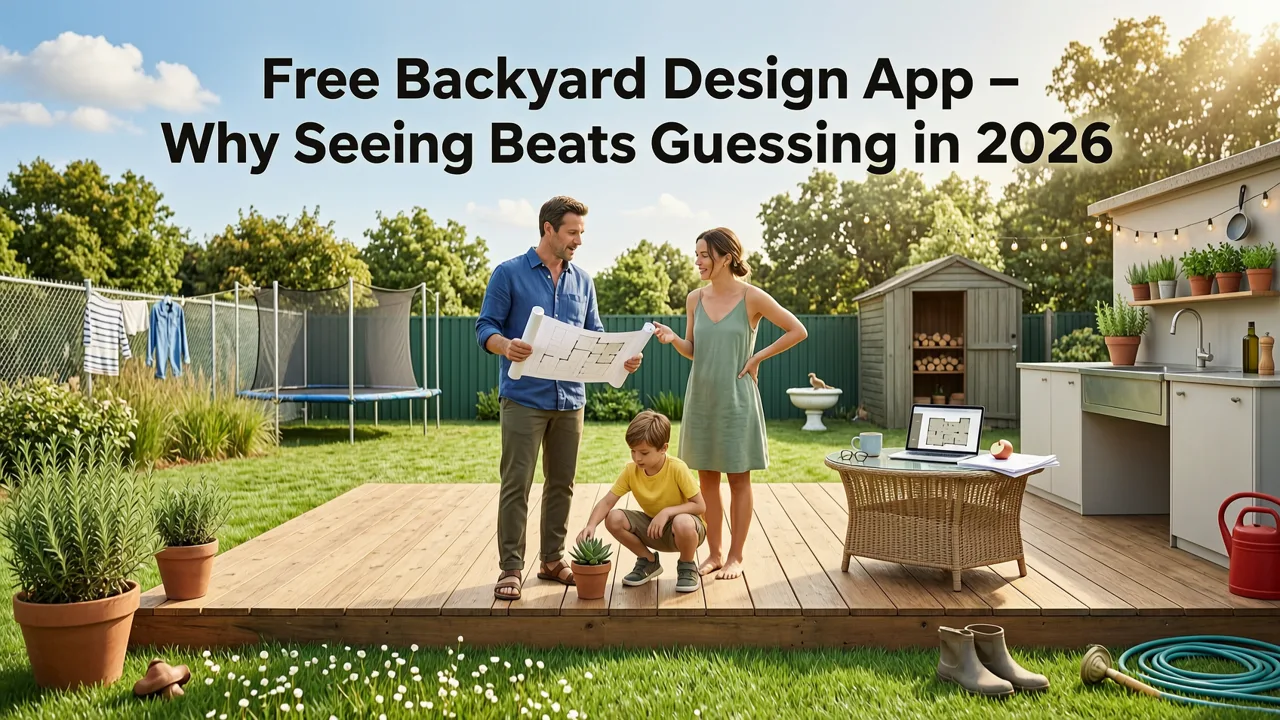
If you have ever stood in your backyard, squinting at a patchy lawn or an overgrown corner and wondering what it could actually look like with a fresh design, you already know the frustration of imagining a makeover without a visual. A free backyard design app powered by AI removes that guesswork: upload a photo of your outdoor space, pick a style, and preview realistic landscape concepts in seconds — no signup, no software download, no costly consultation required.
In 2026, AI-driven visualization has become the standard first step for homeowners, renters, and gardeners who want to compare design directions, avoid expensive planting mistakes, and communicate clearly with landscapers. This guide walks you through exactly how these tools work, what to look for in a truly free backyard design app, and how to turn a single photo into a confident planting plan.
What a Free Backyard Design App Actually Does
At its core, a free backyard design app takes a single photograph of your outdoor space and uses generative AI to produce realistic renderings of that same space under different landscape styles. Unlike traditional design software that requires you to draw every bed, path, and fence manually, these tools interpret your photo and populate it with plants, hardscape, lighting, and furniture based on the aesthetic you choose.
Landscape Design Software | iScape
by Michael Theakston
The best apps in 2026 go beyond simple filters. They analyze spatial depth, recognize existing structures, and respect the proportions of your yard so the output looks like a photograph of a finished project — not a cartoon overlay.
Key Capabilities You Should Expect
- Photo-to-render conversion — Upload one image and receive multiple styled concepts.
- Style diversity — From Mediterranean xeriscapes to lush English cottage gardens to minimalist Japanese zen layouts.
- Hardscape recognition — The AI identifies patios, decks, fences, and walls so it does not place plants where concrete already exists.
- Instant iteration — Swap styles, adjust plant density, or change color palettes without starting over.
- Zero-friction access — No account creation, no credit card, no software installation.
How AI Backyard Design Tools Work: The Technology Behind the Visuals
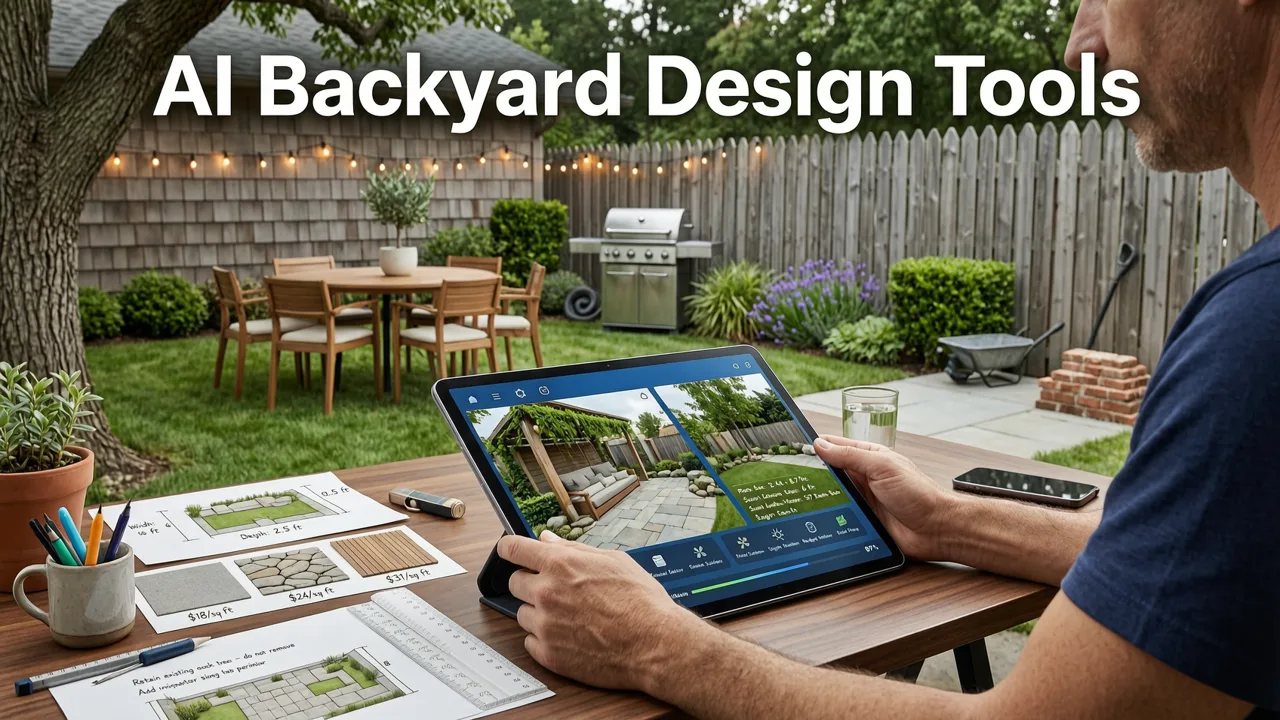
Understanding what happens behind the scenes helps you set realistic expectations and use the tool more effectively. Modern backyard design apps rely on a pipeline of computer-vision and generative-model steps.
1. Photo Intake and Spatial Analysis
When you upload an image, the AI first performs depth estimation and object segmentation. It identifies the horizon line, distinguishes ground plane from vertical structures, and maps where grass, soil, paving, and existing vegetation appear. This spatial map ensures that new elements land in physically plausible locations.
2. Style Conditioning and Prompt Interpretation
Next, your chosen style — say, "modern desert landscape" or "tropical retreat" — is translated into a set of visual constraints: plant species palette, material textures, color temperature, and structural forms. The model blends these constraints with your photo's geometry to produce a coherent scene.
3. Generative Rendering and Refinement
Finally, a diffusion-based model generates the output image, refining edges, shadows, and lighting so the render matches the time of day and camera angle of your original photo. Leading platforms follow responsible AI guidelines, including those outlined by Google AI, to ensure outputs remain realistic and do not misrepresent what is physically achievable in your climate zone.
Why a Free Backyard Design App Matters Before You Hire or Plant
Landscaping mistakes are expensive. A single mature tree planted too close to a foundation can cost thousands to remove. A patio material that clashes with your home's facade can force a full redo. A free backyard design app lets you test these decisions visually before committing money.
Avoid Costly Planting Errors
By previewing plant layouts in your actual space, you can spot proportion problems, shade conflicts, and overcrowding before buying a single nursery flat. For deeper guidance on species selection, explore our Best Plants for Backyard Landscape: The 2026 Selection Guide.
Communicate Clearly with Professionals
When you do hire a landscaper, showing them an AI-generated concept saves hours of back-and-forth. Your render becomes a shared visual reference that anchors the conversation — far more effective than describing a vibe in words.
Compare Directions Side by Side
Perhaps you are torn between a low-maintenance gravel-and-succulent yard and a layered perennial border. A free backyard design app lets you generate both concepts from the same photo and compare them honestly, in the context of your actual space.
How to Use a Free Backyard Design App: Step-by-Step
Getting a professional-quality visualization takes only a few minutes if you follow a disciplined process.
- Take a straight-on photo. Stand at the boundary of your space and shoot horizontally, capturing as much of the area as possible. Avoid extreme wide-angle distortion.
- Shoot in even lighting. Overcast days or early morning light produce the most accurate renders because harsh shadows confuse depth estimation.
- Upload to the app. Drag your photo into the tool — no account needed.
- Select a style. Browse available aesthetics and pick one that matches your climate, maintenance tolerance, and architectural context.
- Review and iterate. Generate multiple variations. Swap styles, adjust density, or explore seasonal planting changes.
- Save your favorites. Download the renders you like most and use them as your planning reference.
For a deeper technical walkthrough of the upload-and-visualize workflow, see our dedicated AI Backyard Design Tool guide.
What to Look for in a Free Backyard Design App in 2026
Not all free tools deliver equal quality. Use this comparison checklist to evaluate options before investing your time.
| Feature | What to Expect | Red Flag |
|---|---|---|
| No signup required | Upload and generate immediately | Forced email capture before first render |
| Photo-based input | Works with a single smartphone photo | Requires manual floor-plan drawing |
| Multiple style options | At least 8–12 distinct aesthetics | Only one or two generic filters |
| Realistic output quality | Photographic detail with accurate shadows | Cartoonish or heavily watermarked results |
| Iteration speed | Under 30 seconds per render | Multi-minute wait times per image |
| Mobile-friendly interface | Responsive design works on phones and tablets | Desktop-only or broken mobile layout |
Free Backyard Design App vs. Hiring a Landscape Designer
A common question is whether a free tool can replace a professional designer. The honest answer: it depends on the scope of your project.
When a Free App Is Enough
- You want to explore styles before committing to a direction.
- Your project is cosmetic — new plantings, lighting, or furniture.
- You are a renter visualizing a temporary patio or balcony makeover.
- You need a concept to share with a contractor for a rough quote.
When to Bring in a Professional
- Your project involves grading, drainage, or structural changes.
- You need permit-ready plans for municipal approval.
- You are working with rare or climate-sensitive plant species that require expert sourcing.
- Your budget exceeds five figures and the risk of error is high.
Even when you hire a designer, starting with a free backyard design app gives you a clearer vocabulary for what you want — and what you do not want.
Tips for Getting the Best Results from AI-Generated Designs
Photograph Your Space Honestly
Do not tidy up excessively before shooting. The AI needs to see the real conditions — cracked concrete, overgrown hedges, awkward corners — so the render accounts for them. If you hide problems in the photo, the render will too.
Try Multiple Angles
Upload two or three photos from different vantage points. A corner shot reveals how plantings frame a seating area; a wide shot shows overall flow. Comparing renders from multiple angles gives a more complete picture.
Consider Your Climate Zone
AI-generated plant palettes are visual suggestions, not agronomic advice. Cross-reference any species you like with your USDA hardiness zone — or consult our Backyard Landscape Ideas Before and After visual guide for real-world transformation examples.
Use Renders as a Starting Point, Not a Blueprint
Treat AI output as a mood board. The exact shrub variety in the render may not be available at your local nursery, and the layout may need adjustment for root zones and mature plant spread. The value is in the direction, not the pixel-perfect detail.
Small Backyards, Balconies, and Patios: Does a Free App Work for Tight Spaces?
Absolutely. In fact, small spaces benefit the most from AI visualization because every square foot carries more weight. A poorly chosen plant or oversized furniture piece in a compact yard is immediately noticeable — and expensive to fix.
When photographing a small space, shoot from the farthest corner to maximize depth in the frame. The AI will scale elements proportionally, giving you a realistic sense of how a vertical garden, compact dining set, or container arrangement will feel. For curated inspiration, check out Backyard Landscape Ideas for Small Spaces in 2026.
Frequently Asked Questions
Is the free backyard design app really free?
Yes. You can upload a photo, select a style, and generate realistic landscape concepts without creating an account or entering payment information. There is no hidden paywall for the core visualization experience.
Do I need design experience to use the app?
No. The tool is built for homeowners and gardeners with zero professional training. If you can take a photo and tap a style, you can generate a concept. The AI handles spatial analysis, plant placement, and rendering.
Can I use the app for a front yard or balcony?
Yes. The tool works with any outdoor space captured in a photograph — backyards, front yards, patios, balconies, and even rooftop terraces. Simply upload the photo and choose a style that fits the space.
How accurate are the AI-generated plant placements?
The AI produces visually realistic placements based on style conventions and spatial analysis. However, the output is a design concept, not a planting plan. Always verify species suitability for your climate zone and soil conditions before purchasing plants.
Can I share the renders with a landscaper?
Yes. Downloaded renders are designed to be shared. Many users bring them to contractor consultations as a visual starting point, which streamlines communication and reduces revision cycles.
Start Designing Your Backyard Today — For Free
The gap between a tired outdoor space and a landscape you love is shorter than you think. With a free backyard design app, you can test styles, compare layouts, and build confidence in your vision — all from a single photo, in under a minute, with no signup required. Upload your image, explore the possibilities, and walk into your next planting season with a plan you can actually see.


