

Why the KE Outdoor Design App Is Changing How Homeowners Plan Landscapes in 2026
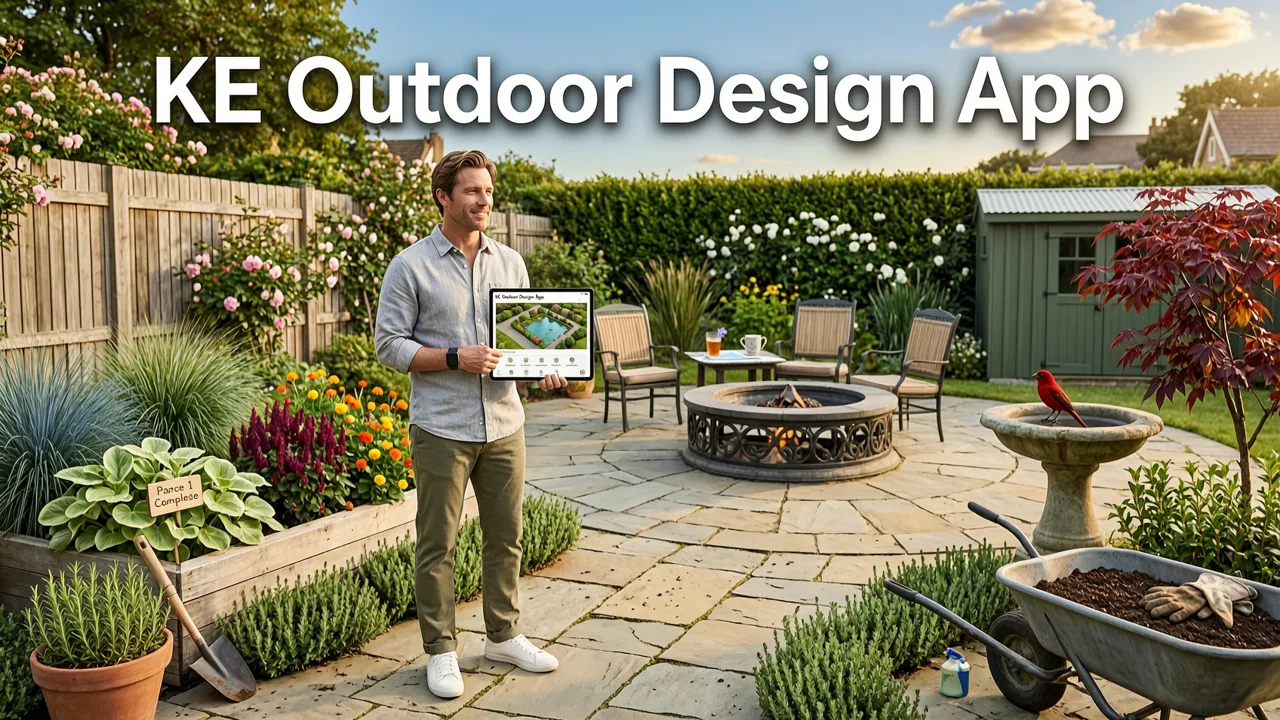
If you have ever stared at a patchy lawn, a cramped patio, or a front yard that refuses to come together, you already know the frustration of guessing what a landscape will look like before committing to plants, pavers, or a contractor. The KE outdoor design app solves that problem by turning a single photo of your outdoor space into multiple realistic design concepts within seconds, letting you compare styles, layouts, and plant palettes before spending a dollar on materials or labor.
In 2026, AI-powered landscape tools have moved well beyond simple filters. Modern platforms like AI Design Gardens combine depth-aware scene reconstruction, climate-sensitive plant databases, and style-adaptive rendering to give homeowners, renters, and small-scale gardeners a planning advantage that used to require a licensed landscape architect and thousands of dollars in consultation fees.
This review breaks down exactly how the KE outdoor design app works, what makes it different from generic photo editors, which outdoor projects benefit most, and how to use it strategically so you avoid the costly planting and layout mistakes that derail most DIY landscaping efforts.
Redesign your House Elevation with AI | how to change home exterior colors using AI
by Bigbro Designer
What Is the KE Outdoor Design App and How Does It Work
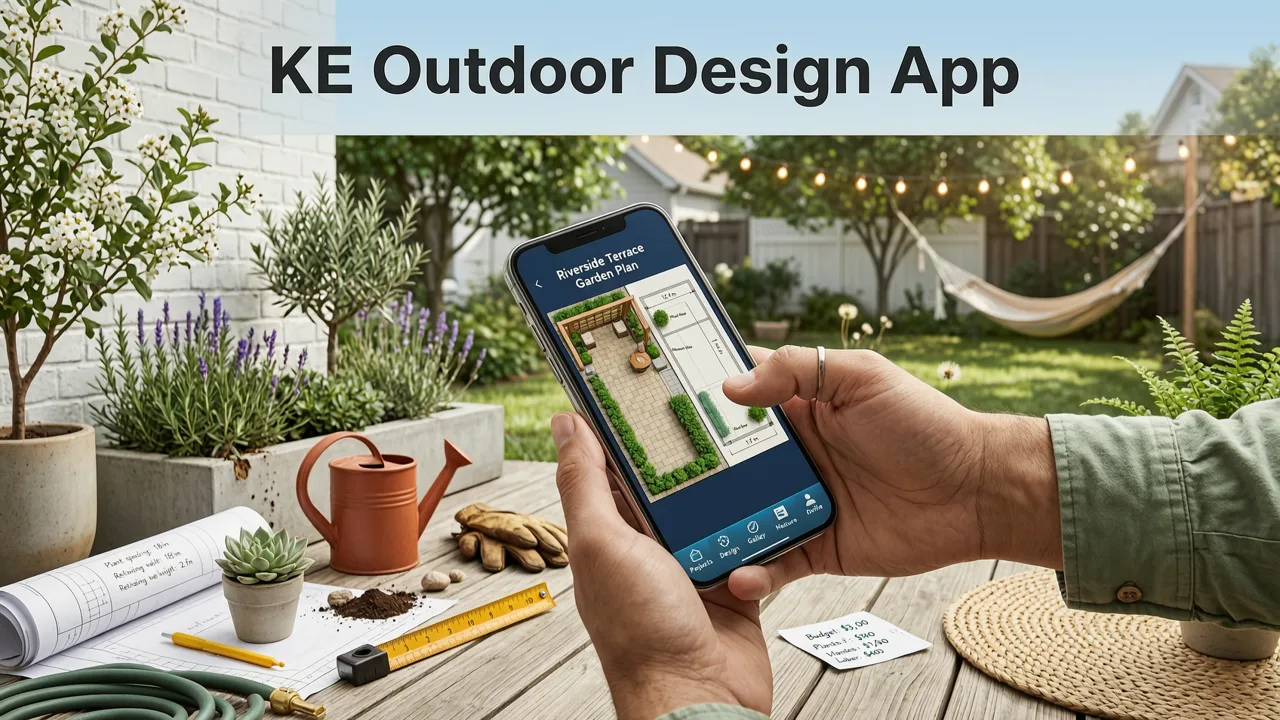
At its core, the KE outdoor design app is a photo-to-concept engine. You upload a picture of your backyard, front yard, patio, balcony, or side garden, select a design style, and the system generates a photorealistic visualization showing how that space could look with new hardscape, softscape, lighting, and outdoor features.
The workflow is straightforward:
- Capture or upload a photo. A single smartphone shot is enough. The app reads the geometry, existing structures, light direction, and spatial proportions of your yard.
- Select a style direction. Options typically include modern minimalist, cottage garden, Mediterranean, Japanese-inspired, tropical, desert xeriscape, and native meadow, among others.
- Generate and compare concepts. The AI produces multiple variations so you can evaluate different layouts, plant combinations, and hardscape materials side by side.
- Refine and export. Adjust plant density, swap materials, and download a concept board you can share with a contractor, nursery, or HOA.
Unlike a basic photo filter, the tool understands spatial context. A raised bed rendered in front of a two-story brick home will scale differently than the same bed rendered along a single-story ranch fence line. That depth awareness is what separates a useful planning tool from a novelty.
Key Features That Set the KE Outdoor Design App Apart
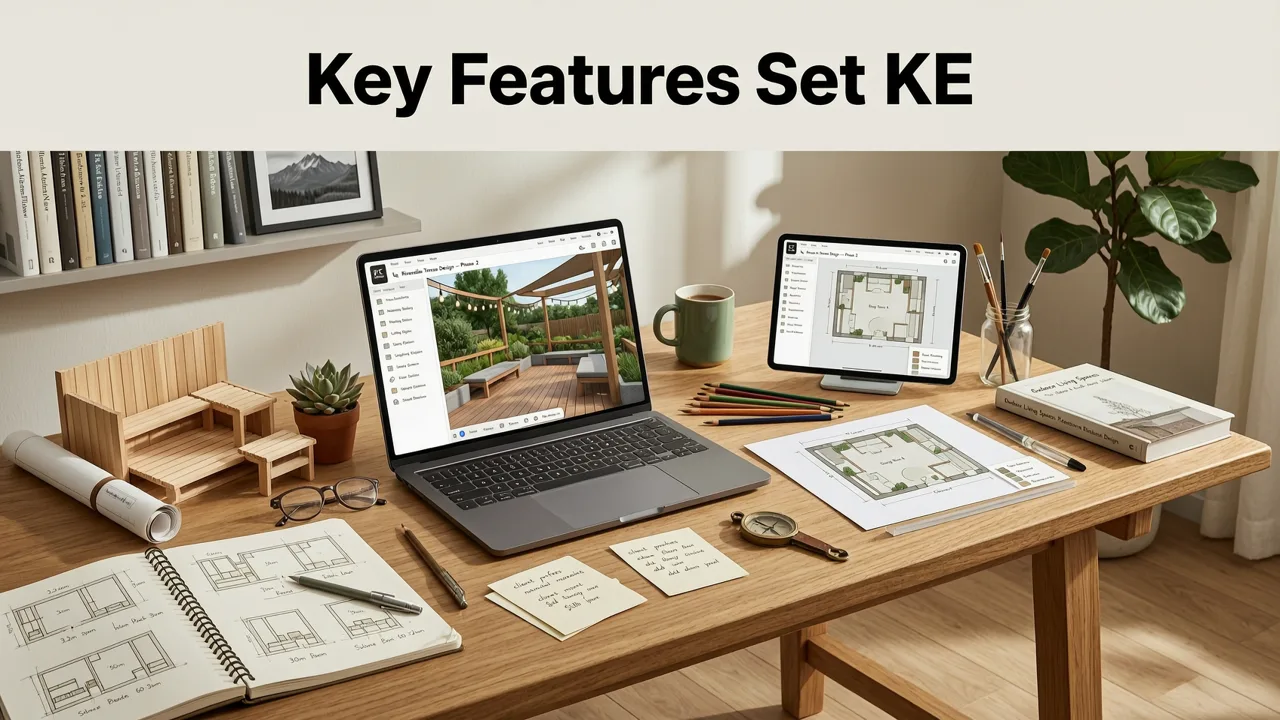
Not every AI garden tool is built the same. The platforms gaining traction in 2026 share a set of capabilities that make them genuinely useful for real-world landscaping decisions.
1. Depth-Aware Scene Reconstruction
The app analyzes perspective lines, shadow angles, and object overlap to build a three-dimensional understanding of your space from a flat image. This means pergolas, retaining walls, and tree canopies are placed in proportion to your actual yard rather than pasted on top like a sticker.
2. Climate-Adaptive Plant Suggestions
Modern AI landscape tools cross-reference your photo location with regional climate data. If you are in USDA Zone 7b, the app will not suggest bougainvillea as a primary shrub. If you are in Zone 9, it will flag frost-tender species. This single feature alone prevents thousands of dollars in dead plant replacements every season.
3. Multi-Style Comparison in One Session
You can generate a cottage garden concept and a modern xeriscape concept from the same photo in under a minute. That side-by-side comparison is invaluable when you are torn between directions or need to convince a partner, spouse, or HOA committee.
4. Hardscape and Feature Integration
Beyond plants, the tool visualizes patios, fire pits, water features, pergolas, pathways, and outdoor kitchens. For a deeper look at how this works for entertaining spaces, the guide on patio layout ideas from photo walks through the process in detail.
5. Exportable Concept Boards
Finished concepts can be exported as high-resolution images or summary PDFs that you can hand directly to a landscape contractor, nursery professional, or design-build firm. This bridges the gap between a homeowner's vision and a professional's execution.
Who Should Use the KE Outdoor Design App in 2026
The tool is not only for people who plan to DIY every weekend. It serves several distinct use cases:
- Homeowners planning a full yard renovation who want to test multiple directions before hiring a landscape architect.
- Renters with balcony or small patio spaces who need to maximize limited square footage with container gardens and vertical planters.
- Gardeners replacing failing plantings who want to see how new species will look at maturity without waiting three growing seasons.
- Real estate agents and flippers who need quick curb-appeal concepts to stage a listing or justify a landscaping budget.
- HOA board members reviewing homeowner submissions who want a visual reference for what a proposed change will actually look like.
If your project involves a compact or awkwardly shaped yard, the resource on small backyard landscape ideas that actually work in 2026 pairs well with AI-generated concepts, giving you both the visual direction and the tactical planting advice.
How the KE Outdoor Design App Compares to Traditional Landscape Planning
To understand why AI tools have become the default first step in 2026, it helps to compare the process against traditional methods.
| Factor | Traditional Landscape Designer | KE Outdoor Design App (AI) |
|---|---|---|
| Initial cost | $500–$3,000+ for concept plans | Free to low-cost tier available |
| Turnaround time | 1–3 weeks for first draft | Seconds to minutes |
| Number of concepts | 1–3 revisions included | Unlimited variations |
| Photo-to-render accuracy | Requires site visit and measurements | Single photo upload |
| Plant climate matching | Designer-dependent knowledge | Automated zone-based filtering |
| Best used for | Final construction documents | Early-stage vision and comparison |
The AI app does not replace a licensed landscape architect for engineered plans, grading, or irrigation design. It replaces the expensive, time-consuming early phase where you are still figuring out what you want. By the time you sit down with a professional, you already have a clear visual direction, which dramatically shortens the consultation and reduces revision costs.
Step-by-Step: Getting the Most from the KE Outdoor Design App
Getting strong results requires more than snapping a blurry photo and clicking generate. Follow these steps to produce concepts you can actually act on.
Step 1: Photograph Your Space Thoughtfully
Stand at the primary viewing angle, typically from a back door, patio edge, or street curb. Shoot during even, overcast light to avoid harsh shadows that confuse the AI's depth analysis. Include enough of the surrounding structures, fences, and existing plantings so the tool has spatial context.
Step 2: Choose a Style That Matches Your Climate and Lifestyle
A lush English cottage garden is visually stunning but unrealistic in a drought-prone region without significant irrigation investment. Let the tool's climate suggestions guide your style selection. If you need help narrowing down plant choices after generating a concept, the guide on best plants for my backyard provides AI-powered matching by zone and sun exposure.
Step 3: Generate Multiple Concepts and Compare
Do not settle on the first render. Generate at least three variations with different style directions or plant densities. The backyard landscape ideas before and after visual guide demonstrates how comparing multiple concepts leads to stronger final decisions.
Step 4: Evaluate Practical Details
Look beyond aesthetics. Ask yourself: Does the proposed layout leave enough clearance for a grill or dining set? Will the tree canopy shown at maturity block solar panels or views? Are the pathway widths realistic for foot traffic? AI renders are directional, not to-scale blueprints, so use them as a vision tool, not a construction document.
Step 5: Export and Share with Professionals
Once you have a concept you love, export it and bring it to your nursery, contractor, or landscape architect. Showing a visual reference is worth a thousand words of description and dramatically improves the quality of the quote you receive.
Common Mistakes to Avoid When Using AI Landscape Design Tools
Even powerful AI tools produce poor output when given poor input or interpreted uncritically. Watch for these pitfalls.
- Using a single, poorly lit photo. Shadows, glare, and extreme angles reduce the tool's ability to reconstruct depth accurately.
- Ignoring mature plant sizes. The AI may render a young Japanese maple at its nursery size. Always verify mature height and spread before finalizing a planting plan.
- Overloading a small space. AI tends to fill available space generously. In a compact yard, restraint produces better results than density.
- Skipping climate validation. A plant that looks perfect in a render may not survive your winter. Cross-reference every species with your USDA hardiness zone.
- Treating the render as a blueprint. These tools generate concepts, not engineered plans. Grading, drainage, structural footings, and irrigation still require professional input for any built element.
Why AI-Validated Design Matters More in 2026 Than Ever
Landscape material costs, plant prices, and contractor labor rates have all continued to climb through the mid-2020s. A single misplaced retaining wall or a yard full of wrong-zone plantings can cost thousands to correct. AI design tools reduce that risk by letting you fail digitally instead of physically.
The leading AI platforms, including those built on frameworks documented in resources like the OpenAI documentation and designed with principles aligned to Google's responsible AI guidance, prioritize accuracy, transparency, and user control. You remain the decision-maker. The tool simply gives you a faster, cheaper, more visual way to explore options.
Is the KE Outdoor Design App Worth It for Renters and Apartment Dwellers
Absolutely. Renters with balcony, patio, or small courtyard spaces face a unique challenge: every square foot matters, and poor plant choices are immediately obvious in a compact area. The KE outdoor design app lets you visualize container arrangements, vertical garden walls, railing planters, and compact seating layouts before purchasing a single pot or bag of soil.
Because renters often cannot make permanent changes, the ability to preview non-permanent solutions, such as freestanding trellises, modular decking tiles, and large container groupings, is especially valuable. You can test whether a privacy screen of bamboo in large planters will feel lush or cramped before committing.
Pricing, Access, and What to Expect from Free vs. Paid Tiers
Most AI landscape design platforms in 2026 operate on a freemium model. The free tier typically includes a limited number of renders per month, standard resolution output, and a subset of available styles. Paid tiers unlock unlimited generations, high-resolution exports, climate-validated plant lists, and the ability to save multiple projects.
For a homeowner planning a single backyard renovation, the free tier is often sufficient to explore directions and narrow your vision. For a landscape professional, real estate agent, or serial renovator, the paid tier pays for itself within the first project by reducing consultation time and material waste.
The Bottom Line on the KE Outdoor Design App
The KE outdoor design app represents the standard that AI-powered landscape planning has reached in 2026: fast, visually convincing, climate-aware, and accessible to anyone with a smartphone. It is not a replacement for professional construction documents, but it is an exceptionally effective tool for the phase of a project where most homeowners get stuck, which is figuring out what they actually want.
Whether you are reimagining a tired front lawn, designing a patio for summer entertaining, or turning a narrow side yard into a productive garden, starting with an AI-generated concept saves time, money, and frustration. Upload a photo, explore a few directions, and walk into your first contractor meeting with a clear vision instead of a vague idea.
Ready to see what your yard could look like? Head to AI Design Gardens, upload your photo, and generate your first concept in under a minute.


