

Free AI Garden Planner – Why Visual Planning Beats Guesswork in 2026
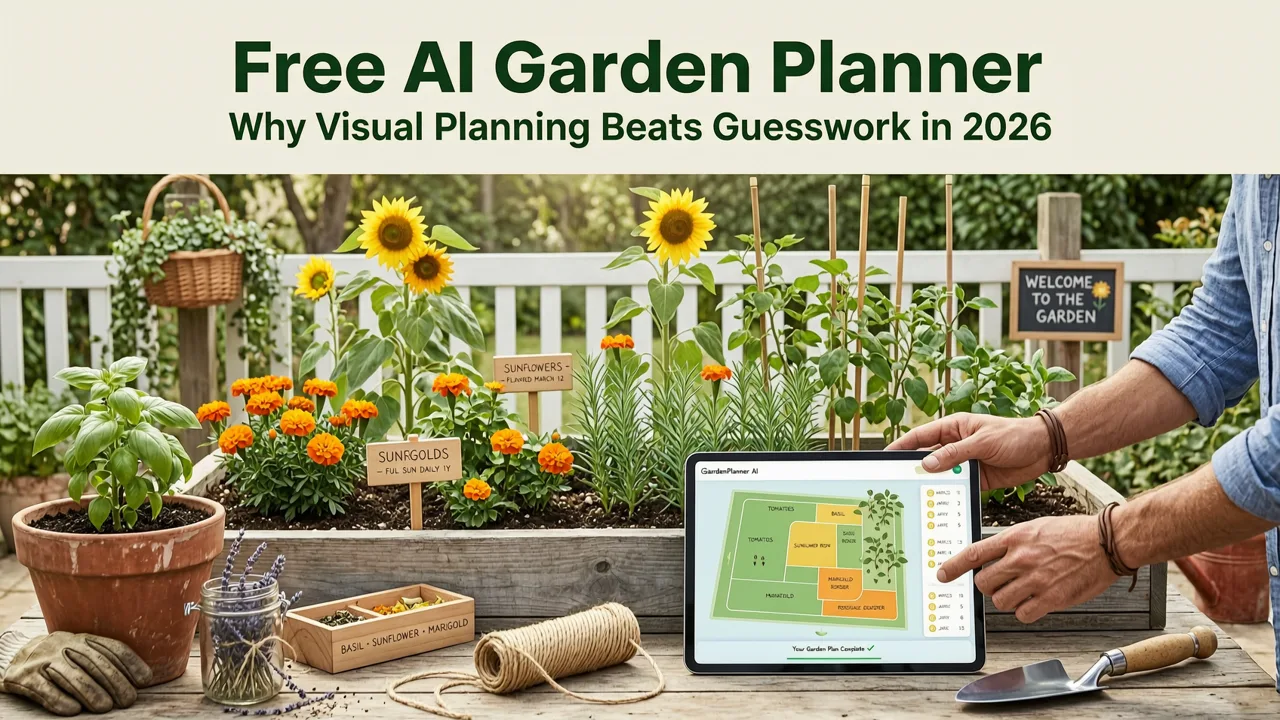
If you have ever stared at a patchy lawn, an overgrown border, or a bare concrete patio and wondered how it could actually look transformed, you are not alone. A free AI garden planner now lets you upload a single photo of your yard and see realistic design concepts — complete with plant layouts, hardscape features, and style themes — in seconds, before you spend a dime on plants or contractors.
In 2026, AI-powered landscape visualization has moved well beyond novelty filters. Modern tools use depth-aware scene reconstruction, climate-aware plant databases, and style-adaptive rendering to produce plans that feel grounded in your actual space. This guide explains how a free AI garden planner works, what to look for, and how to use one to avoid costly planting mistakes before real landscaping work begins.
How a Free AI Garden Planner Turns Your Photo Into a Design
Traditional garden planning meant sketching on graph paper, browsing Pinterest boards, and hoping the finished result matched your vision. Today, an AI garden planner flips that process. You start with a photo of your real yard — not a blank canvas — and the system builds a design around the exact dimensions, lighting, and features already present.
AI Generates FREE Garden And Interior Design Ideas
by LandSpace Architecture
Step 1: Upload a Photo of Your Outdoor Space
Take a clear, well-lit photo of the area you want to redesign. A straight-on shot from waist height works best. Most free AI garden planners accept images of backyards, front yards, patios, balconies, and even small courtyards. The key is capturing enough of the scene so the AI can understand depth, boundaries, and existing structures.
Step 2: Choose a Design Style
Once your photo is uploaded, you select a style direction. Popular options in 2026 include modern minimalist, cottage garden, Mediterranean, Japanese zen, tropical resort, and xeriscape drought-tolerant. The AI uses your style choice to guide plant selection, material palettes, and layout geometry — so a Mediterranean design will feature terracotta, lavender tones, and gravel paths, while a Japanese zen concept will lean toward moss, stone, and clean lines.
Step 3: Review Photorealistic Previews
The planner generates multiple design variations overlaid directly onto your photo. You can compare side-by-side, swap individual elements, and zoom in on planting beds or seating areas. This is where the real value emerges: you see exactly how a design direction will look in your space, not a generic stock garden.
Key Features That Define the Best Free AI Garden Planners in 2026
Not all free AI garden planners deliver the same quality. The leading tools in 2026 share a set of technical and usability features that separate them from basic photo-editing apps.
Depth-Aware Scene Reconstruction
Advanced planners analyze the depth and perspective of your photo so that added plants, furniture, and structures appear naturally in the scene. A tall tree placed in the background will not overlap awkwardly with a foreground bench. This depth awareness is what makes the output feel photorealistic rather than pasted on.
Climate and Zone-Aware Plant Suggestions
The best tools factor in your approximate hardiness zone or climate region when recommending plants. A free AI garden planner that ignores local growing conditions is not much better than a mood board. In 2026, leading planners cross-reference plant databases with regional suitability, sunlight exposure, and soil drainage indicators visible in your photo.
Multi-Style Comparison
A single yard can support several design directions. The ability to generate and compare multiple styles from the same photo — modern, cottage, tropical, xeriscape — lets homeowners and renters explore options without committing to one vision too early.
Exportable Design Summaries
Top-tier planners let you download a summary of your chosen design, including plant names, suggested materials, and layout notes. This turns a visual preview into an actionable shopping list you can share with a nursery or landscaper.
| Feature | Basic Free Tool | Advanced Free AI Planner (2026) |
|---|---|---|
| Photo-based design generation | Limited to 1–2 styles | Unlimited style variations from one upload |
| Depth-aware rendering | Flat overlay | 3D-aware placement with shadow and scale |
| Climate-aware plant matching | Generic plant library | Zone and sunlight-adjusted recommendations |
| Multi-angle preview | Single view only | Multiple angles from one photo set |
| Exportable plant and material list | Not available | Downloadable summary for nurseries or contractors |
Who Benefits Most From a Free AI Garden Planner?
The short answer: almost anyone with an outdoor space and a desire to improve it. But certain groups get outsized value from AI-assisted planning in 2026.
Homeowners Planning a Landscape Overhaul
If you are investing in a full backyard redesign, an AI garden planner lets you test multiple directions before hiring a landscaper or ordering materials. You can show a contractor a visual reference rooted in your actual yard, reducing miscommunication and change orders.
Renters With Balconies or Small Patios
Renters often have limited space and limited budgets. A free AI garden planner helps you maximize every square foot — testing container arrangements, vertical gardens, and compact furniture layouts before purchasing anything. For more on small-space planning, see Patio Layout Ideas from Photo.
Gardeners Exploring New Plant Combinations
Experienced gardeners can use AI to preview plant combinations and color schemes without waiting a full growing season. Pair this with AI-Powered Plant Matching to ensure your selections suit your specific conditions.
First-Time Homeowners Unsure Where to Start
New homeowners often feel overwhelmed by a blank or overgrown yard. A free AI garden planner provides a low-risk starting point: upload, explore, and build confidence in a direction before spending money.
How to Get the Best Results From Your Free AI Garden Planner
The quality of your input directly affects the quality of the output. Follow these steps to maximize the value of any free AI garden planner you use.
- Take multiple photos. Capture the space from different angles and at different times of day. More input images give the AI a fuller understanding of your yard.
- Shoot in good lighting. Overcast days or early morning light reduce harsh shadows that can confuse depth detection.
- Include reference objects. A chair, a fence post, or a person in the frame helps the AI gauge scale and proportion.
- Be specific with style prompts. Instead of "modern," try "modern minimalist with native grasses and a gravel pathway." Specificity yields more useful results.
- Iterate and compare. Generate at least three variations per style. The first result is rarely the best — refinement is where the planner earns its keep.
Common Mistakes to Avoid When Using AI for Garden Design
Even the best free AI garden planner is a tool, not a replacement for good judgment. Watch out for these pitfalls.
Ignoring Microclimate Details
AI can estimate sunlight and zone, but it cannot know that your north border stays damp until noon or that a heat-reflecting wall bakes the south bed. Layer your own observations on top of the AI's suggestions.
Treating the Preview as Final
The photorealistic render is a directional guide, not a blueprint. Plants grow, materials weather, and seasons change. Use the preview to confirm a direction, then refine with a local nursery professional or detailed planting plan.
Overloading Small Spaces
AI generators sometimes pack scenes with lush plantings and furniture to look impressive. In reality, small yards and balconies need breathing room. Scale back and prioritize function over density.
Free vs. Paid AI Garden Planners — What You Get in 2026
Many homeowners wonder whether a free AI garden planner is sufficient or whether they need a paid subscription. The gap has narrowed considerably in 2026, but meaningful differences remain.
| Capability | Free Tier | Paid Tier |
|---|---|---|
| Number of design generations per day | Limited (typically 3–5) | Unlimited |
| Resolution of exported images | Standard | High-resolution, print-ready |
| Access to premium style packs | Core styles only | Full library including seasonal themes |
| Detailed plant and material lists | Basic summary | Full shopping list with quantities |
| Collaboration and sharing | Personal use | Shareable links for contractors or family |
For most homeowners exploring ideas, the free tier is more than enough to test directions and build confidence. If you are planning a large project or working with a contractor, upgrading unlocks the detailed exports and collaboration features that streamline execution. For a deeper look at what separates the top tools, read our comparison in Best AI Garden Design Tool — Upload & Visualize Instantly.
Real-World Use Cases: What Homeowners Are Designing in 2026
The versatility of a free AI garden planner shows up in the range of projects people are tackling this year.
- Front yard curb appeal makeovers. Homeowners upload a photo of their existing front yard and preview drought-tolerant xeriscape conversions, cottage-style borders, or clean modern entryways.
- Backyard entertainment zones. Families test patio layouts with outdoor kitchens, fire pits, and pergolas before committing to construction. Explore more concepts in 25 Backyard Design Ideas 2026.
- Balcony and rooftop gardens. Urban dwellers visualize container gardens, vertical planters, and compact seating in spaces as small as 30 square feet.
- Rental property refreshes. Landlords use AI to preview low-maintenance landscaping upgrades that boost tenant appeal without major investment.
Privacy and Data Considerations
When you upload a photo of your home to any AI tool, it is worth understanding how that data is handled. Reputable platforms in 2026 follow clear data governance standards, including transparent processing policies and options to delete uploaded images after generation. Review the privacy policy of any free AI garden planner before uploading, and avoid sharing images that reveal sensitive details like house numbers or identifiable family members.
For broader context on how leading AI systems approach responsible deployment, refer to Google's AI Responsibility principles and OpenAI's documentation on data handling.
Getting Started With a Free AI Garden Planner Today
The barrier to entry has never been lower. You do not need design software, drafting skills, or a landscaping degree. All you need is a smartphone, a photo of your outdoor space, and a few minutes to explore what is possible.
Start with one area — a tired patio corner, a blank front bed, a balcony that gets afternoon sun. Upload the photo, choose a style, and generate your first preview. Compare two or three variations. Note which elements excite you and which feel off. That iterative process is where real design clarity emerges, and it is exactly what a free AI garden planner is built to accelerate.
By the time you visit a nursery or call a landscaper, you will have a clear visual direction, a shortlist of plants that suit your conditions, and the confidence that your investment is headed in the right direction.
Final Thoughts
A free AI garden planner is not a replacement for horticultural expertise or professional landscape architecture. It is something arguably more useful for most homeowners: a fast, visual thinking tool that turns uncertainty into direction. In 2026, the technology is mature enough to produce genuinely helpful previews, and free tiers are generous enough to let anyone experiment without risk.
Upload a photo. Test a style. See your yard transformed before you spend a single dollar. That is the promise of AI-assisted garden design, and it has never been more accessible than it is today.


