

Why a Front Yard Landscape Design App Changes the Curb-Appeal Game in 2026
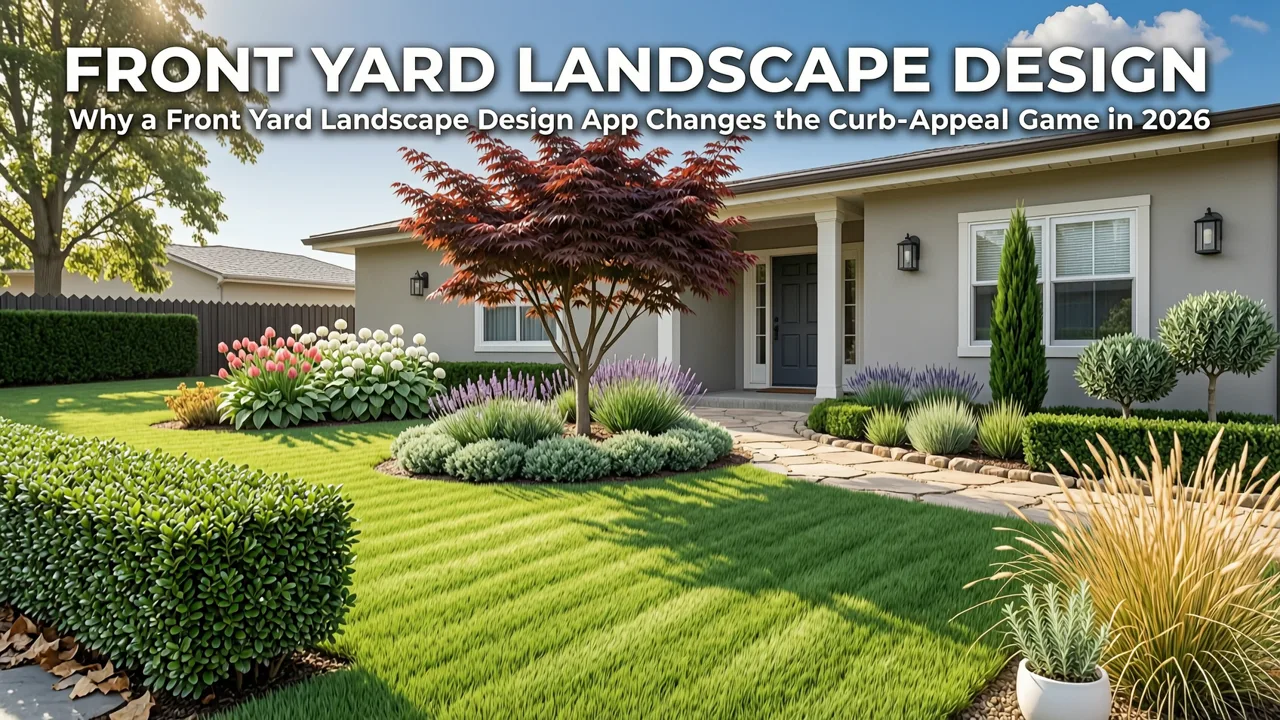
If you have ever stood on your sidewalk staring at tired foundation plantings, patchy turf, or a cracked walkway and thought, "What would this actually look like if I did it right?", the answer is no longer a mood board or a costly consultation. A front yard landscape design app now turns a single smartphone photo into realistic, scaled concepts you can compare, refine, and share — all before you spend a dollar on mulch or a single phone call to a contractor.
The short version: upload a photo of your current front yard, choose a design style, and preview plant layouts, hardscape elements, and outdoor features in seconds. In 2026, this workflow has moved from novelty to necessity. Homeowners, renters, and weekend gardeners are using AI-powered visualization to eliminate expensive planting mistakes, align on a design direction with family or a landscaper, and walk into a project with confidence rather than guesswork.
What Makes a Front Yard Landscape Design App Different from Generic AI Tools
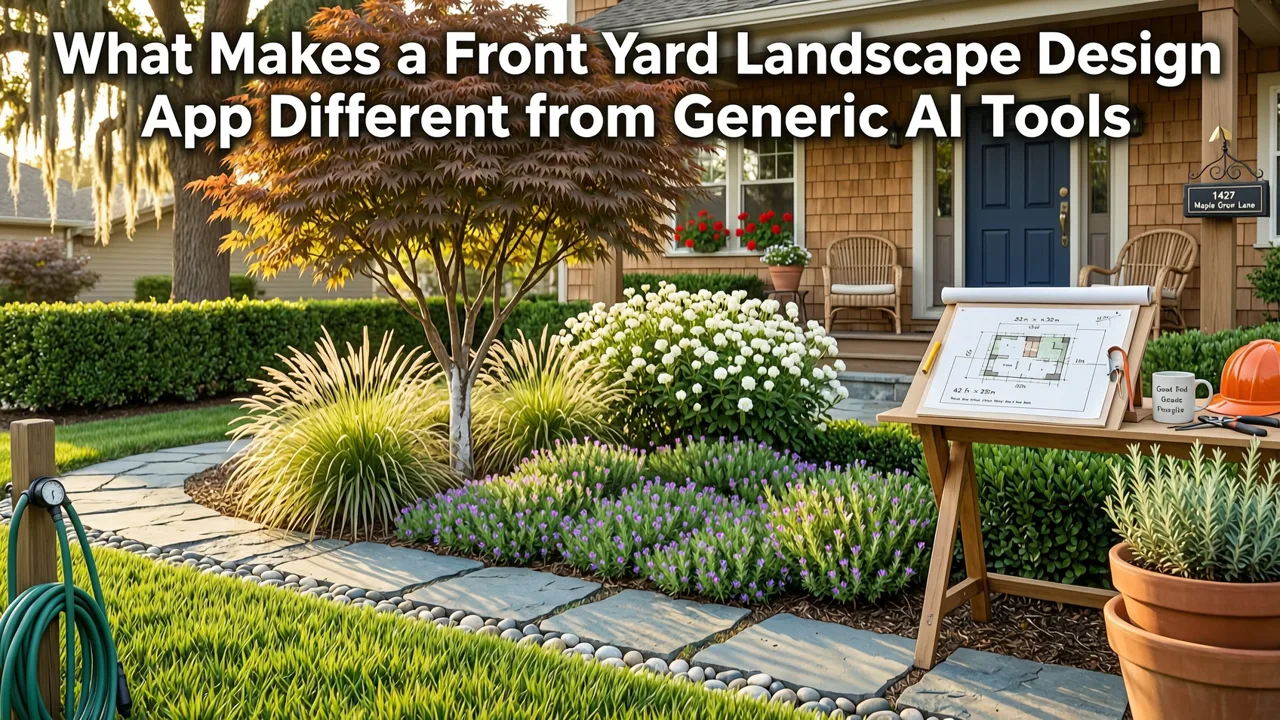
Not every image generator is a landscape design tool. A purpose-built front yard landscape design app understands horticultural context, sight lines from the street, and the architectural language of your home. Generic AI image tools can produce pretty pictures, but they often hallucinate plant species, ignore scale, and forget that your climate zone matters. A dedicated app solves these problems by combining generative visuals with grounded landscaping logic.
Landscape Design Software | iScape
by Michael Theakston
Realistic scale and proportion
When the app reads your photo, it preserves the proportions of your house, windows, driveway, and existing trees. A mature oak does not get replaced with a twig, and a narrow side yard does not suddenly sprout a three-car motor court. This fidelity is what separates a useful planning tool from a fantasy generator.
Climate-aware plant selection
A serious front yard landscape design app filters suggestions by USDA hardiness zone, sunlight exposure, and soil drainage signals visible in your photo. You will not receive a tropical palette for a zone-5 Chicago bungalow or a water-hungry lawn concept for a drought-prone San Diego lot.
Style coherence tied to your architecture
Mid-century ranches, Victorian façades, and modern farmhouse exteriors each call for different planting rhythms and material palettes. A strong app maps style presets — cottage, modern, xeriscape, Mediterranean, woodland — to the architectural cues it detects, so the result feels like it belongs to your house rather than a Pinterest collage.
How AI Garden Works as a Front Yard Landscape Design App
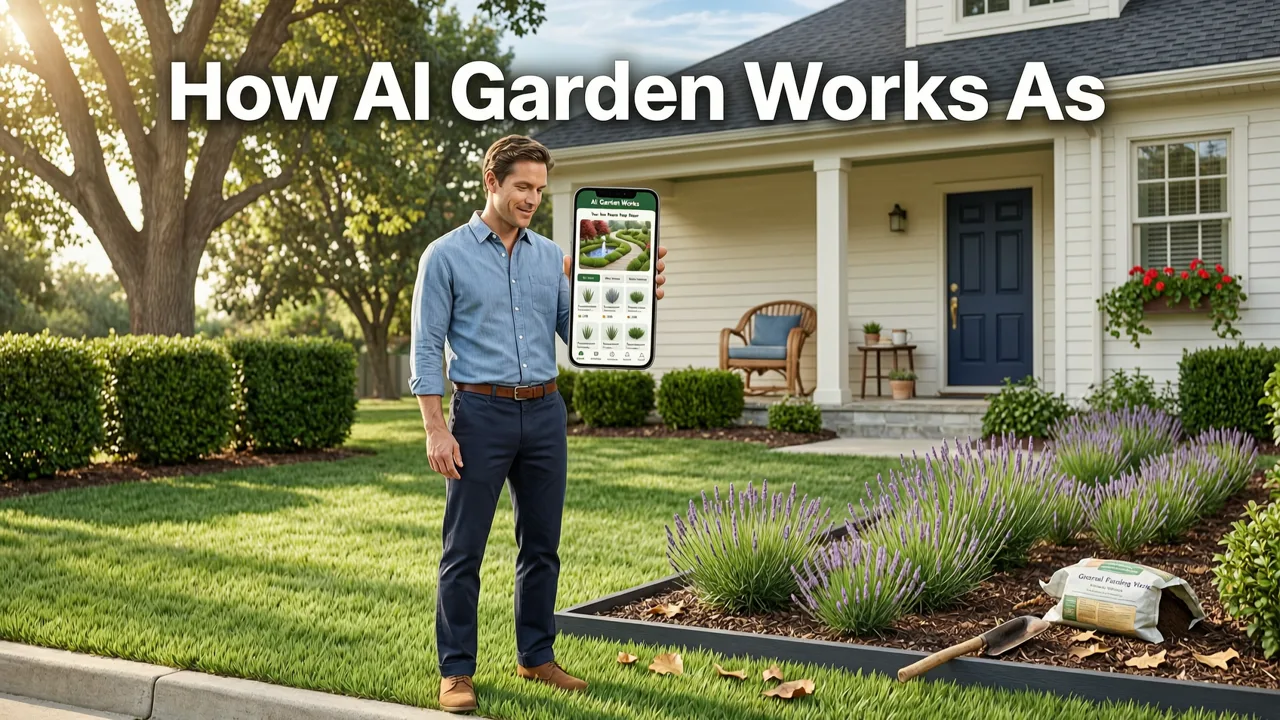
AI Garden is built around one simple promise: show homeowners what their front yard could look like before any shovel hits the ground. The workflow is intentionally lean so you can iterate quickly and compare multiple directions without friction.
Step 1 — Upload a real photo of your front yard
Stand at the sidewalk or curb and take a straight-on photo in even daylight. The app ingests the image, identifies the house façade, hardscape lines, and existing vegetation, and prepares a clean base for redesign. No floor plans, no measurements, no CAD skills required.
Step 2 — Choose a style direction
Select from curated style presets such as modern minimalist, cottage garden, xeriscape, or Mediterranean. Each preset carries plant palettes, material suggestions, and color logic tuned to that aesthetic. You can also mix directions — for example, a modern hardscape with a softened cottage planting bed — and regenerate until the balance feels right.
Step 3 — Preview, compare, and refine
Generate multiple concepts side by side. Swap out a hedge for a low-water groundcover, replace a concrete walk with natural stone, or test a different front-door color. When you land on a direction you love, you have a visual brief you can hand to a landscaper or use as your own planting guide.
What to Look for in the Best Front Yard Landscape Design App
The market has crowded quickly since 2024. Here is the checklist that separates a tool worth your time from one that will leave you squinting at unusable outputs.
| Feature | Why it matters | What to expect in 2026 |
|---|---|---|
| Photo-based input | Your yard is unique; stock templates are not. | Smartphone upload with automatic horizon and façade detection. |
| Style presets with plant logic | Aesthetic coherence without a design degree. | Curated palettes mapped to architecture and climate zone. |
| Multi-concept comparison | Avoids locking into the first idea you see. | Side-by-side renders with instant re-generation. |
| Hardscape and feature controls | Front yards are more than plants. | Walkways, lighting, fencing, and driveway materials you can toggle. |
| Exportable output | Turns inspiration into action. | Downloadable images and shareable project links for contractors. |
| Climate and zone awareness | Prevents costly plant failure. | Automatic hardiness filtering tied to your photo location. |
Front Yard Styles You Can Test in Minutes
One of the biggest advantages of a front yard landscape design app is the ability to audition styles that would otherwise cost thousands to trial in real life. Below are the directions homeowners test most often in 2026.
Modern minimalist
Clean lines, repeating architectural plants like agave or ornamental grasses, and a restrained palette of concrete, steel, and warm wood. Ideal for contemporary homes and townhouses where the façade already does the heavy visual lifting.
Cottage and traditional
Layered perennial borders, flowering shrubs near the foundation, and a welcoming walk to the front door. This style softens older architecture and adds charm without feeling dated when the plant palette is chosen carefully.
Xeriscape and drought-resilient
Gravel mulch, succulents, native grasses, and boulders arranged in sculptural groupings. Especially valuable in the Southwest and any region facing water restrictions, where a beautiful front yard no longer requires a thirsty lawn.
Woodland and naturalistic
Shade-tolerant ferns, woodland phlox, and understory trees for lots with mature canopy. Works beautifully on streets where neighbors are still mowing monoculture turf — your front yard becomes the calm, shaded alternative.
If you want a deeper look at specific concepts you can generate from your own photo, the guide on front yard landscape ideas you can generate from a photo walks through real examples across these styles.
Common Front Yard Mistakes a Design App Helps You Avoid
Most expensive landscaping regrets happen before the first plant goes in the ground. They happen at the kitchen table, when a homeowner commits to a direction based on a single catalog image or a neighbor's yard that gets six more hours of sun than yours.
- Scale mismatch. A Japanese maple looks perfect in a nursery four-inch pot and overwhelming next to a single-story ranch. Visualizing it in your actual photo reveals the truth in seconds.
- Style clash. Formal symmetrical plantings rarely flatter a craftsman bungalow. Testing styles in the app surfaces the direction that respects your architecture before you pour a single footing.
- Seasonal blindness. A spring-only palette leaves your front yard looking bare by August. A good app shows you the design across seasons so you can layer in evergreen structure and late-summer bloomers.
- Hardscape afterthoughts. Walkway width, driveway material, and lighting placement are often bolted on too late. Previewing them inside the app keeps the softscape and hardscape in conversation from day one.
How a Front Yard Landscape Design App Fits Into a Real Landscaping Project
Visualization is not the project — it is the front end of the project. Here is how the app slots into a typical workflow in 2026.
- Document the existing yard. Photograph your front yard from multiple angles in even light. Capture the house, the walk, the driveway edge, and any existing trees you plan to keep.
- Generate direction options. Run two or three style presets and save the outputs you like. Note what works — the walk material, the bed shape, the canopy layer — rather than treating any single render as final.
- Refine with your constraints. Adjust for budget, maintenance tolerance, and HOA rules. If your HOA requires a certain percentage of turf, test that constraint inside the app before you talk to a contractor.
- Brief your landscaper. Share the renders as a visual brief. Contractors consistently say that a clear image reference cuts design-revision cycles in half and keeps the project on budget.
- Phase the work. Use the approved design to plan a two- or three-year installation sequence, starting with trees and hardscape, then shrubs, then perennials and seasonal color.
If your project extends beyond the front yard, the same workflow applies to backyards, patios, and balconies. The walkthrough on how to design a backyard from photo using AI covers the same principles for private outdoor rooms.
AI Garden vs. Traditional Design Tools — A Practical Comparison
Homeowners often ask whether a front yard landscape design app replaces a landscape architect. It does not. It replaces the blank-page phase, the expensive first consultation, and the awkward "I'm not sure I can picture it" conversation.
| Approach | Time to first concept | Cost | Best for |
|---|---|---|---|
| AI Garden app | Under 90 seconds | Free trial available | Exploring directions, aligning with family, briefing a contractor |
| Landscape architect | 2–4 weeks | $$ – $$$ | Complex sites, grading plans, permit-ready drawings |
| Generic AI image tools | Seconds | Subscription | Mood boards only; not scale- or climate-aware |
| DIY sketching on paper | Hours | Free | Very small projects or rough idea capture |
The most efficient path in 2026 is to start with the app, narrow your direction, and then bring a professional in for the technical layer — grading, drainage, irrigation, and planting plans — with a shared visual reference already in place.
Privacy, Accuracy, and Responsible AI in Landscape Design
When you upload a photo of your home to any design tool, privacy matters. AI Garden processes images to generate concepts and does not publish your property without consent. For broader context on how leading AI systems handle safety and responsibility, the Google AI responsibility guidance offers a useful framework for evaluating any AI-powered consumer tool.
Accuracy matters just as much. The app is a planning and visualization tool, not a licensed landscape drawing. Plant selections should always be confirmed against your local extension service recommendations and any HOA covenants before purchase. Think of the app as the conversation starter, not the final blueprint.
Who Gets the Most Value from a Front Yard Landscape Design App
Homeowners planning a curb-appeal refresh
If you are selling in the next two years, a well-considered front yard is one of the highest-return improvements. The app lets you test the direction that will photograph best for listings and showings.
New-build owners starting from bare soil
Builder-grade sod and a single foundation shrub are the default. Running your empty lot through the app before the final grade gives you leverage to adjust walkway placement and bed shapes while machinery is still on site.
Renters with permission to personalize
Container-friendly modern and cottage palettes can transform a rental front walk without permanent changes. Visualizing the layout first keeps you from overbuying pots and plants.
Gardeners tired of redesigning by trial and error
If you have moved plants three times because they looked wrong in situ, the app pays for itself the first time it prevents a misplaced shrub.
Getting Started in Under Five Minutes
The barrier to trying a front yard landscape design app in 2026 is essentially zero. Grab your phone, step outside, and take one straight-on photo of your front yard in even light. Upload it, pick a style that excites you, and generate your first concept. Within five minutes you will have something concrete to react to — and reacting to something real is always more productive than staring at bare soil.
If you want to see how the same photo-to-concept workflow applies to a contemporary aesthetic, the guide on modern front yard design with AI walks through that style in depth. And for a broader view of the tools shaping homeowner design in 2026, the overview of the best AI garden design apps for homeowners compares the leading options side by side.
Final Thoughts — See It Before You Plant It
The best front yard landscape design app is the one that gets you from "I think I want…" to "I can see exactly what I want" in a single afternoon. AI Garden is built for that moment. Upload a photo, explore styles, compare directions, and walk into your landscaping project with a clear visual plan instead of a hopeful guess.
Try AI Garden free today — take one photo of your front yard and see what it could look like before you spend another dollar. Your curb, your neighbors, and your future self will thank you.


