

Best AI Garden Planner for Homeowners in 2026
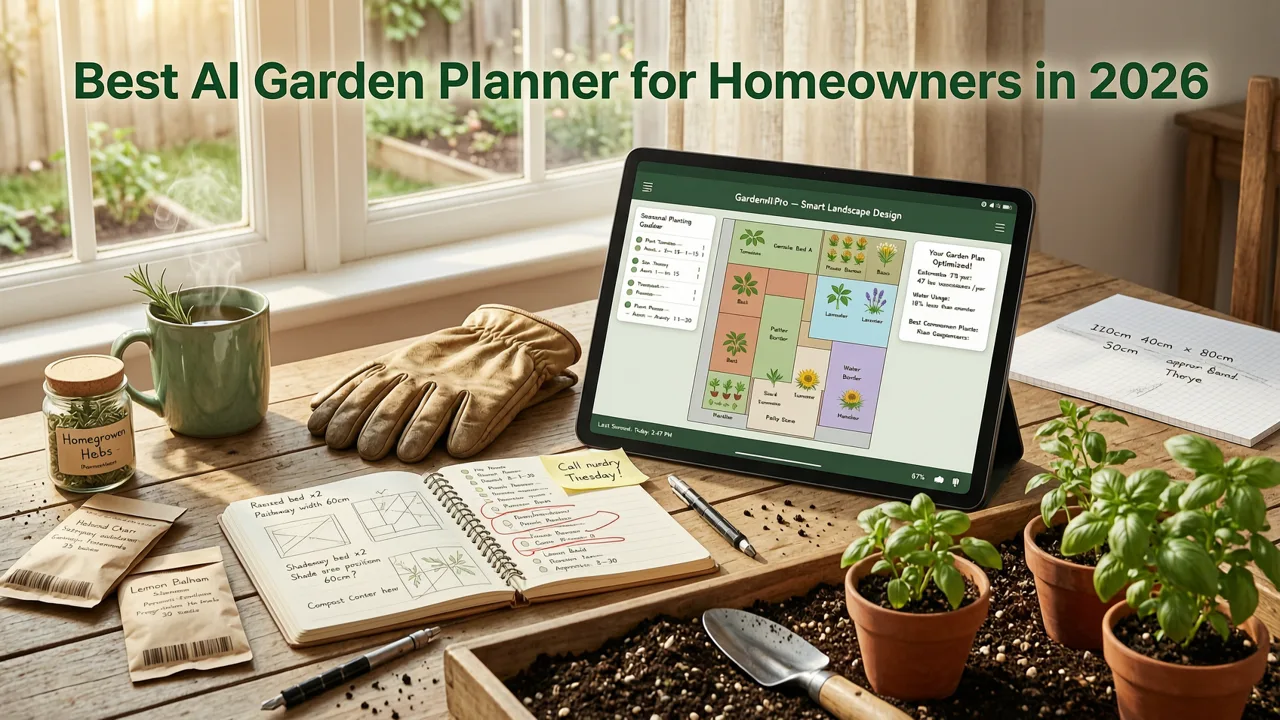
If you've ever stared at a bare backyard, a tired patio, or a front yard that needs serious help, you know the frustration of guessing what a redesign will actually look like before spending a single dollar. The best AI garden planner in 2026 eliminates that guesswork by turning a single photo of your outdoor space into realistic, plant-level design concepts you can compare side by side — all in under a minute.
At AI-Design Gardens, we've helped thousands of homeowners, renters, and gardeners visualize landscape makeovers using their own photos. This guide breaks down what separates a genuinely useful AI garden planner from the gimmicky ones, which features matter most, and how to use photo-based AI design to avoid costly planting mistakes before any real landscaping work begins.
What Makes the Best AI Garden Planner in 2026
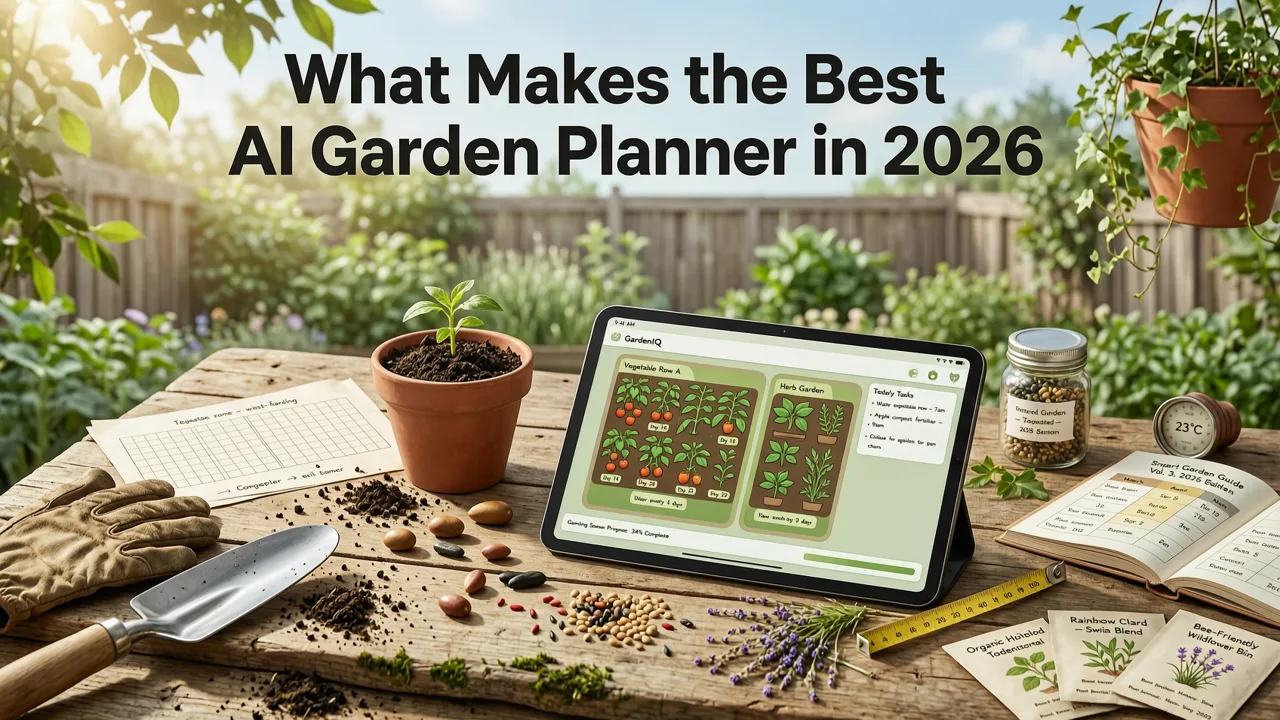
Not every AI design tool earns the title of "garden planner." Many generate pretty images but fail when it comes to practical, site-specific planning. The best AI garden planner in 2026 meets a higher standard: it works from your actual space, respects real-world constraints, and produces outputs you can hand to a landscaper or use as a planting guide yourself.
AI Landscape Design Workflow | Nano Banana Pro Prompts Shared
by LandSpace Architecture
Photo-Based Design, Not Generic Templates
The single biggest differentiator is whether the tool accepts your own photo. A planner that only offers pre-made templates forces you to imagine how a design fits your yard. A photo-based AI garden planner analyzes your actual lighting conditions, existing structures, proportions, and sightlines — then overlays realistic plant layouts, hardscape elements, and outdoor features directly onto your image.
This matters because every yard is different. A design that looks stunning in a template may fail completely when your space has a narrow side yard, a sloped grade, or an awkward corner near the garage. Photo-based AI design respects those constraints from the start.
Style Range That Matches Real Landscaping Trends
In 2026, homeowner preferences span a wide spectrum: Mediterranean drought-tolerant gardens, Japanese-inspired minimalism, English cottage borders, modern xeriscapes, tropical lush landscapes, and native pollinator gardens. The best AI garden planner offers style options that reflect what people are actually building — not just five or six generic categories.
Equally important, the tool should let you preview the same space in multiple styles. Comparing a water-wise native design against a lush cottage garden on your actual patio photo is the kind of decision support that saves thousands of dollars in redo costs.
Realistic Plant Recognition and Placement
A garden planner is only as good as the plants it recommends. Top-tier AI tools in 2026 use advanced image generation models — built on architectures documented in resources like the OpenAI documentation — to render plants with accurate proportions, foliage texture, and seasonal appearance. The results should look like a professional landscape architect's concept rendering, not a cartoonish collage.
How the Best AI Garden Planner Works: A 3-Step Process
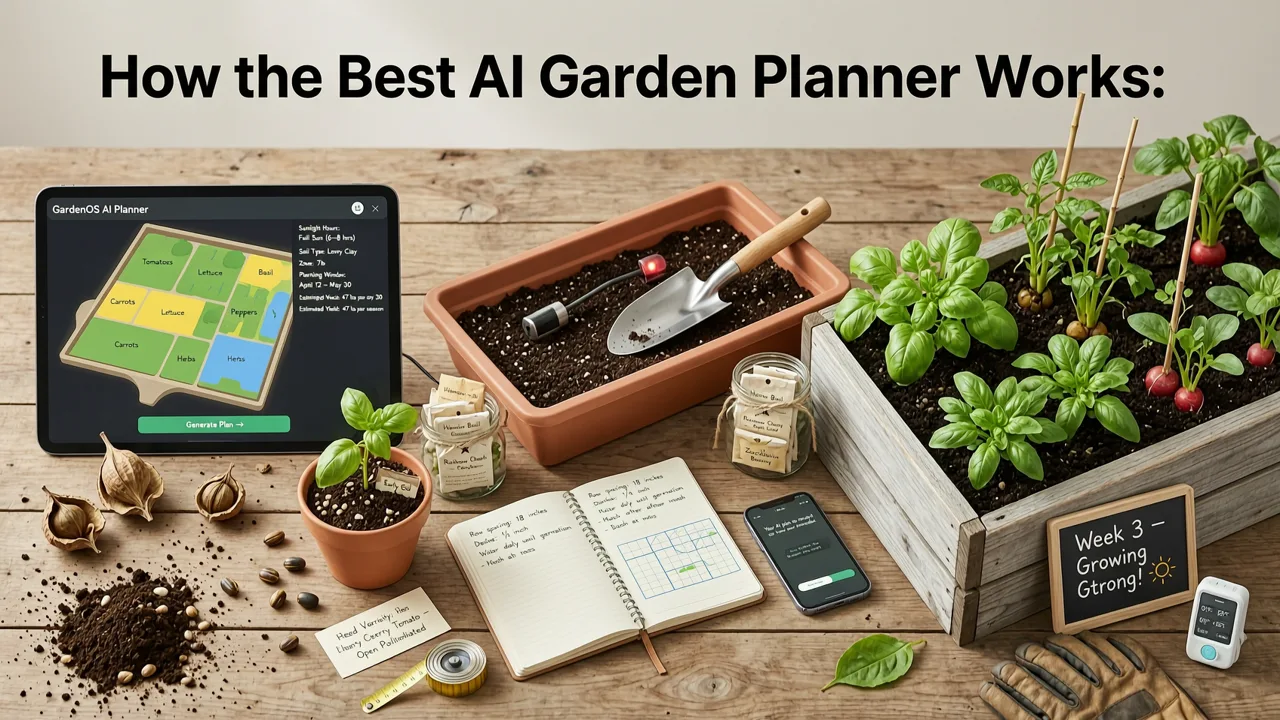
The workflow should be fast, intuitive, and require zero design experience. Here's the process we've refined at AI-Design Gardens:
Step 1: Upload Your Real Photo
Take a clear photo of the area you want to redesign — backyard, front yard, patio, balcony, or side garden. Shoot from a standing position at eye level for the most accurate perspective. Avoid extreme wide-angle or fisheye lenses, which distort proportions. The AI uses your photo as the spatial foundation for every design it generates.
Step 2: Choose Your Style and Preferences
Select a design style and, where available, specify preferences like climate zone, sun exposure, maintenance level, and whether you want edible elements, privacy screening, or pollinator-friendly plants. This context helps the AI narrow its recommendations to plants and materials that will actually thrive in your conditions.
Step 3: Preview, Compare, and Refine
Within seconds, the AI produces multiple design concepts overlaid on your photo. Review them side by side. If something doesn't feel right, adjust your inputs and regenerate. The goal is to leave the planning phase with a clear direction — not more confusion.
Key Features to Compare Across AI Garden Planners
When evaluating options, use this comparison framework to separate tools that deliver real planning value from those that produce eye candy without substance.
| Feature | Why It Matters | What to Look For |
|---|---|---|
| Photo upload support | Ensures designs fit your actual space, not a generic lot | Accepts backyard, front yard, patio, and balcony photos |
| Multiple style options | Lets you compare design directions before committing | At least 8–10 distinct landscape styles |
| Realistic plant rendering | Shows accurate proportions and foliage for informed decisions | Photo-realistic output, not illustrated or cartoonish |
| Climate and zone awareness | Prevents recommending plants that won't survive your region | Option to specify hardiness zone or climate type |
| Speed of generation | Fast iteration encourages exploration of more ideas | Results in under 60 seconds per design |
| Export and share options | Lets you share concepts with landscapers, partners, or HOAs | Downloadable high-resolution images |
Use Cases: Where AI Garden Planners Deliver the Most Value
Front Yard Curb Appeal Makeovers
Your front yard is the first thing visitors, neighbors, and potential buyers see. If you're dealing with outdated foundation plantings, a barren lawn, or a driveway border that's seen better days, AI-driven front yard design lets you test bold ideas risk-free. Explore how different approaches — from structured formal hedges to relaxed native meadow edges — would look on your actual property by checking out our guide on front yard landscape ideas you can generate from a photo in 2026.
For deeper inspiration, our collection of 25 AI-generated front yard landscape ideas shows real examples of what's possible across multiple architectural styles and climate zones.
Patio and Outdoor Living Spaces
Patio redesigns involve hardscape decisions — paver patterns, seating layouts, fire pit placement, pergola positioning — that are expensive to reverse once built. An AI patio layout generator lets you visualize these elements before breaking ground. See how our free AI patio layout generator turns your existing patio photo into multiple furnished, planted concepts in seconds.
Small-Space and Balcony Gardens
Renters and urban homeowners face unique constraints: limited square footage, container-only planting, weight restrictions, and shared structural elements. AI design tools built for small spaces understand these limitations and generate container arrangements, vertical garden walls, and compact seating layouts that maximize every inch. Our AI balcony garden planner is purpose-built for these scenarios.
Backyard Transformations
Full backyard overhauls — think new lawn areas, garden beds, pathways, shade structures, and outdoor kitchens — represent the highest-stakes landscaping investment. AI visualization lets you test whether an open-plan entertaining space or a series of intimate garden rooms better suits your lifestyle, all before a single shovel hits the soil.
AI Garden Planners vs. Traditional Landscape Design
Traditional landscape design involves hiring a professional, scheduling site visits, waiting weeks for concept drawings, and paying significant fees — often $500 to $5,000 or more — before you see a single visual. That process has value for complex commercial projects, but for most homeowners, it's slow and expensive relative to the decision-support it provides.
AI garden planners compress that timeline dramatically. You get multiple concepts in minutes, at a fraction of the cost, with the ability to iterate endlessly. That doesn't replace a licensed landscape architect for projects requiring grading plans, irrigation engineering, or permitting — but it gives you a strong directional foundation before you engage one.
Responsible AI use in design follows principles outlined by organizations like Google's AI responsibility guidelines, which emphasize transparency, user control, and outputs that genuinely serve human decision-making rather than replace it.
Common Mistakes to Avoid When Using AI for Garden Design
Even the best AI garden planner produces better results when you feed it better inputs. Watch out for these pitfalls:
- Using blurry or poorly lit photos. The AI needs clear visual data to understand your space. Shoot on a bright day, avoid heavy shadows, and keep the camera steady.
- Ignoring your climate zone. A lush tropical design rendered beautifully by AI is useless if you live in a zone 5 winter. Always cross-reference AI suggestions with your local hardiness data.
- Treating AI output as a final planting plan. AI designs are concept-level visualizations. They show direction and style — not exact species lists, spacing calculations, or soil amendments. Use them as a starting point for detailed planning.
- Skipping the comparison step. Generating one design and committing to it defeats the purpose of AI. Always produce at least three to five variations to see the range of possibilities.
- Forgetting about maintenance reality. A stunning Japanese maple border looks incredible in an AI rendering but demands specific soil pH, moisture, and shade conditions. Factor in your willingness and ability to maintain what you choose.
Why Photo-Based AI Design Is the 2026 Standard
The shift toward photo-based AI garden planning reflects a broader change in how homeowners approach improvement projects. In previous years, people collected inspiration photos from magazines and Pinterest boards, then tried to mentally map those ideas onto their own spaces. That translation gap — between inspiration and implementation — is where expensive mistakes happen.
Photo-based AI eliminates that gap. When you see a Mediterranean garden rendered directly on your own patio photo, with your actual wall color, fence line, and window placement, the decision becomes concrete. You know whether the style works in your space before investing in materials, plants, or labor.
This is especially valuable for renters who want to make temporary improvements, homeowners preparing to sell who need maximum curb appeal per dollar, and gardeners who want to experiment with new planting schemes season after season without permanent commitment.
What's Next for AI Garden Planning
The AI garden design space is evolving rapidly. Expect continued improvements in plant species accuracy, seasonal visualization — seeing how your garden looks in spring versus autumn — and integration with local nursery inventory so you can source the exact plants shown in your design. As image generation models become more sophisticated, the gap between AI concept renderings and built reality will continue to narrow.
For homeowners ready to stop guessing and start visualizing, the tools available today are already powerful enough to transform how you approach any outdoor project — from a small balcony refresh to a full backyard redesign.
Start Planning Your Garden with AI Today
The best AI garden planner is the one that works from your real space, gives you multiple options to compare, and produces realistic visualizations you can trust. At AI-Design Gardens, we've built our tool around exactly those principles — and thousands of homeowners have already used it to plan front yards, patios, balconies, and backyards with confidence.
Upload a photo of your outdoor space, choose a style, and see your landscape transformation in seconds. No design degree required. No costly mistakes. Just clear, realistic concepts that help you move forward with certainty.


