

Zen Garden Design Tool: Turn Your Yard Photo Into a Calm, Cohesive Layout
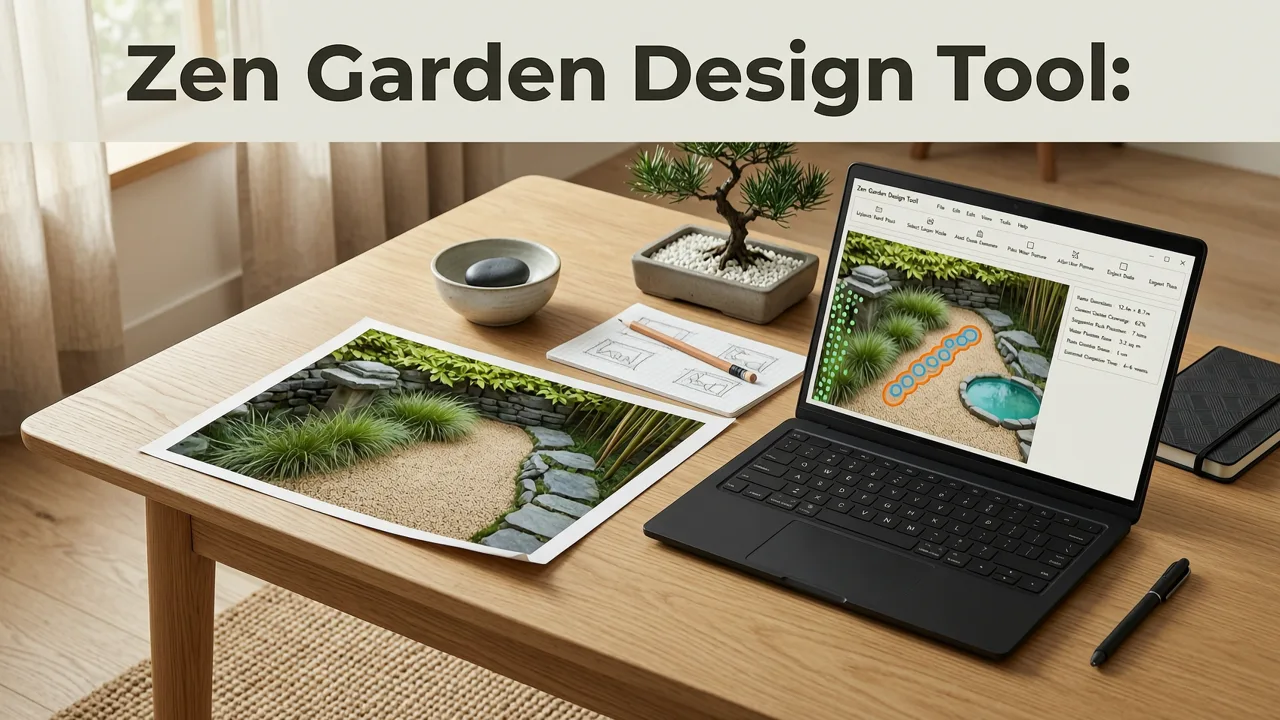
If you have ever tried to sketch a Japanese-inspired garden on paper only to end up with something that looks more like a rockery gone wrong, you are not alone. A zen garden design tool that accepts your own photo and returns a realistic, proportionally accurate layout removes the guesswork — and in 2026, AI makes that process nearly instant.
The short answer: upload a photo of your yard, patio, or balcony, select a Zen or Japanese style preset, and the AI returns a visual layout showing raked gravel patterns, moss beds, stone groupings, and minimal planting — all scaled to your actual space. Below is a complete guide to using that workflow, choosing the right elements, and avoiding the most common design mistakes homeowners make when building a zen garden at home.
What Is a Zen Garden Design Tool and Why It Matters in 2026
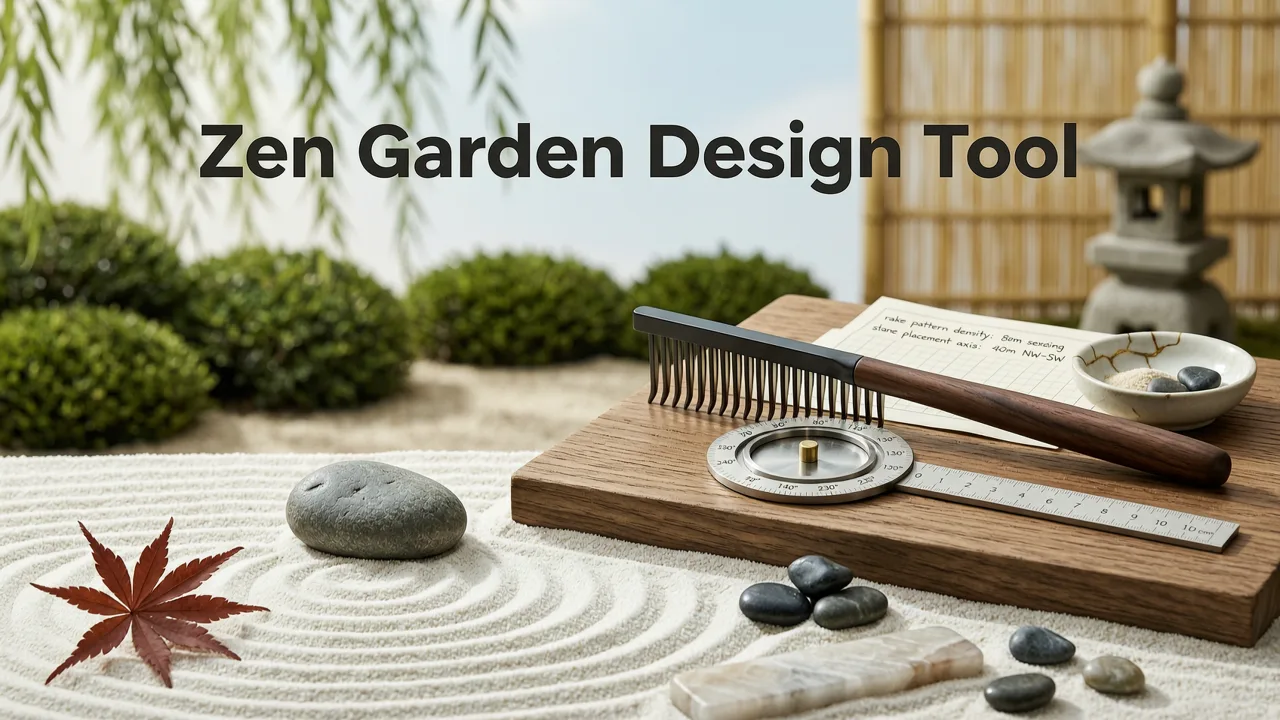
A zen garden design tool is a software application — often web-based — that uses artificial intelligence to convert a photograph of your outdoor space into a stylized landscape concept. Unlike generic inspiration boards or mood tiles, a purpose-built tool respects the geometry of your existing space: walls, fences, sight lines, and available square footage.
Zen Principles of Japanese Garden Design | 7 Design Tips
by Shizen Style
In 2026, the difference between a useful tool and a gimmick comes down to three things:
- Photorealism — the output should look like a plausible photograph, not a cartoon or collage.
- Proportional accuracy — stones, gravel beds, and plant masses must scale correctly to your real dimensions.
- Style fidelity — a true Zen or Japanese Dry Landscape preset should follow principles of asymmetry, odd-number groupings, and negative space.
When these three criteria are met, you can compare multiple directions before committing to a single contractor, plant order, or hardscape installation. That comparison step alone saves most homeowners hundreds — sometimes thousands — of dollars in redesign fees and misplaced plantings.
Core Principles Behind a Great Zen Garden Layout

Before you open any tool, it helps to understand what the AI is trying to replicate. A traditional karesansui (dry landscape garden) is not simply "a garden with rocks." It follows specific compositional rules that, when respected, produce the calm, meditative quality people associate with Japanese temple gardens.
Asymmetry and Odd-Number Groupings
Stones are almost always placed in groups of three, five, or seven. Symmetrical arrangements feel static and artificial in this style. The AI generator respects these rules by default when you select the Zen preset, but knowing the principle lets you fine-tune the output.
Raked Gravel as Water
The raked gravel or sand surface represents water — or, more precisely, the movement of water. Straight parallel lines suggest a calm lake; concentric circles around a stone suggest ripples. The tool lets you preview both patterns so you can decide which mood suits your space.
Ma — the Art of Negative Space
Empty space is not wasted space in a zen garden. It is the breathing room that gives every placed element meaning. A common mistake is over-planting. If your AI-generated layout feels sparse, trust it. You can always add a single specimen plant later; you cannot easily remove the visual noise of too many species.
Hidden and Revealed Views
Traditional zen gardens are designed to be viewed from a single seated position, often a veranda or engawa. Your layout should account for the primary viewing angle — and the tool lets you upload photos taken from exactly that vantage point.
How the AI Zen Garden Design Tool Works: A 3-Step Process
Here is the exact workflow, tested and refined through 2026 model updates.
Step 1: Upload Your Real Photo
Take a photo of the area you want to redesign. Shoot straight-on from eye level, ideally in even daylight. Avoid heavy shadows, extreme wide-angle distortion, or images where the main surfaces are obscured by furniture or vehicles. The cleaner the input, the more accurate the output.
If you are redesigning a front yard rather than a backyard, the same process applies — and you can explore complementary ideas in our guide on front yard landscape ideas you can generate from a photo.
Step 2: Choose the Zen or Japanese Style Preset
Select the Zen preset from the style library. You can also blend Zen with other aesthetics — for example, a "Zen Minimalist" or "Japanese Contemporary" hybrid — depending on how strictly traditional you want the result to be.
Step 3: Preview, Compare, and Refine
The tool generates multiple layout variations in under two minutes. Review them side by side. Pay attention to stone placement, gravel coverage ratio, and whether the planting palette feels restrained enough. Save your favorites, then iterate by adjusting individual elements.
For a broader backyard redesign that may include zones beyond the zen garden — dining areas, vegetable beds, or play space — see the full walkthrough on how to design a backyard from photo using AI.
Choosing the Right Elements for Your Zen Garden
Not every element belongs in every zen garden. The table below summarizes the most common components, their symbolic role, and how the AI tool handles each one.
| Element | Symbolic Role | AI Tool Behavior |
|---|---|---|
| Grouped Stones (3, 5, 7) | Mountains, islands, or ancestral presence | Auto-places in asymmetrical triads scaled to your photo |
| Raked Gravel or Sand | Water, impermanence, movement | Offers parallel, concentric, or wave patterns per zone |
| Moss Patches | Age, stillness, forest floor | Places in shaded corners and stone bases |
| Pruned Specimen Trees | Focal points, vertical balance | Suggests niwaki or cloud-pruned forms at correct scale |
| Bamboo Fencing or Screens | Boundary, privacy, texture contrast | Overlays along existing fence lines or walls |
| Stone Lantern (Tōrō) | Light, spiritual marker | Optional add-on at path intersections or viewing points |
| Water Basin (Tsukubai) | Purification, humility | Places near entry transitions when space allows |
Common Mistakes the Tool Helps You Avoid
Even experienced gardeners make predictable errors when designing a zen garden for the first time. The AI preview catches most of them before you spend a single dollar.
Overcrowding the Gravel Field
Placing too many stones destroys the meditative quality. The tool enforces a maximum density threshold based on your square footage, keeping the gravel-to-stone ratio in the range that reads as "garden" rather than "quarry."
Ignoring the Viewing Angle
A zen garden viewed from above — say, from a second-story window — reads very differently than one viewed from a seated position at ground level. Because you upload a photo from your actual vantage point, the AI composes the layout for that specific sight line.
Choosing the Wrong Gravel Color
Gravel color dramatically affects mood. Pale granite reads as crisp and modern; darker basalt feels older and more grounded. The tool lets you toggle between several gravel tones so you can compare before ordering material.
Planting Species That Break the Palette
Bright flowers and variegated foliage clash with the restrained zen aesthetic. The AI suggests a limited palette — typically mosses, ferns, Japanese maples, and select conifers — that reinforces calm rather than competing with it.
Zen Garden Design for Small Spaces: Balconies, Patios, and Courtyards
One of the most requested use cases in 2026 is the micro zen garden — a courtyard, balcony, or narrow patio that cannot accommodate a full karesansui layout. The tool scales down gracefully. It will suggest a single stone grouping, a small gravel tray or bounded sand area, and one specimen plant such as a cloud-pruned juniper or dwarf maple.
If you are working with a patio specifically, the free AI patio layout generator offers an alternative entry point that blends zen elements with functional outdoor living zones.
Blending Zen With Other Styles
Pure traditionalism is not the only option. Many homeowners in 2026 prefer a hybrid approach — a zen-inspired core surrounded by more functional or ornamental zones. The AI tool supports style blending, letting you keep the dry garden as a focal courtyard while the perimeter transitions into a front yard landscape with pollinator plantings, low water-use ground covers, or a modern gravel pathway.
Popular hybrid presets include:
- Zen + Mediterranean — dry gravel with lavender borders and olive specimens.
- Zen + Desert Xeriscape — raked sand with agave, yucca, and boulder accents.
- Zen + Cottage — a central dry garden framed by soft perennial edges.
Privacy, Data, and Responsible AI Use
When you upload a photo of your property, you are sharing real spatial data. Responsible AI platforms in 2026 follow clear guidelines around data handling, on-device processing where possible, and transparent retention policies. For broader context on how leading AI systems approach user data and safety, refer to Google's AI responsibility principles and OpenAI's documentation on data usage.
The AI Garden web app processes your photo to generate layout concepts and does not use your images to train unrelated models. Your designs remain yours.
Pricing and Access in 2026
As of mid-2026, the zen garden design tool on AI Garden is available as a free tier with watermarked previews and a paid tier that unlocks high-resolution exports, unlimited variations, and the ability to save multiple projects. There is no design degree required, no software installation, and no commitment to a landscaping contractor based on the output.
The value proposition is simple: spend two minutes previewing a layout digitally instead of two weekends and several hundred dollars discovering through trial and error that the stone placement feels wrong.
Who Benefits Most From This Tool
- Homeowners planning a full yard redesign who want to align on a direction before soliciting contractor bids.
- Renters with balcony or patio access who want a low-commitment way to visualize a small zen retreat.
- Gardeners who have already purchased plants but need help arranging them in a cohesive layout.
- Landscapers and designers who use the tool as a rapid client-presentation aid.
Frequently Asked Questions
Can I use the zen garden design tool for a front yard?
Yes. The tool works for any outdoor space captured in a photograph — front yards, backyards, side passages, patios, and balconies. Front yard applications are especially popular for creating a calm curb-appeal statement with minimal maintenance.
Do I need to know Japanese garden principles to use it?
No. The Zen style preset applies traditional principles automatically — asymmetry, odd-number groupings, restrained planting. You can refine the output afterward, but the defaults already follow established conventions.
How accurate are the AI-generated layouts?
Accuracy depends on photo quality and angle. A straight-on, well-lit photo taken from your primary viewing position yields the most proportionally correct results. The tool is designed for conceptual visualization, not construction-grade blueprints, so treat the output as a strong starting direction rather than a final plan.
Can I export the design and share it with a landscaper?
Yes. Paid accounts can export high-resolution images suitable for sharing with contractors, nurseries, or design collaborators. Many users send the AI preview alongside a brief written note to communicate their preferred direction clearly.
Is the tool free to try?
Yes. The free tier lets you upload a photo, select the Zen preset, and preview multiple layout variations. High-resolution, unwatermarked exports and project saving are available on the paid plan.
Start Designing Your Zen Garden Today
A zen garden is, above all, an exercise in restraint — and the best way to practice restraint is to see the full layout before you move a single stone. The AI-powered zen garden design tool gives you that advantage in minutes, not months. Upload your photo, choose the Zen preset, and discover how much calm your space can hold.


